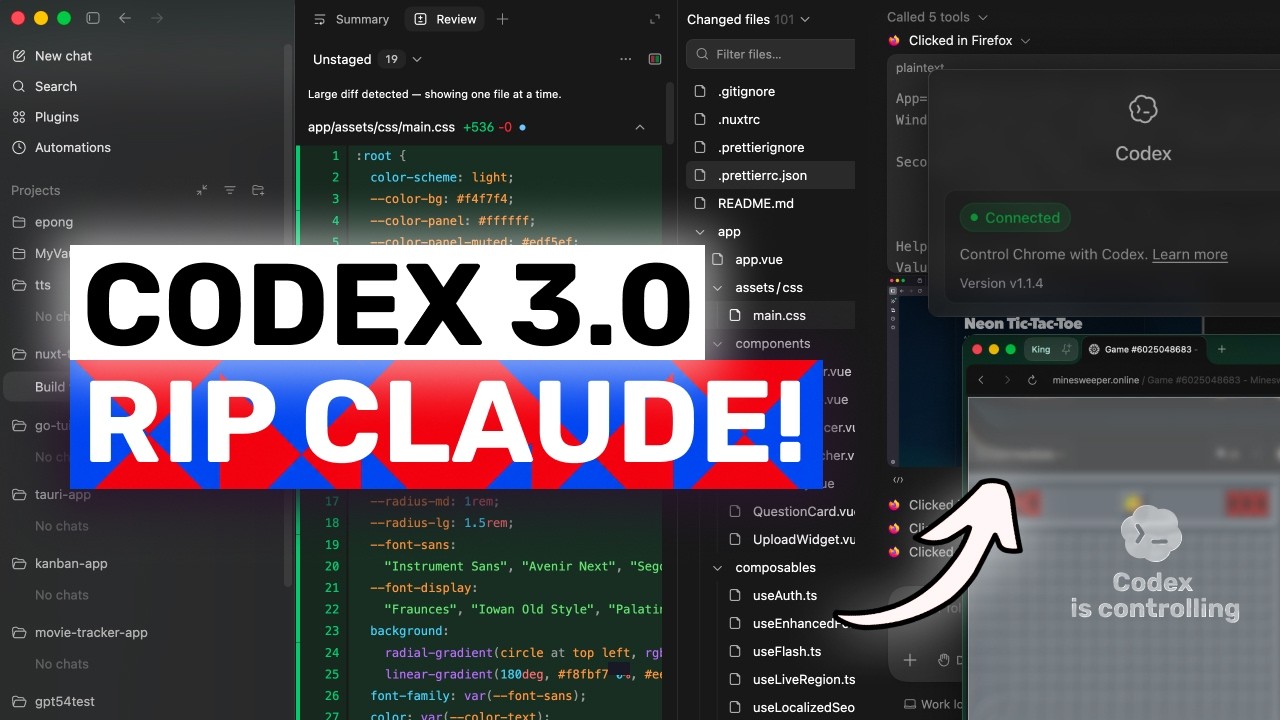
In this video, I'll be telling you about the latest Codex updates, including the new Codex for Chrome extension and the improvements in versions 0.128 and 0.129 that make Codex more powerful for real browser workflows and long-running agent tasks.
--
Key Takeaways:
🚀 Codex for Chrome lets Codex work inside your real signed-in browser session, which is a major workflow upgrade.
🌐 The Chrome extension is especially useful for tools like Gmail, Salesforce, LinkedIn, and internal company dashboards.
🔒 Codex adds permission controls, allowlists, blocklists, and host-based approvals to help keep browser use safer.
🧩 The extension is tied into plugins, making Chrome tasks easier to launch and manage from Codex.
⌨️ Version 0.129 adds Vim-style editing, better resume/fork workflows, improved status line features, and stronger terminal controls.
🔧 Plugin management, hooks, and goals all got major upgrades, making Codex more team-friendly and programmable.
🛠️ Version 0.128 added persisted goal workflows, the codex update command, better keymaps, and more permission profile controls.
👍 Overall, Codex is becoming a more complete agent workspace that connects your repo, terminal, browser, plugins, and approvals.
Оглавление (3 сегментов)
Segment 1 (00:00 - 05:00)
Hi, welcome to another video. So, OpenAI has shipped another batch of codeex updates and this time the headline is not really a model update. It is codecs for Chrome and I think this one is actually important because it changes what Codeex can do outside a codebase. In the last Codex updates video, I talked about how Codex was becoming more than just a terminal coding agent. We had the desktop app, the inapp browser, computer use, automations, plugins, better permission controls, and then the newer CLI releases up to version 0. 125. So, this video is about what came after that. We have versions 0. 128 and 0. 129. But the main thing I want to talk about first is the new Chrome extension because this is probably one of the biggest workflow updates Codex has received recently. Basically, Codex can now use Chrome through an extension. That means it can work with real websites in your actual browser session, including websites where you're already signed in. This is different from the inapp browser. The inapp browser is still what you should use for local dev servers, public pages, and filebacked previews. If Codeex is checking your React app on local host, testing a page it just built, or verifying a visual bug, the inapp browser makes more sense because everything stays inside Codex. But Chrome is useful when the task needs your real browser state. For example, if Codex needs to work inside Salesforce, LinkedIn, Gmail, some internal company tool or any website where logging in again inside a separate browser would be annoying or impossible, then Chrome makes a lot more sense. And the cool part is that Codeex can run this work in parallel across Chrome tabs in the background. So, in theory, it can open a website, read information, click around, fill forms, compare pages, or perform browser tasks without completely hijacking your normal browser session. That is the key idea here. This is not just Codeex can look at a web page. We already had some of that with browser use and the inapp browser. This is more like giving Codec access to the messy real world web that developers and operators actually use everyday. And I think that matters a lot because not every dev task is just inside VS Code or a terminal. Sometimes you are debugging a customer issue inside an admin dashboard. Sometimes you need to reproduce a bug that only happens when you're logged into a staging environment. Sometimes you need to update something in a SAS tool after changing code. Sometimes the work is half code and half browser. Until now, AI coding agents were not great at that boundary. They could write the code, but when the task moved into a browser session with authentication, cookies, dashboards, menus, or internal tools, you usually had to take over. Codeex for Chrome is OpenAI trying to close that gap. The setup is also tied into plugins, which is interesting. You go into codeex, open plugins, add the Chrome plugin, follow the setup flow, install or connect the Chrome extension, approve Chrome's permission prompt, and then confirm the extension says it is connected. After that, Codex can suggest Chrome when a task needs a signed website. You can also call it directly with something like at Chrome, open Salesforce and update this account from these notes. When Chrome is not open, codecs can open it and browser tasks run in Chrome tab groups. So the work for one Codeex thread stays grouped together. That is a good detail because otherwise this kind of thing can very quickly become chaos. If an agent opens 10 random tabs across your existing browser window, nobody is having a good time. Now the important part is permissions. By default, Codeex asks before it interacts with a new website. The permission prompt is based on the website host. So you can allow a website only for the current chat. always allow that host or decline it. There is also an allow list and a block list in the computer use settings. So if there are websites you trust for repeated codecs work, you can allow them. If there are websites you never want codecs touching, you can block them. This is the part where I think OpenAI is doing the right thing conceptually because browser agents are powerful but also very risky. Chrome extension permissions look scary because they kind of have to. The extension may need access to page debugging, websites, browser history, notifications, downloads, bookmarks, native app communication, and tab groups. That sounds intense, but that is also what makes browser automation possible. So, the real question is whether codeex adds its own safety layer on top of that, and it does. It still uses confirmations, website approvals, settings, allow lists, and block lists before using websites or browser history in a task. Browser history is especially sensitive. Codeex can ask to use it, but history access is scoped to the task and there is no always allow option for history. I like that because browser history can accidentally include internal URLs, searches, private workflows, and a lot of context you probably do not want floating around casually. OpenAI also says it does not store a separate complete recording of everything you do in Chrome through the extension. The browsing activity only gets stored when it becomes part of the codec's context like text it reads from a page, screenshots, tool calls, summaries, messages, or other thread content. That is still something you need to think about though. If you point CEX at private dashboards, customer
Segment 2 (05:00 - 10:00)
records, company tools, or personal accounts, you should be present and review what it is doing. This is not the kind of feature where you just say go do random browser stuff and walk away. But if used carefully, I think this is genuinely useful. Imagine asking codeex to reproduce a bug in your actual staging dashboard. Inspect the front-end behavior, jump back to the codebase, make the fix, run the app locally, then verify it in the browser again. That is the loop every coding agent wants to complete. Or imagine giving codeex meeting notes and asking it to update the relevant issue, CRM entry or internal admin page while it asks before entering each new website. That starts to move Codeex from coding assistant into work assistant for developer workflows. And this is where codec is becoming interesting again because if you only compare model quality then sure you can debate codeex versus claude code versus glm versus kimmy all day but workflow features like this are different. If codeex is the tool that can work in your repo, use your terminal, test your local app, operate your browser, use your signed chrome session, manage plugins, run automations and handle approvals, then the value is not just the model. It is the whole operating environment around the model. That is where OpenAI seems to be going. Now, apart from Chrome, version 0. 129 also added some nice CLI improvements. So, the terminal UI now supports Vim style editing in the composer. So, if you are a Vim person, you can use /vim, configure the default mode, and use Vim specific key maps. This is one of those things that probably sounds tiny to normal people, but for terminalheavy users, it matters a lot. If your hands already live in Vim style navigation, having the codeex composer respect, that makes the whole thing feel less foreign. Resume and fork workflows also got better. There is a redesigned picker, raw scrollback mode, IDE context injection and workspace aware diffs in normal language. Codeex is trying to make it easier to return to older work, copy from previous sessions, inject context from your IDE and see what actually changed in the right workspace. The status line also got upgrades. It can show theme colors, optional pull request summaries, branch change summaries, and there is a keymap debug command for inspecting terminal key events. Again, not flashy, but this is the kind of terminal polish that makes a tool feel more serious. Plug-in management also keeps improving. In 0. 129, plugins got workspace sharing, share access controls, source filtering, local share path tracking, marketplace upgrades, remote bundle sync, and admin disabled states. That is a very dry sentence, but the simple version is this. Codeex plugins are becoming more teamfriendly. It is no longer just I install the thing locally and maybe it works. It is moving toward plugins that can be shared, managed, filtered, updated, and controlled across workspaces. And I think that is a big deal for teams because skills, MCP servers, and plugins only become really useful when you can standardize them. If every developer has a different random setup, it becomes messy. But if a team can say these are the approved codeex plugins for this workspace, then codeex becomes easier to adopt in real projects. Hooks also got better in 0. 129. You can browse and toggle hooks from/hooks. Hooks can run before and after compaction and they can add pre-tool use context. That means codecs can become more programmable around its own behavior. For example, teams could use hooks to inject project rules, run checks before tools, add context before dangerous operations, or keep workflows consistent. Hooks are one of those features that most casual users will ignore, but power users and teams will probably love. There are also experimental goals improvements. Goals are now more discoverable. They stay paused across resume unless you opt back in and they show clearer validation and duration output. I still think goals need to prove themselves in real usage. But the idea is interesting. Instead of every codeex task being one isolated prompt, you can define longer running intent and let codeex continue toward it more deliberately. Then version 0. 128 added persisted/goal workflows, which is basically the foundation for that. It added app server APIs, model tools, runtime continuation, and TUI controls to create pause, resume, and clear goals. So, version 0. 128 and 0. 129 together make it pretty clear that OpenAI is experimenting with codecs as more of a longunning agent system, not just a chat box that edits files. Version 0. 128 also added the codec update command, configurable terminal key maps, plan mode nudges, action required terminal titles, and live status line and title edits. Again, the theme is control. Codeex is becoming more configurable, more resumable, and easier to monitor while it is working. Permission profiles also expanded. There are more built-in defaults, sandbox profile selection, working directory controls, and active profile metadata for clients. This connects back to the Chrome update, too. OpenAI is clearly aware that as Codex gets more capable, permissions become more important. When an agent can edit files, run shell commands, use browsers, access logged in websites, invoke plugins, and continue tasks in the background. The permission model cannot be vague. You need to know what it is allowed to do, where do it, and when it has to ask. And to be honest, this is the boring part that will decide whether
Segment 3 (10:00 - 12:00)
tools like codeex can actually be used inside companies. Everyone likes cool demos, but the real adoption question is, can I trust this around production code and internal systems? The answer is still not automatic, but these updates are at least moving in the right direction. There were also a lot of fixes around resume interruption, terminal behavior, managed network behavior, Windows sandboxing, bedrock support, MCP cleanup, plug-in approvals, and Linux sandbox reliability. I am not going to read all of those because that would be painful for both of us. But the overall point is that the CLI is getting more reliable across platforms and setups. So if I had to summarize this whole update, I would say this. Codeex for Chrome is the flashy userfacing feature and versions 0. 128 and 0. 129 are the infrastructure underneath it. Chrome lets codecs operate in your real signed browser when the inapp browser is not enough. The CLI updates make codecs more controllable, more customizable, more teamfriendly, and better at longunning workflows. And I think this is the exact direction Codeex needed. OpenAI already has strong models. That is not the only challenge anymore. The challenge is building the environment where those models can actually do useful work without becoming annoying, unsafe, or impossible to manage. Codec for Chrome is a big step toward that environment. It makes codecs feel less trapped inside the code editor and more connected to the actual workflow around software development. repose, terminals, local apps, signedin websites, dashboards, plugins, approvals, automations, and browser verification are all starting to connect together. That is powerful, but it is also the kind of power you should use carefully. I would not give it access to every website and forget about it. I would start with low-risk workflows, use perhat approvals, block sensitive sites, and only always allow websites where the risk is very clear. So, overall, I think this is a pretty meaningful codeex update. Not because version 0. 129 has one giant magic feature in the terminal, but because codeex is becoming a more complete agent workspace and the Chrome extension is probably the most visible example of that. Overall, it's pretty cool. Anyway, let me know your thoughts in the comments. If you like this video, consider donating through the super thanks option or becoming a member by clicking the join button. Also, give this video a thumbs up and subscribe to my channel. I'll see you in the next one. Until then, bye.