Run OpenAI Codex Locally for FREE with Ollama
5:04

Run OpenAI Codex Locally for FREE with Ollama

Mervin Praison 15.05.2026 3 794 просмотров 77 лайков

Machine-readable: Markdown · JSON API · Site index

Поделиться Telegram VK Бот
Транскрипт Скачать .md
Анализ с AI
Описание видео
Run OpenAI Codex completely free and fully local with Ollama. Your code and data never leave your machine, and there's no Codex subscription to pay for. In this video I walk through setting up Ollama + Codex CLI and Codex Desktop step by step, including the context window settings that actually make it usable. https://docs.ollama.com/integrations/codex https://docs.ollama.com/integrations/codex-app ⏱ Timestamps 0:00 Run Codex free and local with Ollama 0:28 One-line setup overview 0:44 Why Ollama + which model to use (Gemma 3n E2B) 1:12 Install Ollama 1:28 Pull the Gemma 3n E2B model 1:44 Quick test in the terminal 2:06 Install Codex CLI 2:18 Launch Codex with Ollama as the backend 2:43 First task — reading a folder 2:50 Trying a refactor (and where small models hit a wall) 3:06 Switching to full Gemma 3 3:43 Refactor retry on the larger model 4:06 Use Ollama inside Codex Desktop app 4:26 Important: set the context window to 64,000 tokens 4:51 Final notes and trade-offs 🛠 Commands used Install Ollama: curl -fsSL https://ollama.com/install.sh | sh Pull the model: ollama run gemma4:e2b Install Codex CLI: npm install -g @openai/codex Launch Codex with Ollama: ollama launch codex Launch Codex Desktop with Ollama: ollama launch codex-app Inside Codex, switch model: /model gemma3:latest ⚙️ Honest trade-offs - Smaller models like Gemma 4 E2B are great for Q&A about your codebase, but they struggle with real refactors — they'll often hand you the code instead of editing the file. - Larger Gemma 3 handles edits more reliably but needs more RAM. - Increase the context window to 64,000 tokens in Ollama settings — Codex needs it. Default is too small. - Mac Studio 32GB handles this comfortably. Smaller machines will want the smaller model. #OpenAICodex #Ollama #LocalLLM #Gemma3 #AICoding #OpenSource #DeveloperTools This video demonstrates how to run OpenAI Codex locally for free using Ollama, ensuring your data remains private. We'll cover the step-by-step process to download and install Ollama, then set up and run models like gemma4:e2b through both the Codex app and CLI. Learn how to leverage this powerful local ai solution without any cost, discussing challenges in code conversion and recent refactoring for better application structure.
Оглавление (15 сегментов)

Run Codex free and local with Ollama

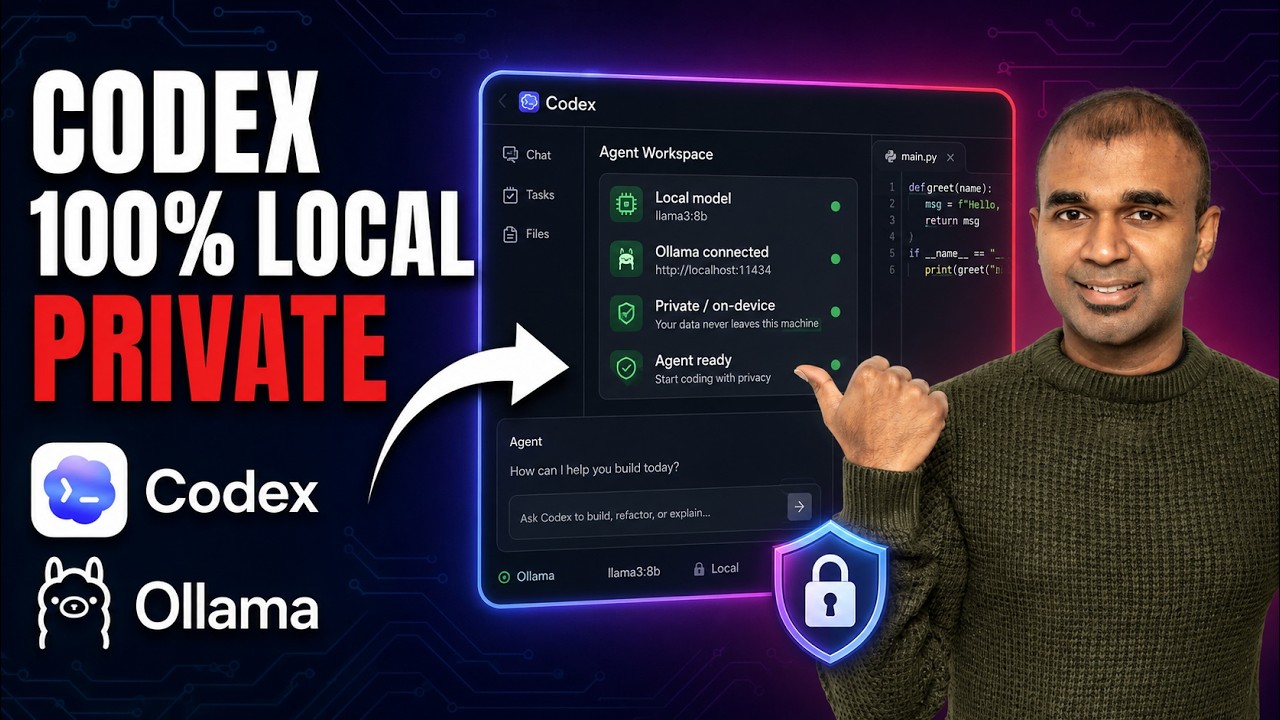
Run opening a codex completely for free with Ollama. Your data remains private on your computer and you don't need to pay for codex. You can use both in the app and codex CLI. And I'm going to take you through step by step how you can set up Ollama with codex and run it completely for free locally on your computer. I'll provide all the commands in the description below. That's exactly what we're going to see today. Let's get started.

One-line setup overview

— Just recently, Ollama is supporting codex app in the latest version. And to get started is very easy. Just run this one line of command. Using that you can visually edit a website like this, choose the element and edit. Review code inside codex. So as a first step, we

Why Ollama + which model to use (Gemma 3n E2B)

need to download Ollama. Ollama is a popular tool to run large language model locally on your computer. So it supports multiple models. In our case, we are going to use Gemma 4, one of the latest model from Google with 8 million downloads. And I'm going to use this edge version. To download it, you need to run Ollama run Gemma 4 E2B. But there are some requirements to run this.

Install Ollama

First, make sure you've downloaded Ollama by running this command. So I'm going to copy this command first. In your computer, open the terminal. It looks like this. And then paste the command which you just copied. And that is going to install Ollama automatically in your computer. Now Ollama got

Pull the Gemma 3n E2B model

installed. Next, I need to type Ollama run Gemma 4 E2B. That'll automatically download the Gemma 4 model and now it got downloaded. Now for testing purpose, I can just ask any question and it's

Quick test in the terminal

going to generate the response. And this is fast as well. I'm using Mac Studio 32 GB of memory and you can see the performance. For Mac OS, you can also download the Mac app directly from clicking this icon. Now, I'm going to exit the terminal by backslash exit to exit and clear to clear the screen. Next, I need to install codex CLI. To do

Install Codex CLI

that, I need to copy this command and paste it here. Now, codex CLI got installed. Next, I just need to type Ollama launch codex. So, copying that

Launch Codex with Ollama as the backend

and pasting that here. And that will ask me if I want to use any of these models. So, the cloud version means you need to pay Ollama, but for us, I want to run it locally and all the data need to be private. So, I'm using the locally downloaded Gemma 4 version and clicking enter. And you can see the model chosen is Gemma 4 and I've got it ready. Now, I'm going to ask a question. Tell me

First task — reading a folder

what this folder contains. I can even ask you to build any application. You can see it's processing the request.

Trying a refactor (and where small models hit a wall)

That is really nice. This is app. py file. I'm going to ask you to convert this to a class. Let's see if it's going to work. Convert app. py to a class. It came up with an error that it's not able to read the app. py file. I'm going to do

Switching to full Gemma 3

one more thing. Change the model to Gemma 4, the default version. So, if you go Gemma 4, you got multiple versions here. Gemma 4, the latest, that's the default version. I'm using a smaller version. Maybe that could be the reason it wasn't able to perform the task. So, I'm going to change it to Gemma 4. Just type backslash model and then Gemma 4 latest. So, that's the one which I downloaded earlier. So, I'm choosing that. Even if you want to download Ollama run Gemma 4 and that will automatically download the Gemma 4 version. That is the default version. So, let's see if that is going to work. I'm going to say convert app. py to a

Refactor retry on the larger model

class. Now, it says updated app. py. Let's open and see. It gave me the code and asking me to copy and paste that in the file because it failed editing it. So, for some basic models such as Gemma, you can do only basic stuff, not refactoring the code. So, it's worth trying larger version and that should generally work. One more thing I want

Use Ollama inside Codex Desktop app

you to try is Codex app, Ollama in Codex app. So, download the Codex app. After you download, same from your terminal, Ollama launch Codex app and then click enter. That will ask you to choose the model. I'm going to use Gemma 4. Restart Codex to use Ollama, yes. And here is Codex app and that is using Ollama. As

Important: set the context window to 64,000 tokens

simple as that. One more thing to notice that the recommended context window token is 64,000 tokens. So, this you need to configure in Ollama. So, go to Ollama settings. There you should have that context length option. So, here I'm choosing 64,000. So, you might need to configure this for this to work. Also, the larger your computer, you can run larger model. That'll make it to work.

Final notes and trade-offs

Do try and let me know in the comments below what you think about this. Considering you already like Ollama, I also created another video on how to set up OpenClaw locally using Ollama. I'll put the link in here and I highly recommend for you to watch and I'll see you there.

Другие видео автора — Mervin Praison

Ctrl+V

Экстракт Знаний в Telegram

Экстракты и дистилляты из лучших YouTube-каналов — сразу после публикации.

Подписаться

Дайджест Экстрактов

Лучшие методички за неделю — каждый понедельник