OpenClaw Hooks Crash Course - Gemma 4 Ollama 100% Local
9:07

OpenClaw Hooks Crash Course - Gemma 4 Ollama 100% Local

Mervin Praison 13.05.2026 441 просмотров 14 лайков

Machine-readable: Markdown · JSON API · Site index

Поделиться Telegram VK Бот
Транскрипт Скачать .md
Анализ с AI
Описание видео
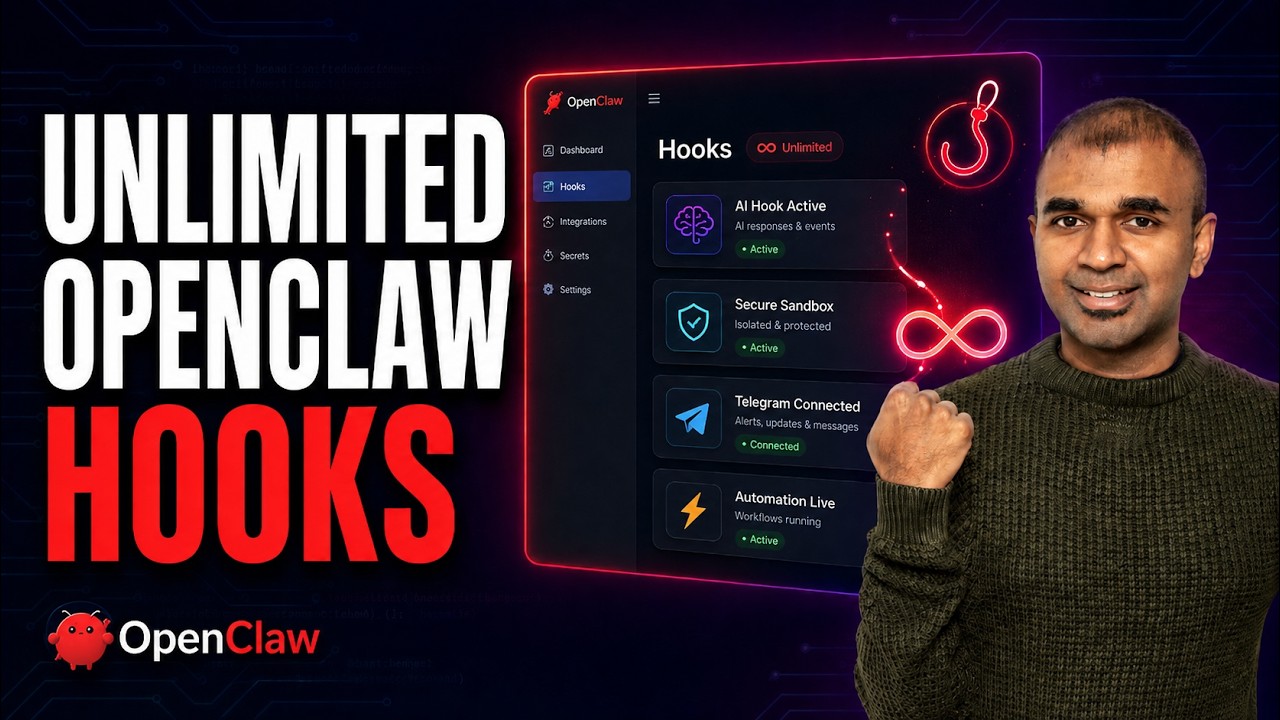
Create unlimited custom hooks in OpenClaw — running fully local with Ollama + Gemma 3n E2B In this video I show how to build a Telegram audit hook from scratch so OpenClaw sends a message to your Telegram every time someone runs /new, /reset, or /stop in the chat. Same pattern works for Slack, WhatsApp, webhooks, or any custom function you want to trigger. Everything runs locally on a Beelink Pro mini PC (AMD Ryzen 7 H255, 24GB RAM, 1TB SSD) with OpenClaw pre-installed and Gemma 3n E2B served via Ollama — small model, surprisingly strong performance for an edge device. https://www.bee-link.com/products/beelink-ser9-pro-amd-ryzen-7-h-255-openclaw?variant=48874933846258 https://openclaw-ai.com/en/docs/automation/hooks/ https://mer.vin/2026/05/openclaw-hooks-setup-guide/ What you'll learn What hooks are in OpenClaw and when to use them Setting up Ollama + Gemma 3n E2B on a local box SSH into a pre-installed OpenClaw device from your main machine Folder structure for a custom hook (handler.ts, package.json, hook.md) Wiring into command events (new, reset, stop) Other event types you can hook into: agent events, gateway events, message events Enabling the hook and restarting the gateway Testing the hook end-to-end with Telegram Honest notes This example uses Telegram because the integration is already there, but the handler.ts is where you can call literally anything — your own API, a webhook, a guardrail check, whatever. You can also use hooks defensively, e.g. block or audit reset/clear actions for security. Commands used ollama run gemma3n:e2b openclaw hooks list openclaw hooks enable telegram-audit openclaw gateway restart Folder structure ~/openclaw/hooks/telegram-audit/ ├── handler.ts ├── package.json └── hook.md Resources Beelink Pro (OpenClaw pre-installed): [link] OpenClaw install one-liner: [link] Full hook source code (handler.ts, package.json, hook.md): [link] OpenClaw docs — hooks & events: [link] Related videos OpenClaw + Telegram integration (full setup): [link] Creating custom skills for OpenClaw: [link] Open a remote OpenClaw machine in Cursor / Windsurf / VS Code: [link] Chapters 00:00 Intro — hook enabled, Telegram audit demo 00:47 Beelink Pro setup + finding the device IP 01:22 SSH into the OpenClaw machine 01:41 Install Ollama + Gemma 3n E2B 02:45 OpenClaw install + Ollama model provider 03:17 Open the web UI via token URL 03:39 What hooks are and when to use them 04:30 Creating the telegram-audit hook folder 05:19 hook.md, handler.ts, package.json walkthrough 06:30 Customising the trigger — Telegram, WhatsApp, webhooks 07:09 Enable the hook + restart the gateway 08:11 Live test: /new → Telegram notification 08:26 Other event types: agent, gateway, message 08:59 What to build next Like and subscribe if this was useful — more OpenClaw deep-dives coming. #OpenClaw #Ollama #Gemma3n #LocalAI #AIAgents #SelfHosted This video explores how to integrate OpenClaw with Telegram, demonstrating how to create automated notifications using custom hooks. We show how to set up a "telegram bot" to send messages whenever a new session is created within OpenClaw, enhancing "ai automation". Additionally, the tutorial covers running OpenClaw locally with the powerful "gemma 4 ollama" model, showcasing its performance even with a smaller size for efficient "local ai" operations.
Оглавление (14 сегментов)

Intro — hook enabled, Telegram audit demo

Open Claw with hooks is powerful. Hook enabled Telegram audits. I created a hook whenever a user try to create a new session, automatically that sends a message on my Telegram. Learn to create unlimited hooks from scratch. And what are these hooks? Also, I'm running this completely locally using Ollama. Running the latest Gemma 4 model from Google with greater performance even though the size is smaller. Also, I'm running that in one of the pre-installed Open Claw device. And I'm going to take you through step by step how you can create hooks and customize Open Claw actions based on your requirement. And there are many other options which you can try. That's exactly what we're going to see today. Let's get started. —

Beelink Pro setup + finding the device IP

— First, I'm using this Open Claw pre-installed device with this Beelink Pro AMD Ryzen. The same setup could work even on any other device, but this will give you a head start. I'll put the link in the description if you want to try it out. Once after the device is running, inside the device you can type ip addr and that will give you the IP address, which looks like this: 192. 168. 1. 106. So, that is the device which we need to log in. So, you can use the same username and password which you already set on your other device which is sitting locally at your home. So, from

SSH into the OpenClaw machine

my main computer, I'm going to log in to the other machine where Open Claw is installed. So, ssh praison 192. 168. 1. 106. And now I'm inside that computer. Next, to install Ollama, here also there's the one liner. Just copy this command and

Install Ollama + Gemma 3n E2B

then paste it here and then click enter. Entering my computer password and then installing Ollama. Next, need to install Gemma 4. So, you got different commands here. I'm going to install the small size version, that is Gemma 4 E2B. That's for edge device. So, you just need to run Ollama run Gemma 4 E2B on your computer to download this model. So, once after Ollama gets installed, you're going to run I'm going to clear the screen and then run this Ollama run Gemma 4 E2B. Note that I'm on my terminal. So, on your computer you can just type terminal and then you it'll open automatically. So, only in that terminal I'm just running all these commands. So, you can see automatically this Gemma 4 E2B got downloaded. Now, I can just say "Hi. " And it's going to think through the process and it's responding to me. "Hi, how can I help you today? " So, that means it's all working fine. And you can see how much fast is this machine. It's 24 GB RAM and 1 TB hard disk with AMD Ryzen 7 H255.

OpenClaw install + Ollama model provider

Next, you can find OpenFlow already installed, but even if you want to install on your any other machine or your customized machine, the setup is easy. You can find the installation one line. I just copy that and paste it here and then install it. In the model provider, I'm going to choose Ollama local only and Ollama base URL and choose the model. To set up Telegram, I'm going to search for Telegram and add your token there. And finally, restart the gateway. Now, I can open the web user interface. So, I'm going to click

Open the web UI via token URL

that. To open it on my local machine, I need to run this command and you can see everything clearly here. Dashboard ready. So, I just need to run this command and then open this token URL. So, you can copy that, open a new terminal, and run that command, and then click enter. Next, keep that terminal open. Do not close it. And then open this URL. There, you can see OpenFlow.

What hooks are and when to use them

Next, what are hooks and when to use the hooks? Mainly, we're going to focus on internal hooks. You generally perform various actions in this OpenFlow interface, such as you just type {slash} and then there are different commands there. So, for each command, we can set up a hook, which means it automatically runs a function. That function could be anything. You can trigger your own tool as well. So, in this example, what I'm going to do is like I'm going to run this {slash} new, which means it's automatically open a new chat window. So, whenever a new chat window is opened, I want a Slack message or Telegram message. This is just for an example, but you can think of other use cases. Such as, what if a user tried to reset the chat? What if they tried to clear it? Even for security reason, you can add all these guardrails in place.

Creating the telegram-audit hook folder

To first create a hook, first you need to log into the machine where the Open Claw is running. So, this is the machine where Open Claw is running. If you want, you can open this whole machine inside Cursor, WinSCP or VS Code. If you want information regarding that, let me know in the comments below. So, once after you open your remote machine in Cursor, there you can see there's a folder called {dot} Open Claw in your root folder. So, Open Claw, there you got the hooks folder. You just create a folder called hooks inside {dot} Open Claw. Then after that, you create another folder called Telegram audit. So, that's what I'm going to do. I'm going to audit whenever someone types {slash} new or {slash} reset. So, here's the Telegram audit. So, inside that I'm going to create three different files.

hook.md, handler.ts, package.json walkthrough

handler. ts, package. json and hook. md. Hook. md will automatically give you the general description on what it does. So, it sends every command to Telegram via Open Claw's existing bot. So, every command that sends like whenever there's a {slash} new command, {slash} reset, {slash} stop is used, automatically it sends a message to Telegram. So, the way it is done is by events. In Open Claw, they use something called events. So, these are the hooks or the functions which run whenever we type these commands in the chat box. So, when you type {slash} new, automatically this function will run. So, what we are going to do is like integrate within this new, reset, and stop to automatically call Telegram. That's when we have a file called handler. ts. I'll provide all the code in the description below. So, here is handler. It checks what event is there. If the event command is new, then use this new emoji. If the event command is reset, use this. If the event command is stop, use this. And it is going to use this message sent channel Telegram target to

Customising the trigger — Telegram, WhatsApp, webhooks

send a message. So, in this line, you can add whatever call you want. Even you can send a message to your WhatsApp. You can even trigger another API. webhook. So, that is the power of hook. You can customize or trigger any function whenever activity is happening in Open Flow. If you want the user to prevent clicking any button or icon, you can do that, too. Easiest way of customizing based on your requirement. And the final file is package. json, which just says it's a module. That's it. So, only three files, and you have successfully created a hook which gets automatically triggered

Enable the hook + restart the gateway

whenever we type {slash} new or any other commands like that. Now, we are going to test this. To do that, I'm going to go back to my terminal. I can just type Open Flow hooks list. You can see the pre-existing hooks there. boot. md hook, bootstrap. In our case, we created this Telegram audit hook. To enable this hook, I'm going to type Open Flow hooks enable Telegram audit. That's the name of the folder. After that, clicking enter. Now, you can see hook enable Telegram audit. Now, it's all ready. To make sure everything is working in place, I'm going to type open claw gateway restart. And that will automatically restart the gateway and get everything ready. One thing to note is that your handler. ts file the target Telegram ID is from the Telegram ID which you received when you try to integrate open claw with Telegram. I've already covered in detail how to integrate Telegram with open claw in another video which I'll put the link in the description below and also about Ollama in-depth installation step. So

Live test: /new → Telegram notification

now I'm in open claw. I'm going to just type /new and then click enter. Now you can see just now I received this new from web chat at the current time to my Telegram account. As simple as that. Now we saw about command new, command reset

Other event types: agent, gateway, message

command stop. That is command events. We got agent events a time before workspace bootstrap files are injected. Then we got the gateway events after channel start and hooks are loaded. Then we got message events for every single message or when a message is received or message is sent. So you can use any of these events in this area and then automatically run your own function. Do let me know in the comments below what you think about this. And now you can create unlimited hooks. Considering you already like open claw, I also create another video about creating custom

What to build next

skills for open claw. I'll put the link in here and I highly recommend for you to watch and I will see you there.

Другие видео автора — Mervin Praison

Ctrl+V

Экстракт Знаний в Telegram

Экстракты и дистилляты из лучших YouTube-каналов — сразу после публикации.

Подписаться

Дайджест Экстрактов

Лучшие методички за неделю — каждый понедельник