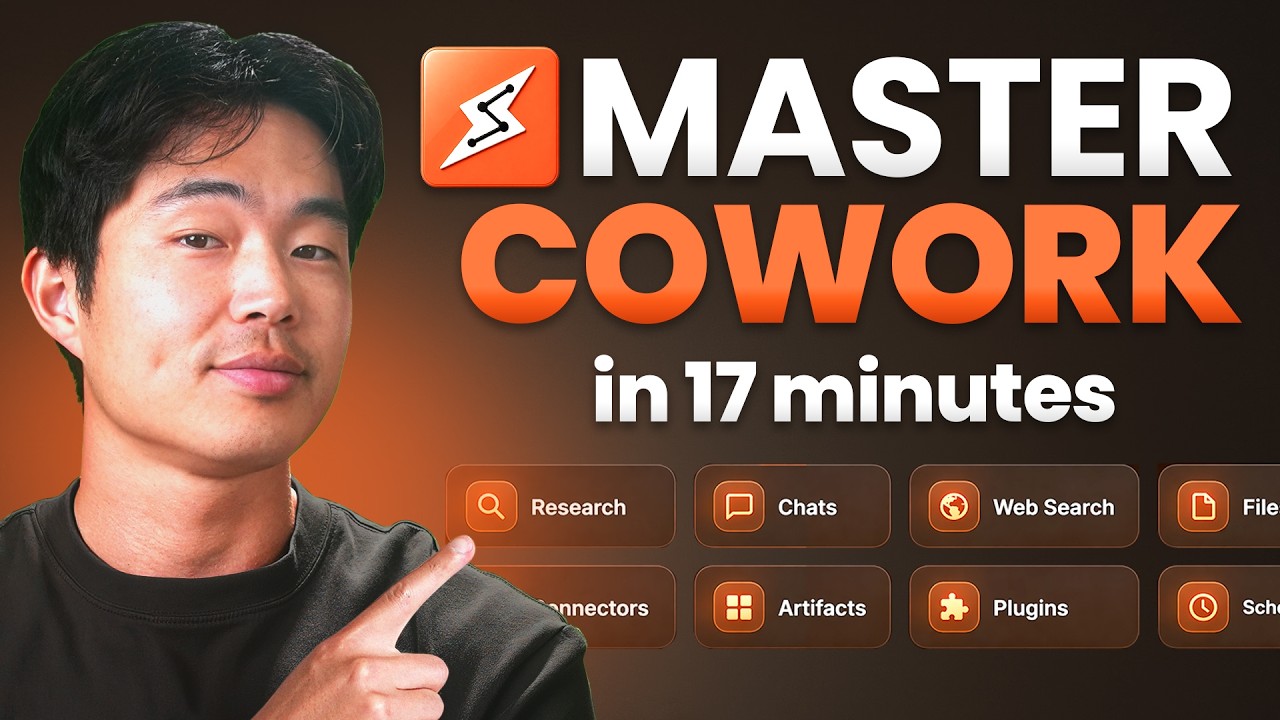
The Ultimate Claude Cowork Tutorial For Beginners 2026
Machine-readable: Markdown · JSON API · Site index
Описание видео
➡️ Join my free AI Community (templates, workflows, AI news, making money with AI, etc): https://www.skool.com/ai-os
➡️ Get Claude Cowork here: https://www.anthropic.com/
➡️ Get ChatGPT Plus, Claude Pro, Gemini & Grok for $20/month ($80 value): https://bit.ly/bluehost-all-access
Most people are seriously sleeping on Claude Cowork right now, and honestly this might be one of the most powerful AI tools I’ve seen for business owners, creators, or really anyone who just wants to get more done on their computer. It’s basically like having an AI assistant built directly into your desktop that can actually take action for you, not just chat back and forth.
So in this video, I’m going to walk you through exactly how to set up Claude Cowork step by step, from downloading the app to actually running tasks, scheduling automations, and building out your own custom skills. The goal here is to show you how to turn this into something you actually use every day, not just another tool you try once and forget about.
► Get access to my FREE side hustle courses:
https://www.sidehustlemastery.com
My favorite finance + business products:
💳 My favorite credit cards: https://yourbestcreditcards.com/card-finder/?ccid=2004
🏦 Favorite online savings accounts: https://bit.ly/top-hysa-2026
📈 Get a bonus with WeBull Investing: https://bit.ly/webull-bonus
🖥️ Best AI website builder (Less than $3/month using code CHARLIECHANG): https://hostinger.com/charliechang
🥇 Hire the top 1% of overseas talent: https://paired.so/charlie
► Join my FREE newsletter:
https://buildabetterbusiness.co/subscribe
Once you get this set up, you’ll start to realize how powerful this actually is for day to day work, especially if you’re doing anything online or running a business.
If you want to see more videos like this, check out my other videos:
Top 5 AI Tools Every Business Owner Should Be Using (2026 Edition):
https://www.youtube.com/watch?v=uF9wm7BquKQ
OpenClaw Tutorial: How to Set Up in 15 Minutes for Beginners:
https://www.youtube.com/watch?v=Q9wdf2zG_wo
I hope you guys found this video helpful, and if you did, please SHARE it with a friend or family member who you think could benefit and also LIKE and subscribe for more videos like this in the future!
Thank you for watching, and I hope you have a wonderful rest of your day!
– Charlie
#AI #ClaudeAI #ClaudeCowork
Timeline:
0:00 - Introduction
0:30 - What Is Claude Cowork
1:06 - Download and Set Up Claude Desktop
1:49 - Navigating the Interface (Chat, Cowork, Code)
2:09 - Starting Your First Task
3:00 - Creating Files with AI (Meal Plan Example)
5:00 - Settings and Connectors (Google Drive, Gmail, Calendar)
6:27 - Customize, Skills, and Plugins
7:25 - Organizing Files Automatically (Screenshots Example)
8:30 - Sending Emails with Cowork
9:23 - Scheduling Automated Tasks
11:20 - Using Projects for Ongoing Work
12:43 - Using Dispatch from Your Phone
13:36 - Creating and Using MD Skill Files
16:01 - Key Differences vs Chat Mode
16:16 - Conclusion
Disclaimer: Some of the links above may be affiliate links, which means that if you click on them, I may receive a small commission. The retailers and financial services companies pay the commission at no cost to you, and this helps to support our channel and keep our videos free. Thank you!
In addition, I am not a financial advisor. Charlie Chang does not provide tax, legal or accounting advice. The ideas presented in this video are for entertainment purposes only. Please do your own due diligence before making any financial decisions.
► My Instagram: https://www.instagram.com/charlie__chang/