YouTube & Netflix Preview Trick 🤯 | Sprite Sheets + VTT Explained | Ep-2
1:40

YouTube & Netflix Preview Trick 🤯 | Sprite Sheets + VTT Explained | Ep-2

take U forward 01.05.2026 340 362 просмотров 10 789 лайков

Machine-readable: Markdown · JSON API · Site index

Поделиться Telegram VK Бот
Транскрипт Скачать .md
Анализ с AI
Описание видео
When you hover over a video timeline on YouTube or Netflix, it instantly shows preview images - without any lag. So… does that mean the entire movie is pre-loaded? Obviously not. Welcome to Episode 2 of Learn Interesting Things with Striver. In this video, we break down how this actually works using: Sprite Sheets (thumbnail strips) Smart image extraction Assembly into grids Compression for faster loading And the VTT file that maps everything on the frontend It’s a simple idea, but a very clever optimization. If you’ve ever been curious about how platforms like YouTube and Netflix feel so smooth - this one’s for you. #striver #takeuforward #youtube #netflix #techtips #webdev #learnwithstriver
Оглавление (1 сегментов)

Segment 1 (00:00 - 01:00)

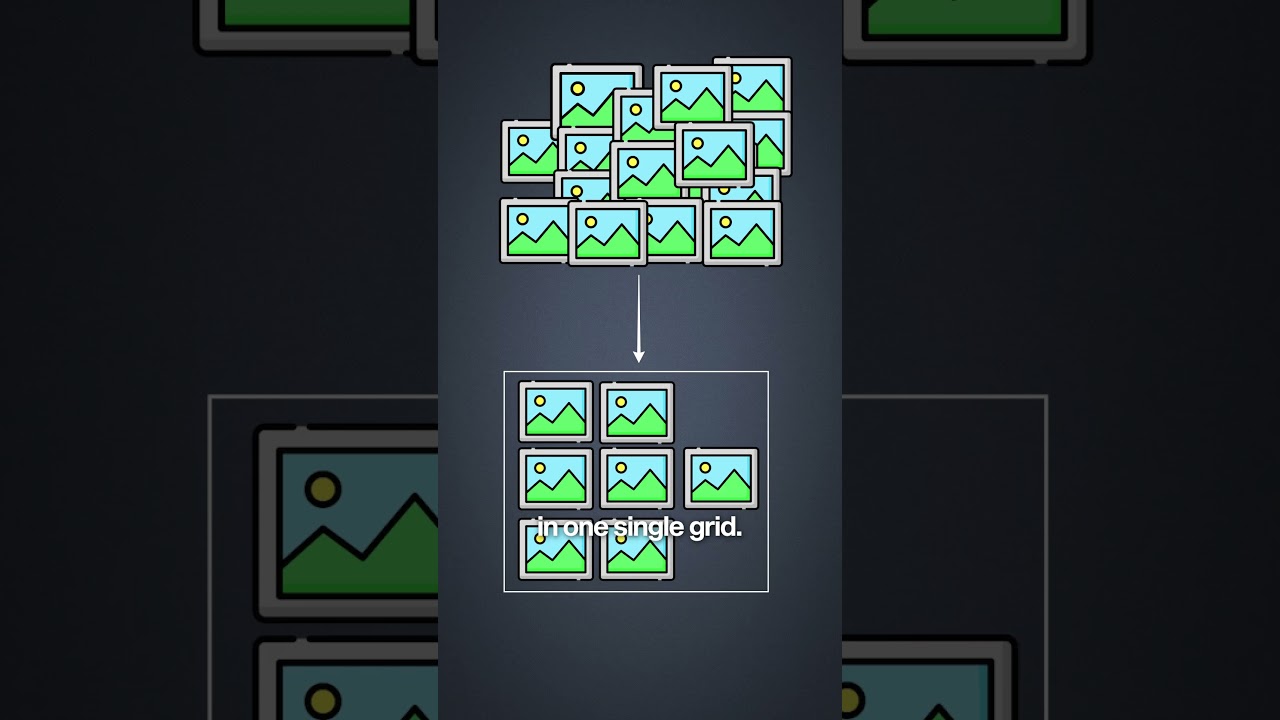
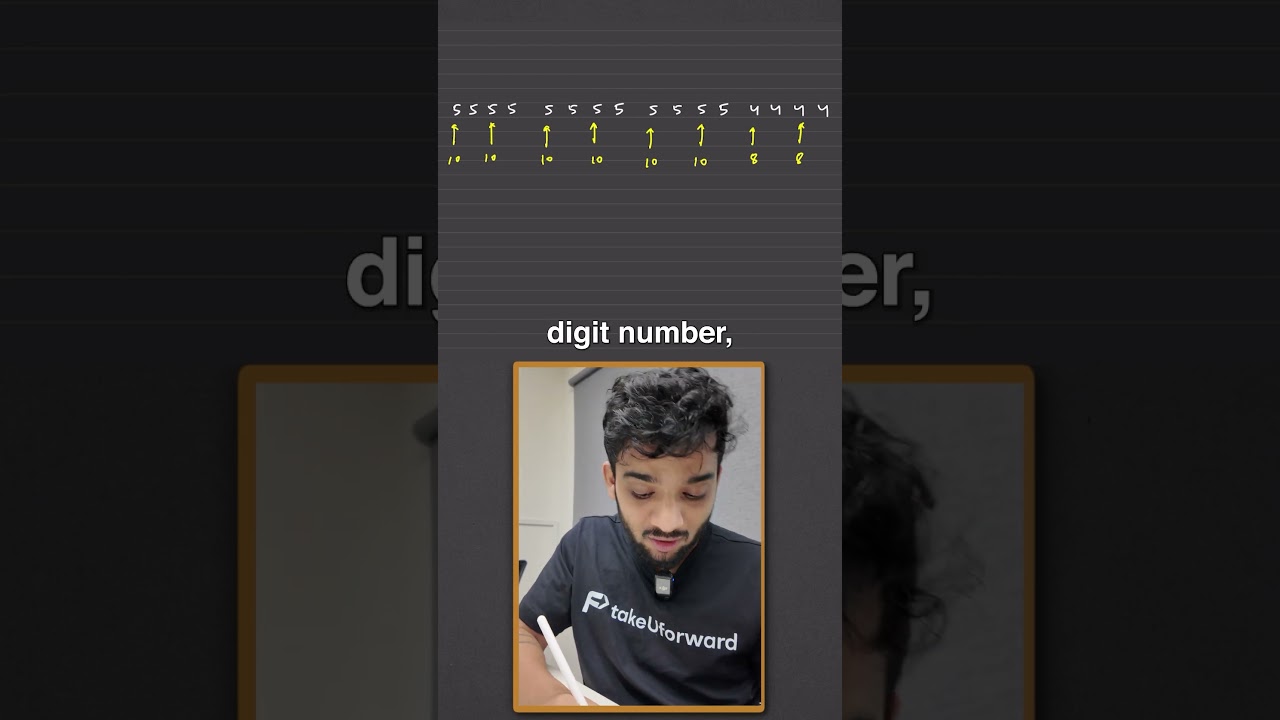
So when you check the timeline on Netflix or YouTube, it shows you multiple images without any lag. Does it mean that the entire movie is pre-loaded? Obviously not. So let's understand how it works. Welcome back to episode two of learning interesting things with stri. So whenever any movie is uploaded on the back end, a sprite sheet or a thumbnail strip is generated to optimize this process. It primarily has three steps. The first one extraction. The second one assembly. The third one compression. Extraction means it decides a time frame. Let's assume 3 seconds. That means I'll be picking up a single image for every 3 seconds. So for a 1 hour movie, it will mean 1,200 images. Sending 1200 images when it loads for the first time means it's going to be extremely laggy and it will cost you a lot as well. Second step, assembly. This is where multiple images are arranged in one single grid. So let's assume a single grid can hold 100 images. We have 1200 images. Thereby I'll have 12 sprite sheets. The last step compression. We Now each of them are compressed and after that the initial ones are send over when it loads and eventually according to requirement we keep sending the remaining ones. It also generates a small metadata VTT file which has information mapped to the sprite sheet. This includes the timestamp, the sprite URL and the coordinates. The time stamp is basically where you're hovering. The sprite URL will tell you which sprite sheet has the frame. Then the coordinates will tell you where in the sprite sheet this data is sent over to the front end that is used to render as you hover on the screen. That was it for this one and yeah I keep posting such things. So yeah, in case you're interested to follow me for such more

Другие видео автора — take U forward

Ctrl+V

Экстракт Знаний в Telegram

Экстракты и дистилляты из лучших YouTube-каналов — сразу после публикации.

Подписаться

Дайджест Экстрактов

Лучшие методички за неделю — каждый понедельник