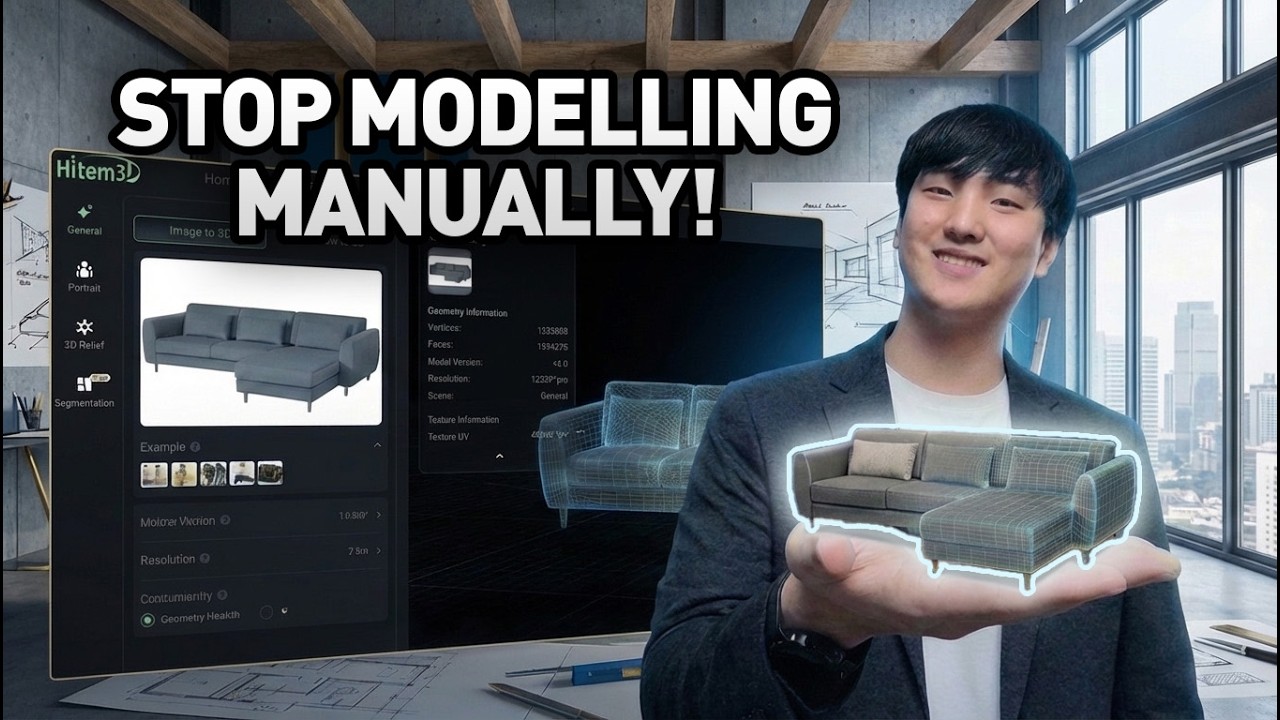
There are so many AI visualization tools out there, but none of them quite felt like it fit my workflow. So, I created my own! Our brand new Rhino plug-in allows you to access Nano Banana directly from Rhino user interface. I honestly think this will be a game-changer, and we are releasing it completely free of charge for our viewers. Take a look and see how it works!
Learn more about Archi Hacks plug-in: https://plugin.archihacks.com
Join discord server: https://discord.gg/5f2Gsp5H
#rhino #render #nanobanana
Thanks again for watching! Subscribe for free tools, tips and tricks to accelerate your design process! Work less design more with Archi Hacks.
Follow us on social media for latest updates!
Instagram: https://www.instagram.com/archi.hacks
Facebook: https://fb.me/architecture.hacks
Website: https://archihacks.com
Оглавление (3 сегментов)
Segment 1 (00:00 - 05:00)
And man, look at that. Like it's such a pleasant surprise to seeing the result every single time. This is better than what I had originally had in mind. Um, they even added like shallow depth of field. It's like a slight dust in the air that's like out of focus. Like this just looks pretty awesome, honestly. All right, so we all know that AI can be a really powerful tool. However, there's a lot of AI tools out there and none of them quite felt like they fit into my own workflow. So, that's why we ended up creating our own plugin. So, today I'm really excited to announce the launch of Architechs plugin for Rhino. I honestly feel like this is going to be a game changer for all the Rhino users out there. So, hope you guys are excited just as I am and let's dive right into it. — Okay, so getting started is super simple. All you have to do is head over to Rhino and open up package manager. To do that, I'll type in package manager into the command line. And this opens up a little window where you can search for the name. So, from here I'll search for Architechs with no space. And this brings up this item. I'm going to click this button to install the plugin onto my computer. And this should work for both Mac and PC as well as Rhino 7 and Rhino 8. As long as you have those two systems, it should work just fine. If you have any issues with installations or using operating the plugin, let me know down in the comments or join our Discord server to get quick assistance. Once everything has been installed, you should be able to run the command Nano Banana. So, for example, Nano Banana and then that should open up a little window like this. Now, for me, I like to dock it onto the side like that. Now, one thing you might have to do in the beginning is log in. So, click this blue button over here and that'll open up a new window where you can sign in to your account. So, for me, I'm just going to use my Google account and that should get me signed in. Within a moment, it'll tell you that you have been signed in and you can close this window. So, let's close that and now we have been signed in. Now, you're basically ready to get started. I'm going to open up an example project and show you how it works. Okay, here's an example project that I've shown featured on this channel before. So, it's basically an urban scene with a very simple massing of our project. Now, what I want to do is I want to create a quick diagram out of this one. So, I'm going to go ahead and go over to prompt and type in the type of image I want to generate. And there are a bunch of templates that you can start with and so that if you have a bit of a writer's block, you can always use these as a starting point. For example, when I choose the concept sketch template, this populates the input field with the following prompt. And you can easily fill in some blanks so that you can get started. So, let's say high-rise mixed-use building. Something like that. And once the instruction has been written, all you have to do is click run and this plugin will take care of the rest. It'll take a screenshot of your current viewport and send it over to Nano Banana along with a prompt. And Nano Banana will do its magic and bring back the image to you. And just like that, we have the image. Let's take a quick look by clicking on it. That brings up a advanced preview that allows you to make additional modifications and generations if you want it. So, for example, I didn't really want to have this little text at the bottom. So, maybe I'll ask the AI to remove that. And maybe I'll also simplify the buildings a little bit while adding more variations. And I've actually never tried this prompt before, so we'll see how this turns out. As you can see, like the turnaround time is like actually really fast. So, it should take within like 10 to 20 seconds. And just like that, AI has gone through and removed some of the unnecessary details. And I don't think there's been too many variations added to the building, but I think this is completely fine. So, this created this like beautiful looking watercolor sketch. So, I'm pretty happy with this one. So, I could easily just go ahead and save this image to wherever I want it or go back to Rhino to generate a completely different kind. So, maybe this time I'm going to generate more realistic scenes. So, let's go over to aerial site plan and within the site description, let's say this is a block birds-eye view site planning visualization clear weather. It all sounds pretty good. So, as you can see, I'm customizing the prompt as much as I want. And if I find that I keep using the same keyword over and over again, I can go ahead and save
Segment 2 (05:00 - 10:00)
this prompt. So, for example, I'm going to go over to this and then I'll save this template as let's say frequently used aerial. And now it'll show up down here, frequently used aerial, and you'll be able to use this prompt over and over again. Okay, let's try this prompt and see how it goes. And boom, look at that. That looks pretty awesome. Man. And I also really enjoy how they've added and they have turned like little models like the water tower into like different colors and the billboards are looking really good. And they have even added some little details on the roof as well. So, the adjacent areas are looking pretty nice. Um, I didn't really like the little like space in the end. It almost looks like the world just ended over there. And we still have a bit of a clay model looking look over here. So, I'm going to go ahead and ask AI to fix those. This looks way better than what we had before. Like the background had been filled in and then there's some nice atmospheric fog going on and a touch of warmth added in the environment as well. And the building's looking a lot more realistic as well. And now I didn't have to pull in any high quality asset. I didn't have to open up like 3ds Max and purchase a bunch of like 3D buildings that are modeled in super high quality. And I don't even actually need like a high quality graphics card. This was all done within Rhino without having to wait hours for the renderings to go through. So, I think this is a complete game changer and I'm super excited about this. Now, just for the fun of it, let's go ahead and try different scene as well. Okay, here's like a little massing model I've made in the past. Let's see if we can turn this into something more interesting. I'm going to go ahead and merge all the faces and then try some interesting prompt. Metallic scaled model of building. And I've never tried this prompt before, so like we'll see how this turns out. Um, you know, it's always a bit of a gamble, but I feel like there's a certain fun of it. And man, look at that. Like it's such a pleasant surprise to seeing the result every single time. This is better than what I had originally had in mind. Um, they even added like shallow depth of field. It's like a slight dust in the air that's like out of focus. Like this just looks pretty awesome, honestly. So, this can be really useful for like really early stage concept modeling and even creating your portfolio. So, like there's really no excuse to having like low quality visualizations in your portfolio anymore. Now, one thing to keep in mind is that the plugin is literally taking a screenshot of your screen. So, if you have these colors assigned to your objects, these things will be taken into consideration as the AI is generating things. So, what you might want to do is if you have a really colorful model like this one, what you might want to do is turn this into let's say like an Arctic view and make sure that the line work is also black and white so that it's not truly affected by the color that you're giving it to the AI. So, that your model isn't just affected by the color of your layer. Now, of course, you can actually use that to your advantage as well. So, for example, okay, let's say and I'll say red represents corten steel and blue represents water. Now, one thing to keep in mind is that the gray triangles in the corners over there, those will probably get interpreted as like something random that we don't want, but I think this still might be okay. Um, we can always edit that in post. So, let's see how this goes. Look at that. Yeah. Man, that's looking pretty awesome. Really feels like the project came to life and the AI was able to properly pick up all the instructions that we've provided. So, all the all these little walls are turned have turned into corten steel and pool is looking pretty good. And we just have to modify the corners over there. We can always take that to Photoshop or third-party software. Could always use AI to make that modification as well. So, those are some of the things you can do. And the thing is like the limit is your imagination. AI literally does whatever you tell it to do. So, like there can be completely different ways to visualize things or if you had some ideas of doing something, but it just couldn't do it due to certain limitations of V-Ray or other rendering softwares that you had, then like this is the opportunity to bring those visions into real life. So, I think this
Segment 3 (10:00 - 11:00)
is honestly going to be a huge win for many designers out there. So, I strongly encourage you guys to give this a try. This is out completely for free to celebrate our 100K subscriber hit. And um I hope you guys will like it. All right, so what do you guys think? I'm planning to follow up this video with additional tutorials to create visualization diagrams — and even portfolio. So, make sure to stick around for that. And if you have any particular type of content you would like to see, let me know down in the comments so I can prioritize. And if you run into any issues or suggestions using the this plugin, feel free to drop me a comment here or even join Archihax server on Discord. We have a lot of new exciting updates coming up soon. So, make sure to stick around for that as well. So, thanks for tuning in again and I'll see you guys very soon.