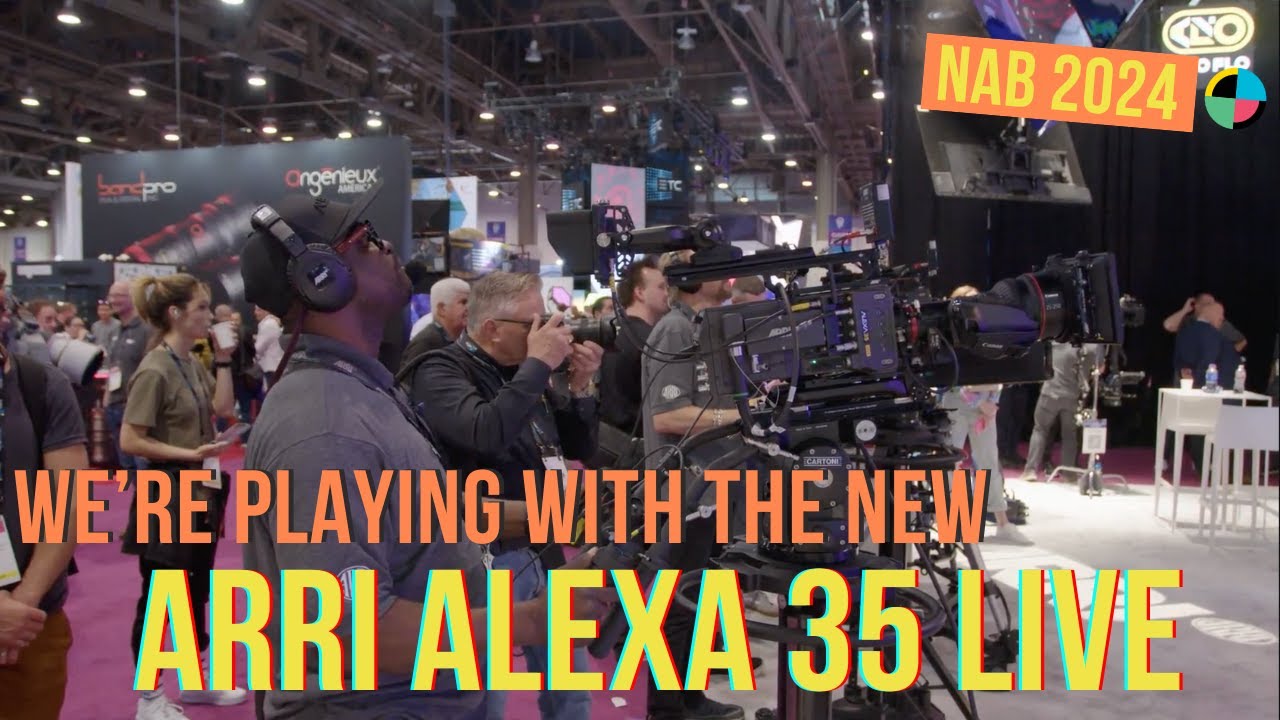
NAB 2024: Hands On With the Brand New Arri Alexa 35
12:09

NAB 2024: Hands On With the Brand New Arri Alexa 35

No Film School 23.04.2024 1 225 просмотров 13 лайков

Machine-readable: Markdown · JSON API · Site index

Поделиться Telegram VK Бот
Транскрипт Скачать .md
Анализ с AI
Описание видео
CFA x NFS get their hands on the latest from Arri at #NAB2024.

Оглавление (10 сегментов)

Intro

black magic design creating revolutionary solutions for film post production and television hi I'm Indiana with no film school also one of the founders of cinematography for actors I am here with the wonderful Chase SoCal native and uh who now lives in Oregon it's pretty exciting adventure for you hi Chase it hi there how's it going Indiana good let's talk about it great

Alexa 35 Live

so let's talk about the new Alexa 35 live that we announced just before NAB it's the first time you're able to see the camera and what we have here is the Alexa 35 live and it's a combination of our Alexa 35 camera system at the front so you can kind of see this black line here that's where the Alexa 35 ends and the live backend comes into play so combine together we call it the Alexa 35

Live Production System

live system and so people have for many years have been Now using the Alexa 35 they love the image quality they love the dynamic range 17 stops uh High frame rates best low light performance for an Airy camera which is fantastic Airy color science has been redone the new textures feature so they really loving the 30 but then they want to take it Beyond just cinematic application shooting feature films commercials music videos they want to bring it to live entertainment so for years now people have been using Airy cameras for covering concerts for Live Comedy for example that's going to be streamed and even some people now surprisingly for sports which is not generally what we're known for as ay uh in a lot of ways and so what we're doing here is we're integrating this live production system we call it lps1 and that's the back end of the camera so you can remove it with three screws and use your Alexa 35 front end is a regular Alexa 35 go shoot your feature film and then you can connect it back in when you're going to do live production and what it does is it docks over and it gets all your video connectors and your gen lock connectors for synchronization connected then we have one cable for ethernet which is for our camera control we tried to keep everything integrated so there's less cabling but we couldn't get quite to the ethernet connector then over here on this side what we're going to see is that it looks a lot like a live production camera like a system camera maybe even what you would call a broadcast camera because it's got all these different IO connectors for intercom for talking to people down the line you got production and Engineering connectors so it's a lot more familiar if you're used to doing broadcast camera systems uh We've added a lot of interesting features too so we had customer say um Beyond just having return video can we have multiple return videos we need to see multiple pictures up here from different sources and so we have four return videos that you can switch between which is really fantastic return video is so let's say

Return Video

you're making a production and you want to see what's going out live to return video is the video coming back up to the operator to see what's going out live maybe what the other camera positions are doing maybe the live without the graphic overlays for your sports let's say and one that has the graphic overlays so a lot of us yeah we normally ask why do need four but if you talk to the sports guys especially they say oh we got to have four return videos so we put four in there a lot of other features we have a second separate fiber tunnel and that's really good so that's a question where customers are saying uh I want to send everything over fiber but maybe I want to have another camera nearby where I just want to send the data over fiber not the power which this cable does so this tunnel here is a separate fiber tunnel so if you had two Alexa 35s next to each other and you wanted to take one of them and send it down with the other Alexa 35 live you could send everything over fiber which is data video intercom everything but Power down the second tunnel so you'd only use one of these cables for two cameras so it's kind of way of multiplexing multiple cameras or anything they might even be cameras anything down a fiber think of it as like another chain a path down back and forth between the camera position and wherever you are down in the control room or in the truck audio connectors

Fiber Tunnel

fiber tunnel we talked about some power connectors air style we've got SDI outputs for video another return video output if you had another monitor that you wanted to do return your reference output which is for your gen lock and your sync so maybe you want to send that out and synchronize something else over here you have an auxiliary 12g 4K SDI that comes up so maybe you want it to send another path for a teleprompter or you maybe wanted to do it for another 4k monitor for your DP that's up near the cameras let's say so there's a lot of paths up and down we've got a over here connectors for data so this one is to plug in the RCP which is the remote control panel we'll see shortly over here and that's for camera control remotely but if you wanted to test something you could plug it right into the camera without going you know plugging it in back at the truck this is a separate gigabit Ethernet tunnel and so this is just a data tunnel for ethernet data so if you had other devices or maybe you had some other uh maybe PTZ small cameras that you wanted to feed down as a reference down here you could actually feed them down a separate gigabit e a tunnel so it's like a separated data tunnel that's different from what the camera control is so a lot of pass through I mean as you can tell for fiber the more you can move down the fiber um the more convenient it is and more configurable it is depending on the kind of work you're doing because you never know with live production you could be doing a football game one week comedy special you could be doing a concert so we literally tried to build everything in the kitchen sink in here yeah oh my God okay and what is the panel a let's take a look so over here this is excuse me this is

RCP Panel

called an RCP panel or an ocp panel depends on what company you're coming from in broadcast but RCP ocp is very common and this is a control panel for the camera so for customers that want to control the camera remotely this is a great interface where you've got all these hard controls and then you also have the ability to paint the camera or adjust the video parameters and color uh what's unique about this panel is it's super customizable so what that's nice about this is you can see they have little OLED screens on them you could say hey I don't like that button there I want to move it here so in the web configure you can move every single knob and a button and relabel them to however you want so for your configuration it might work better one way or another the panel can do things like trigger record start stop it can do playback in the camera you can do the clip list you could jog through a clip to fast forward and play it back you can load the camera setup you can load different look files which are also what we call Lots you can do Tex textures so you can change through the different area Textures in addition to just adjusting the video parameters so it's a fully featured panel for control cuz normally for multi cam the camera operator is just worrying about zoom and focus and pan and tilt they're not doing the camera control like they would on a cinema set yes wow fantastic and how long has this been in the works for couple years now so basically since we released the Alexa 35 the first question was okay Amir alive you had that when's the elexa 35 live coming out so quite some time we even did stuff like for example this lla long lens adapter our friends at Fuji make

L1 Lens Adapter

this great lens 25 to 1,000 and they make a universal bracket but a universal bracket's not always a bad thing but not always a good thing because when you're trying to get your camera in quickly having to adjust it becomes very difficult and timec consuming so a lot of our customers said we want to use this lens on the front but we would love to have something that's quicker to mount the camera and so this L1 long lens adapter 1 it works with a pressure plate system so the way it works is you put the standard this special plate here comes with the lla on the bottom of the 35 you slide it in and then within 2 seconds you can lock or unlock it without having to fuddle with the height adjustments and a screwdriver and the four and backwards and all of these balancing things so it literally is just a pressure plate that you slide the camera in close the lens mount put it on in literally a few seconds instead of having to guess where forward and backwards and up and down the camera goes in the lla some one of the5 owners yeah wanted to buy it they could buy just the LPS extension system so you could get the use your 35 uh and then you would basically Buy lps1 extension and then this is the lps1 at the camera

L1 Base Station

but then there's also the lps1 base station so lps1 is this is the second part of it right so we have everything at the camera coming down the fiber then it's going to come here to what we call the base station sometimes other companies call it CCU but we call it base station and what you can see here is it's a two rack unit system which is pretty normal at the front it has two power supplies one backup and one primary so they're hot swappable so if one goes down uh you lose power from one of your generators it'll autom Ally switch to the other generator because a lot for live production you want to get power from two places CU you can't afford for anything to go to down in the middle of the game so you have two power supplies they're actually hot swappable from the front here got a little screen for adjusting the different settings there is also a web gooey so if you're uh away in let's say another state and you want to configure this you can log into the IP of the base station and adjust the settings there's also an ethernet port here so if you want to try the RCP they want to plug it in right away and check those controls without having to unwire anything in the back you have that connector up at the front which is really nice this provides enough power for our cameras so our cameras being cine cameras with the frame rates and the capabilities and the high dynamic range we need more horsepower and so that demands more power this system can provide all the power you need up to 2 kilm of semy 311 which is kind of the maximum you would ever run honestly might even never run it that long but the system is fully powered and data and video and everything you're going to need up to 2 kmers with that 7311 what do youan I've never heard this k a kilometer right right there you go yes yes we would say two kilm whatever it is honestly probably wouldn't run it that far because if you feel this cable it's not terribly light but you could run it you know a very long distance if you needed to yes the power supply can provide enough it Dr so it goes up it Powers the camera there is some line loss you're absolutely right so it can do the camera only uses anywhere from about 100ish Watts with no accessories to maybe a little more with accessories but we can do up to 400 watts way more than you need at 1 kilometer and up to 250 Watts at 2 km you st at 1 k 2 km yeah that means that before it just power anymore or you could run the data much further so then that's a very good

Fiber Options

question this is what's called semy 311 and that's two lines of copper two lines of fiber for data copper for power there's a converter you can get if you don't want to run the 311 cuz it's bigger and heavier and more expensive you can convert this to what's called uh tactical fiber um which is just the two lines of optical the fiber optic and that little converter is passive it just sits here and you get that and that's very thin and usually they're tactical fiber is military spec so it has a strong outer Shield so you don't crush it and that can run up to 10 kilm but it's only it's passive data so you would have to power the camera locally with some kind of power and excuse my inexperience of this worries the 10 km I just don't you don't get a signal for anything yeah yeah yeah but yeah you I yeah 10 km like let's say you were doing a even a big Stadium I mean even the biggest advantage to the 10

Baseband

kilms is that lighter weight more inexpensive cable um than the heavier one that does power so it's a matter of what you want everything all in one but it's a bigger heavier more expensive cable but there is easy flexibility um but this Bas station is incredible too because it also does something called semy 2110 so we're used to in you know Cinema production SDI connectors and that's what's what referred to as um baseband in broadcast when you say baseband that means that it's copper but this can do of course Bas band copper SDI it's got a lot of outputs but it can it's future proof because semy 2110 is everything over IP so it's over the Internet it's essentially just data and so this does semy 2110 which is the standard but it also does what's called 22 2022 D7 so semy 20227 which is part of semd 2110 and that means that it actually sends out two semd 110 networks so if one is ever to go down the packets are automatically received from the other one so there's no loss in anything it's basically two networks a redundant and a primary that are just running automatically so a lot of redundancy a lot of features again does everything I uh is it an Airy product yes I didn't build it I didn't build I no no no I I'm smart but I'm not that smart uh it basically does everything that you need uh es except make espresso yeah that's a license maybe in the future version or something exactly yeah exactly awesome thank you so much you're very welcome

Другие видео автора — No Film School

Ctrl+V

Экстракт Знаний в Telegram

Экстракты и дистилляты из лучших YouTube-каналов — сразу после публикации.

Подписаться

Дайджест Экстрактов

Лучшие методички за неделю — каждый понедельник