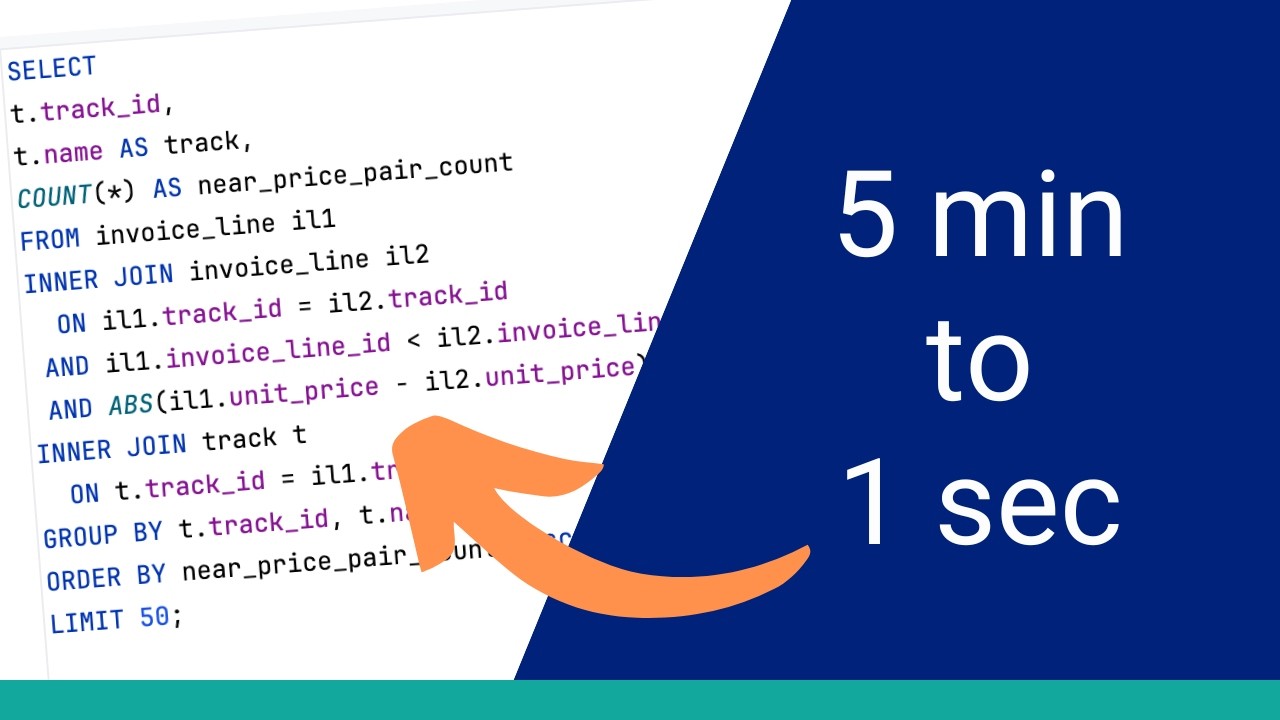
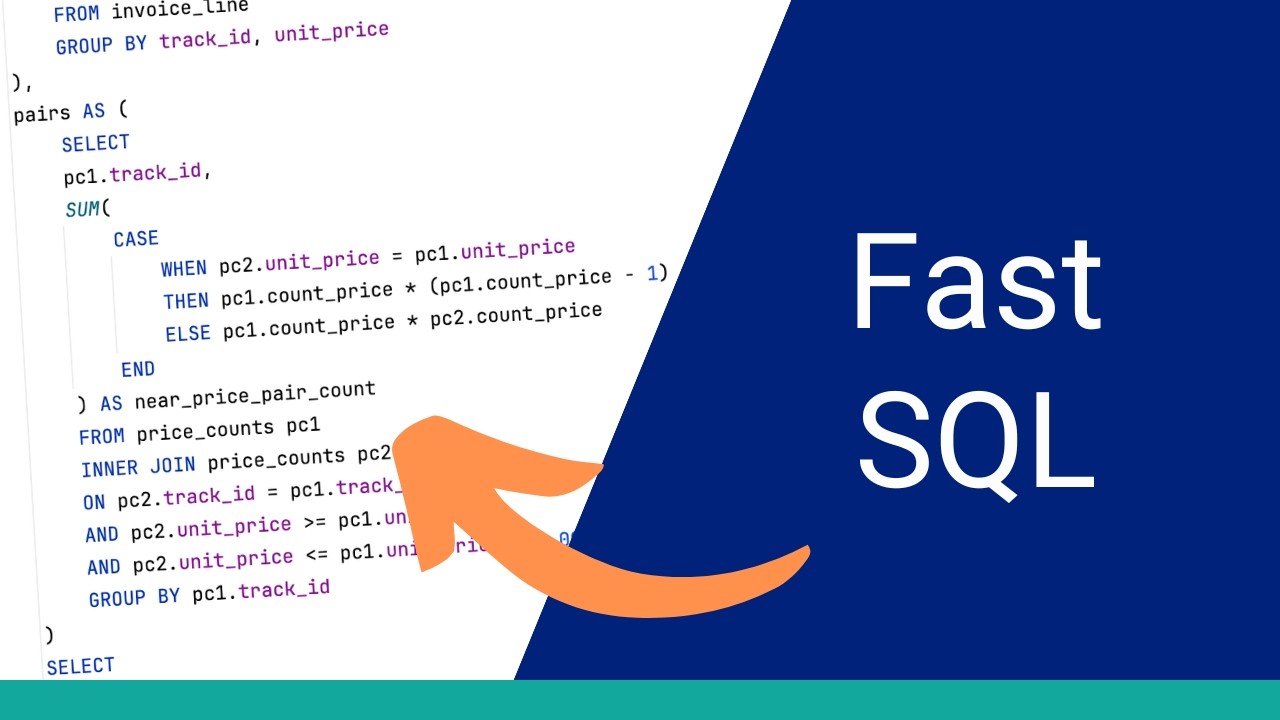
Let's try this suggestion of the rewritten query on our database. We can copy the query here and paste it into our editor. Before we run the query, let's understand this. It uses a CTE, which is the with clause, to select some invoice line data. It still has the self join to the invoice line table. It also uses the ABS function, which we commented out from our earlier query, but Copilot has added it back in. In the CTE, it finds the track ID and the count of pairs with the price near another invoice line. Then, in the main query, it joins to the track table to get the track data. It seems to match what we want to do. So, let's run the query. After a while, the query finishes. The results look the same at first glance. However, it ran pretty slowly. We can see the runtime here was 5 minutes and 44 seconds. This is not much different to the original. Let's see the execution plan. Not much has changed with the execution plan. We can see some of the ordering of the data retrieval steps have changed. It has these two invoice line items here and then the index scan is done on the track table later in the process. The overall cost is 7,777,080 or 7. 7 million. I think the AI tool was heading in the right direction, but there's probably another way we can do this. Let's think about the query. The performance is slow because of the large number of invoice line records that need to be compared. How about we try to reduce the number of invoice line items that are compared? Instead of comparing each row, we find the number of tracks sold at each price and compare those numbers. So, we can perform some aggregation for tracks and unit prices and compare that data. This may result in less data being compared. We'll start with this with clause to calculate the result set of tracks and prices. Inside this, we select the track ID, the unit price, and the number of records of tracks at that price. We then group by these two fields. Then, we have another common table expression. In this query, we want to get the track IDs and the number of invoice lines where the price is within one. We select from the price count CTE, which we defined earlier. We select from it twice because we want to see the matching tracks. We join on similar criteria as the original query, on the track ID and on the unit price. Now, how do we find the number of invoice lines that meet this criteria? To do this, we use this case statement. In the case statement, we check if the unit price matches between both tables. If it does, we add this calculation here. The count of records multiplied by minus one, then divide by two. This is a mathematical formula to find the combinations of two items, excluding the combinations that exactly match. So, if there is a single track and a price of 199 and a count of five, then the calculation will return 10 because there are 10 combinations and not 25. Now that we've done this calculation, we can select the final columns we need. We select the track ID, the name of the track, and the sum of the near price pair count. We join the track table to our pairs CTE, order our results, and limit it to 50. Our query is now ready. Let's run it. We run this and it completes almost instantly. That's a big improvement. We'll have to check the results are correct, but it's fast. On the output tab, we can see the runtime is 1 second and 429 milliseconds. Let's see the results. The results look okay. However, let's compare them to the original. I'll select these results and copy them. Then, I'll paste them into this spreadsheet here. I prepared this earlier and it shows the original results on the left. This formula here compares the two result sets and we can see that all rows are matching. This is good to see. So, the results match and the query is faster. We can see here it looks quite different. At the bottom, it gets some data from the track table and then creates the price counts object. This is referred to twice. An important thing to note here is the row count. There is an estimate of 7,000 rows here and when it is combined, it's about 27,000. This is much less than the original. Further up the execution plan, the invoice line table is read and it's only read once. We can see some more operations are done and the overall cost is about 60,000. This is a massive improvement to the 7. 7 million of the original query. The AI analysis helped us a little with this rewrite, but the version it provided didn't improve performance. It helped to point us in the right direction, though. So, what did we do with this query? We started with a slow query. We ran the execution plan and found two things: a self join on large table and a non-sargable condition using the ABS function. We fixed the non-sargable condition by rewriting it as a range condition directly using the unit price column. That gave the database the ability to use indexes where it couldn't before. We added a couple of different indexes to help the join, but they both had no impact on the execution plan or the query runtime. We also compared our analysis to an AI tool and found it identified the same core issues: the self join cost and the non-sargable condition. It also suggested a query rewrite as it understood the logic we were trying to accomplish and found a different way. This rewrite didn't help the runtime, but it pointed us in the right direction. We made another rewrite, which improved the runtime drastically. The final runtime is about 1 second, which is compared to almost 6 minutes at the start. There are a few things to take away from this. The first is about non-sargable conditions. Anytime you wrap a column in a function inside a join or where clause, you should check whether an equivalent condition exists that doesn't require the function. It's not always possible, but when it is, it's worth doing. The second is about self joins. They can be legitimate, but on large tables, they are expensive by nature. Sometimes there's a different way to express the logic with a window function, for example, that avoids the cost of comparing every row against every other row. And the third thing is about the process itself. Baseline first, read the plan, form a hypothesis, make one change, measure, and then repeat. That process works regardless of the query, the database, or the tool you're using. And the AI analysis is a useful part of that, but it's one input, not a replacement for understanding what the plan is telling you. If you want the exact AI prompt I used in this video, it's available at the link in the description. If you found this video useful, you'll want to watch this video next, where I do the same kind of walk-through on a slow SQL Server query and compare my findings against what an AI tool picks up, including one thing that AI found that I missed. Thanks for watching.