#sql #sqlserver #datascience #data
In this video I walk you through a real-world SQL deduplication problem, the kind that actually shows up at work, not just in tutorials.
The scenario: your VP of Finance flags that Q1 revenue is 8% higher than expected. Board meeting is tomorrow. You open SSMS and start digging.
Turns out customers who buy online and pick up in store are being logged twice, once by the ecommerce platform, once by the POS terminal. Same transaction. Two rows. Inflated revenue.
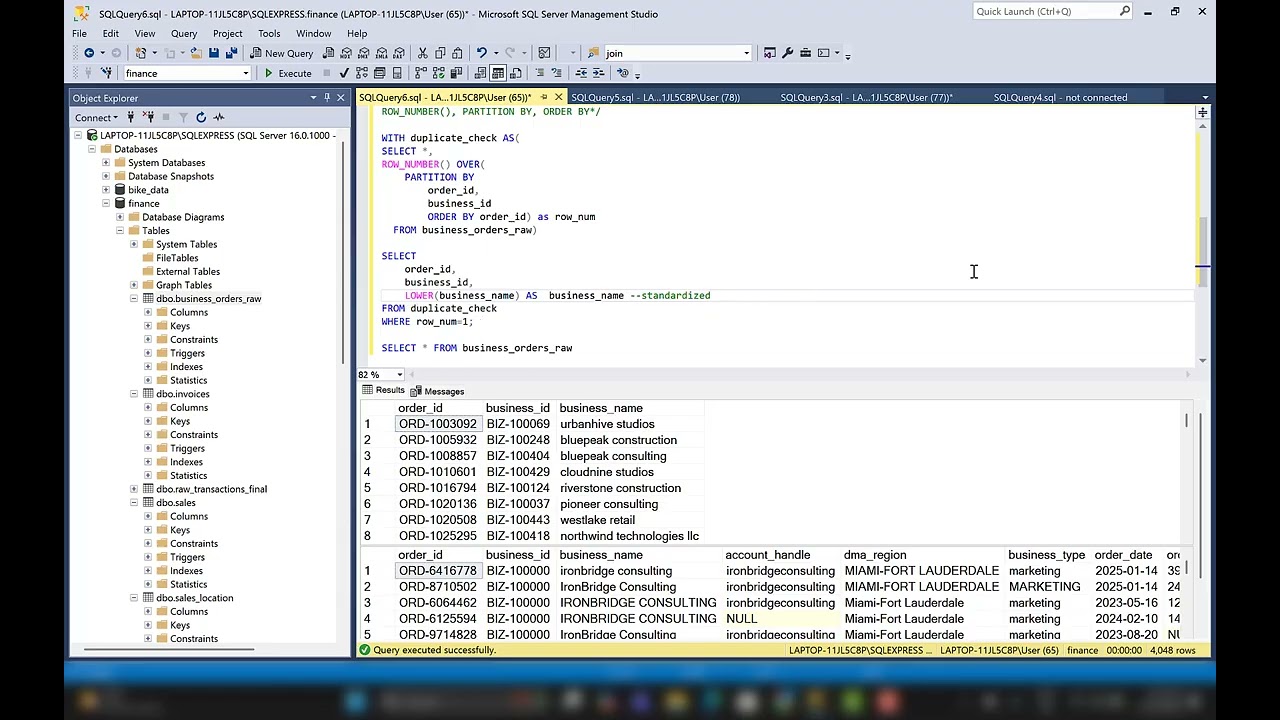
I show you how to fix it using ROW_NUMBER() and more importantly, why the ORDER BY inside your OVER clause can silently give you the wrong answer even when your row count looks clean.
What you'll learn:
How ROW_NUMBER() and PARTITION BY work together to find duplicates
Why keeping the right row matters more than just removing the duplicate
How a single CASE statement sets your source of truth
Dataset used in this video: https://github.com/Gaelim/youtube/blob/master/sales_raw.csv
Оглавление (3 сегментов)
Segment 1 (00:00 - 05:00)
Hi, in this video I'm going to show you how to remove duplicate transactions using a Windows function called row number, but we're going to do a bonus here. We're going to be able to specify which one of the rows we want to drop with a case statement within side that row number. Sounds complicated, but it's very straightforward. Now, let's get into the problem statement. The problem statement is that our Q1 revenue is 3% higher than expected. So, we know that the root cause here is customers who buy online and pick up in the store are logged twice. That means we have a point of sale and e-commerce sale. So, the track that's the same transaction is recorded twice, so it's inflating our numbers. So, let's take a look at our data. We have customer ID, customer name, product ID, product name, quantity, unit price, total amount, transaction time, source, session ID, and uh things that are going to be specific to e-commerce session ID. Things that are specific to our point of sales, which is the source here, is going to be the store ID and the terminal. Now, we could get fancy and you know, maybe create a query where we only bring back the ones that happened before. Um they happened on the uh e-commerce and then they came and picked it up, but we still need to identify where the duplicates are. So, let's get started with that. So, first, I'm going to show you just a way we can do a little test. Just very easy with group by, right? So, select from sales here. And then let's get some unique identifiers, so we can go back up to our column here. We know that something like um customer ID is going to be unique, the product that they brought, product ID, um something like their Let's see, maybe quantity. And also let's bring back the total amount. So, that's a lot of information that we can keep as unique. And then let's count all of the rows for that. And let's also group and we'll call these the row count. Uh let's just call this counts. Um and then let's group by these unique identifiers here. So, we go down here and we say group by. And we just or- organize this a bit. So, now we have that and let's add to this let's add an order by. So, let's order by and then let's say count. And let's say this. Let's say ascending. Um so now if I run this, uh let's just run both. And something's wrong with one of our product I let's see. Let me just run this. So, oh, spelled product ID wrong. Product. And uh product ID and then we need to fix this one also. Okay. Okay, there we go. Both queries have run. And I'm going to show you here. This is uh the one we have where we have our regular data and this is where we have shown that we have duplicates. You can see the two there. So, these rows with two means these are duplicate transactions. But our goal wouldn't be to just bring back this table here because then we would have to go and drop all these and it would get quite complicated to remove them from this table. What we can do is say, "Okay, let's add this information at the row level here. " And the way we do that is with a Windows function. So, let's do that. So, uh let's maybe add some information here. This is our group by check. And then let's add our um let's say our Windows function. Because that's going
Segment 2 (05:00 - 10:00)
to allow us to add this information at the group level. At the row level, I mean. So, we definitely want to bring back everything. So, select star and then from sales, right? Now we use a row number. So, row number is going to count the number of rows for each specific one of these rows. So, that means we can use these group by identifiers and decorate each one of these rows. So, if there's a duplicate transaction, it'll be one and two. So, row number is a function. So, functions always have these parentheses. We don't add any information to inside the row number, we add it to our over because we're telling it to go over our data. So, within over we want to add those identifiers. We want to group by those identifiers. Now, we don't use group by within this over, which is also um needs to be a parenthesis. So, I'm just going to type that a little bit down here. So, over I want to partition by, so that's the same as group by. So, let's say partition oops, partition by. And let me bring this up a little bit more so you can see it. Partition by. So, we're going to group by those same identifiers, which is partition by. Same logic. And then I'm going to bring this information here, but instead of having it formatted that way, I'm going to put it all on the same row just so it's clean. And okay, we want to partition by that. Then now we want to know which one of those transactions happened first. Um so, we're going to order and by let's say the transaction uh date time. I think it's transaction DT. And let me go up and run this so it's clean again. So, I'm going to highlight this and run this just so I can see all the rows. So, yeah, it's transaction DT. Go back down here to my Windows function. So, I'm ordering by transaction DT. I'm going to do that by ascending. And let's make sure we call this as row number. And let's see, this I think that might be everything we need. Let's double-check. If it's not, it'll give us an error. So, I am going to highlight this and run it. All right, we have transaction DT. It says invalid column. That probably means I spelled it wrong. Transaction. So, it's transaction. There we go. Now we have all of the rows and then this look. We have the row number here. So, this means all these ones in row number that have a one is unique, but let's go down. Now we see ones and twos. That means this one row 66 is the first transaction and then row uh 67 is the second transaction. So, if we go to over to our identifiers, we can see customer ID is the same, two 55 uh 2055. Same name, Claire Muller. Same product ID, 007. Same product. And we specified a lot of those identifiers here. Now, let's go over to 66 and 67 and then we can see e-commerce is first. So, they ordered online and then they went to the store. So, we can see that the store happened later. But this we can already bring back what we wanted by just using a CTE. So, we could say with CTE, which is a common table expression. And then we encapsulate this in that parenthesis. And then we could say select star from oops, from CTE. Uh let me make with CTE as um where our RN, which is our row number, equals one. So, that'll bring back everything we need that is non-duplicated. And there we go. So, now if we navigate down to maybe let's say 66 and 67
Segment 3 (10:00 - 13:00)
we know they're not going to be the same, right? Um but we don't know which one of these were selected first. It's going to select the e-commerce one. But we want to specify that point of sale is the most important one because that's the one our business wants to specify. Now we can do that very easily. I'm going to keep this here and then I'm just going to copy this. And then let's say let's make some information and say specify POS. And the way we do that is very easily. We can just say to our query here. So let me copy that down. And just say, "Okay, I don't want you to order by the date. I point of sale. " So I can say case. So case is like this. Case when the source cuz source has our point of sale here as you can see. It is e-commerce or point of sale. So I can say case when the source equals POS. Let me do this. POS. Then let's give that a one. Else we give it a two and that ends our statement. And this should work. So let's Uh what did we do? Specify point of sales. Let's get rid of that. And then now let's see if this runs. Should be ordered by case. We have our end. Okay, let's run that. Now we have an error. Oh. I am thinking in a different language. Source when we don't do equals. So when is the uh if and then in case. So now this should run. Now we have it. So now point of sale is always going to be specified first before e-commerce. So if we have duplicates, so maybe we can find that 66 and 67. There's Claire Mullen there. You can see we had a duplicate there with e-commerce and um and point of sale, the e-commerce came first. But you can see here if you go over to 67 terminal here we specified that we wanted to keep point of sale before. So that's an easy way for you to decide which one of the rows you want to drop. If you have a different way of doing this please leave a comment below. The data set and everything is in the description. And like and subscribe. Thank you.