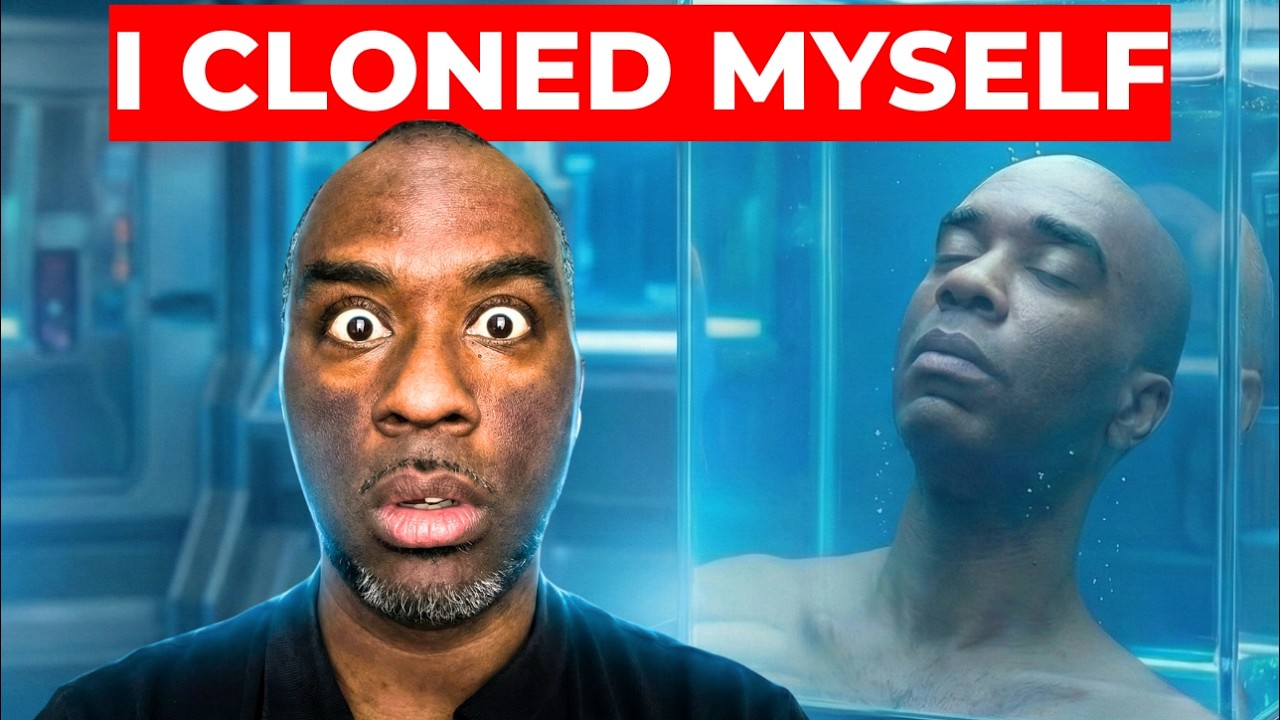
How to Clone Yourself With NotebookLM
8:38

How to Clone Yourself With NotebookLM

Corey McClain 02.02.2026 4 113 просмотров обн. 18.02.2026

Machine-readable: Markdown · JSON API · Site index

Поделиться Telegram VK Бот
Транскрипт Скачать .md
Анализ с AI
Описание видео
👉 FREE Download. NotebookLM Compound Intelligence Prompt Pack: https://forms.gle/FwPXp2utCFaVxvkC6 FYI: this is an updated Python script that works for all platforms. Enjoy. For the last 3 years, AI has been listening to your problems, ideas, and thoughts. It knows you better than anyone. But what if you could take all that data and upload it to a single brain? In this video, I show you how to export your history from ChatGPT, Claude, Grok, and Gemini, parse it with a custom Python script, and load it into NotebookLM to discover your hidden potential. NotebookLM: https://notebooklm.google.com/ Google Takeout: https://takeout.google.com/ **TIMESTAMPS** 00:00 - The "Digital Clone" Concept 00:40 - Step 1: Exporting ChatGPT Data 01:03 - Step 2: Exporting Claude & Grok Data 01:43 - Step 3: Exporting Gemini Data (Tricky Part) 02:50 - Step 4: Organizing Your Zip Files 03:20 - Step 5: Running the Python Parsing Script 04:00 - Step 6: Uploading to NotebookLM (Free vs Pro Limits) 05:10 - Creating the Corpus Index & Nugget Ledger 05:53 - The Results: Finding My Hidden Potential 06:33 - Building a 30-Day Marketing Plan from Chat History 07:15 - The "Do Not Do" List & Final Thoughts #NotebookLM #ArtificialIntelligence #SecondBrain #Productivity

Оглавление (11 сегментов)

The "Digital Clone" Concept

For the last 3 years, AI has been patiently listening to you talk about your problems, your thoughts, your ideas, the things you love, the things you hate, and it knows you better than anyone else. One question. What if you could take all of that data, every single conversation that you've ever had, and upload it to a single brain? A digital clone of yourself that doesn't just answer your questions or tell you what you said, but helps you unlock the hidden potential that you didn't even know that you had. Is that something that you would be interested in? Because if it is, in this video, I'm going to be showing you how to collect all of your AI history, run a simple script that breaks it up into manageable files, and then clone yourself inside Notebook LM so that you can discover your own hidden potential. The first thing you want to

Step 1: Exporting ChatGPT Data

do is go to chat GPT, click on the bottom lefthand corner, go to settings, go to data controls, and then come down to export data, and then click confirm export. And in a few minutes, you're going to get an email with a link to your data. Now, let's download our claw data. Go to the bottom lefthand corner, click on the initials, go to settings, privacy, and then click on export data. You have a few more options here, but I

Step 2: Exporting Claude & Grok Data

recommend just clicking export and export everything. Same thing as with chat GPT, you're going to get an email with your data. Just click download data, and it should immediately begin downloading. The next platform we're going to do is Grock. Same thing. Go to the bottom lefthand corner, click on your profile, go to settings, data controls, scroll to the bottom, and then click on export account data. It's important that when you come to this particular page that you then come to the left and click on data. And now you'll see the option for you to download your data. Click download and the download request is going to be sent. And in just a few moments, you'll get an email where you can download your data. The next set of AI data we're going to download is Gemini. Gemini is a

Step 3: Exporting Gemini Data (Tricky Part)

little bit tricky. So, I need you to pay attention. You're going to go to takeout. google. com. And what you're going to see is that there are 73 different selections that are selected. I want you to deselect all. And then scroll down. Now, it's very important that you don't stop here at Gemini because this is not the one that you want to download. Leave this one deselected. Scroll down until you get past all of the Google apps and you find my activity. Select this one. Then select all activity data included. There's a lot of data in here and most of it we don't need. Deselect all. I'm going to choose AI mode for different things where I search because it's still kind of like a conversation. Definitely choose chat Gemini apps and then click okay. It's also important to note that you can also export your notebook LM data here if you wanted to take it elsewhere as well. But for now, we're going to scroll to the bottom, click next step, choose how we want to receive our download, how many times it's going to be exported, how often, then click on create export, and as you can see, I've already downloaded the data. Now that

Step 4: Organizing Your Zip Files

you downloaded all of your data, you're probably going to have four zip files. Just go ahead and open those zips up so that you have regular folders. And then create one folder titled AI_Exports, like you see I have at the top of the screen. You're going to drag and drop your folders into this particular folder. And what I'm going to do is rename my folders so I know which one is which. So in your computer in your home downloads, you should have a folder AI_Exports that holds your conversation data from

Step 5: Running the Python Parsing Script

all four platforms. The next thing you want to do is copy this Python script right here. And what we're going to do is just press command A on Mac, control A on Windows, and then command C or control C on Windows. Then we want to come over to terminal and paste in the Python script. And after it's pasted, we want to press enter. A few moments after you run that script, you should find a folder inside your downloads titled Notebook LM Ready. And inside of that download, you're going to find several files going down that have parsed and chunked your conversations. And so those four files have now become 91 different

Step 6: Uploading to NotebookLM (Free vs Pro Limits)

files. If you're on the free plan for Notebook LM, you can only upload 50 sources. If you're on the plus plan, you can upload a 100. If you're on the pro, 300, ultra, 600 sources to a single notebook. So, if I were on the free plan, I would have to set up two notebooks. Now, here's a quick sanity check to make sure everything was done right. I can look at the size of them, and I can see that they're all roughly around 3 megabytes. They're not supposed to be larger than 5 megabytes or 450,000 words. I could have uploaded all of my data to a single notebook inside notebook LM and that would have been fine, but I would have gotten a lot of summaries or the AI might have drifted towards things that I talk about a lot or things that had a seemingly stronger emotional attachment. So, what I've done is I've created three notebooks with 30 files a piece so that each of them essentially holds probably the equivalent of one year's worth of conversations. This gives me some level of granularity. And the more granularity you want, then you just separate the files even more. And inside of each notebook, I've created a corpus index and a nugget ledger. So the corpus index is basically going to tell us what's

Creating the Corpus Index & Nugget Ledger

inside of this particular notebook. And the nugget ledger is going to tell us what are the skills, the talents, the breakthroughs, the processes, the methodology that's contained inside of this particular set of conversations. Then I created a fourth notebook that only contained those six files because I wanted a high signal to noise ratio and there is practically zero noise inside of this notebook. The next thing I did was I ran a very detailed and specific prompt for actually finding the hidden potential or the 10 core hypothesis for what my hidden potential was. I then downloaded that report and then I uploaded it to Gemini with the relevant notebook attached to create my own hidden potential charter. And this report gave me an evidence summary. It gave me a signature pattern, variance

The Results: Finding My Hidden Potential

environment requirements, failure modes, 14-day experiments to test if some of these things were actually true or not. Because this is not about theory. This is about taking action. This is about understanding yourself and doing better. Discovering your hidden potentials is powerful and it builds confidence. And having a way to validate that through test is something that's absolutely necessary. But something that I find even more intriguing is the ability to take these and then to build on top of them even further once they're validated because some of these you can look at and start building on top of. And so what I chose to do was to build a 30-day marketing plan right on top of this.

Building a 30-Day Marketing Plan from Chat History

Gemini was able to quickly and accurately write a positioning statement for my brand, set up differentiators based on my chat, create an offer stack, flesh out my messaging, and in particular dive deep into the sever creator, which was a video I did that didn't get a lot of views, but it's very powerful because I see a lot of overlap between that television show and the creator economy. But I digress. And these messaging pillars are essentially a full content strategy with content formats and a 30-day execution plan. All based on my chat history over the last 3 years. And finally, a do not do list, things that will absolutely not work for me based on three years of data. And

The "Do Not Do" List & Final Thoughts

yes, I can go inside of Notebook LM and create podcast based on that chat history. I can create slide decks. There are so many different things that I can create, but there is probably nothing more valuable than these 10 points in this do not do list because these are going to save me time. They're money. energy, frustration, and they're going to allow me to focus on the things that will actually work for me in 2026. But maybe you don't need a marketing plan. Maybe you want to study three years of your chat history to help you identify your character deficiencies and create better character qualities. Maybe you want to use it to help you make better financial decisions and to create generational wealth. Any of these is possible once you download your data and you upload it to a platform like notebook LM where you can begin to do research into your own life based on your own chats with AI over the last three years because we've all been using it and there's so much data there that you absolutely need to find your own creative ways to start processing and mining that data so that you can learn more about you and more about the things that you care about and get ahead in life. If you got value out of this video, make sure you hit the like button, subscribe to the channel, hype the video so it reaches more people, and as always, take care, have a great day, and if you want to learn more about my notebook leng workflows, make sure you check out this playlist right year.

Другие видео автора — Corey McClain

Ctrl+V

Экстракт Знаний в Telegram

Экстракты и дистилляты из лучших YouTube-каналов — сразу после публикации.

Подписаться

Дайджест Экстрактов

Лучшие методички за неделю — каждый понедельник




