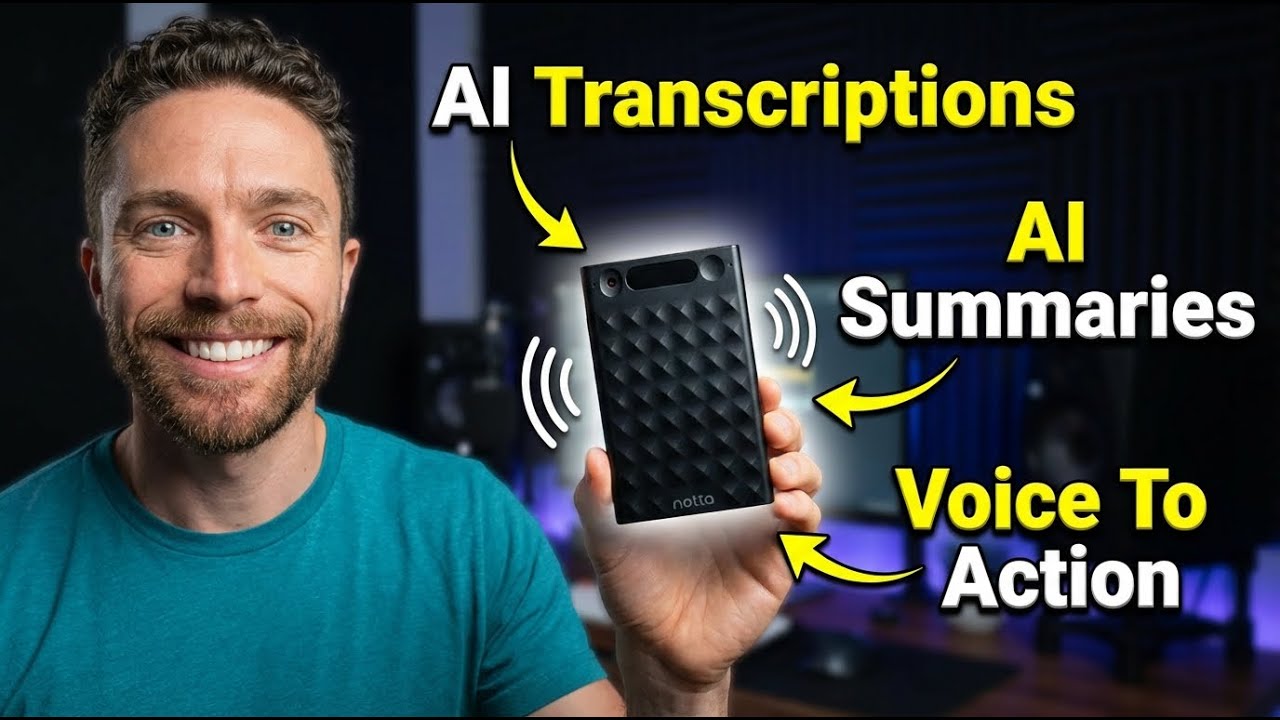
Notta Brain - An AI Agent For Your Voice Recordings
11:21

Notta Brain - An AI Agent For Your Voice Recordings

Paul J Lipsky 03.02.2026 2 397 просмотров 83 лайков обн. 18.02.2026
Поделиться Telegram VK Бот
Транскрипт Скачать .md
Анализ с AI
Описание видео
Notta Memo: https://amzn.to/4t1XyLj Notta Memo 20% off: 47PH84OM Notta Web: https://bit.ly/4bqyDum Notta Web 30% off: PAUL30 Discover how the Notta Memo AI voice recorder and Notta Brain transform your meetings into finished work with real-time transcription and AI-powered deliverables. 🔗 This video is sponsored. Some product links are affiliate links which means if you buy something we'll receive a small commission.


Оглавление (3 сегментов)

  1. 0:00 Segment 1 (00:00 - 05:00) 1033 сл.
  2. 5:00 Segment 2 (05:00 - 10:00) 935 сл.
  3. 10:00 Segment 3 (10:00 - 11:00) 266 сл.
0:00

Segment 1 (00:00 - 05:00)

So, I just discovered an AI platform that takes all your recordings of your meetings, phone calls, or voice notes, and turns them into finished work. Things like PowerPoint presentations, detailed reports, follow-up emails, all generated in one click from your voice recordings. And after using this for the past month, I can honestly say this new tool has saved me hours of work. Let me show you how it works. So, the tool we're looking at today is called Nota. I'll have a link for this in the description down below. And I also want to let you know that they are the sponsor of today's video. Now, this is an AI powered notetaker for meetings and audio recordings. But what makes it different from other tools you may have used is that it doesn't just give you a transcript. It actually produces for you an AI summary of all your recordings and meetings that are fully searchable. You can also connect it up with all of your favorite apps to actually boost your productivity. And now it's even able to take actions based on your recordings to produce outputs for you without you having to do the work yourself. It's best probably just to show you some examples. So taking a look at my Google calendar, you can see that I have a meeting coming up in just a few minutes. And I've linked up my Google calendar with not so that when I come up to my upcoming events, you can see all my different calendar events in here that have a Google Meet meeting attached to it. So this is going to start in a few minutes. You can see the bot's already joining it. So, let me go ahead and go into this meeting and join it. There we go. And notice on the top right now it says admit one guest. That is my bot. So, I'm going to go ahead and admit them. So, now it is automatically recording and transcribing the meeting for us. So, as I'm describing and talking with my contact and we're talking about whatever this meeting is about. So maybe we're talking about how I'm going to start using Nota to record all of my meetings and how I want to implement this workflow going forward to really streamline things and allow Nota to take actions for me so I spend less time actually working on my computer. Saying all that, now the meeting is over. I'm going to go ahead and end it right here. And now back on my noted dashboard, you can see right here the meeting that I just had. It was only 36 seconds long. I'll go ahead and open it up now. And now I'll have the ability to choose what kind of summary I want for this meeting. So I can leave on auto or I can choose general team meeting, consulting meeting. I'm going to stick with auto for this one. I can even put in here exactly what I wanted to focus on, but let's just keep it on the default settings and click on generate. So now right here we can see the one speaker who is myself and this is a transcript of everything that I've said. But over here on the left, we see a summary of this entire meeting where it details everything that I talked about and even created for me action items based on what was talked about in the meeting such as begin using not for all future meeting recordings and transcriptions and implement the new workflow across team meetings. I'm going to go ahead and turn on auto summaries. So next time I don't have to tell it to create the summary. It's just going to do it for me automatically. You'll also notice that we have a mind map here. So, this will give you kind of a nice overview outline of the entire meeting, how it started, and then kind of where the entire meeting went with each of these different nodes here. There's also a way to generate a new summary. So, again, we used auto, but if I wanted to make a new summary based on team meetings or consultation meeting, I could do that. They also have these template libraries where you can choose between all these different templates to actually use. But again, most of the time I just leave it on auto and I find that works really well. And if I need to play back the actual meeting, I could just click this play button and be able to watch and hear everything that was said. What's also nice is that your meetings don't just have to stay here on not. If I come up here, I can actually share them. I created a public sharing link for this that includes the transcript and the AI notes. And I can share this with anyone. I can hide the video if I want to or unhide it and even set an expiration date for the link and a password for it. There's also a button right here to download. This will allow you to download MP3 files or just a text of all the transcription and the summary. You can put it into Microsoft Word. So, lots of options here. And coming up here, you can even send it to things like notion, Google Docs, Microsoft OneNote, and ClickUp. But getting back to some of the AI capabilities of this, I'm going to click on this button right here. This is a NOTA brain. And this will allow me to actually chat with all the information inside of here. So, I can say things like list all the to-do list items. And here we can see a list of everything that I wanted to implement that I talked about in the meeting. I can then copy that or even add it to the notes over here so I can have it saved. As great as Not has been and as useful as it's been for organizing all my different ideas and meetings, they just took things to
5:00

Segment 2 (05:00 - 10:00)

the next level with this new tool they released called Not Brain. The first standout feature of Notabrain is that you're able to access all your scattered recordings from this single chat. So I can ask it something like summarize all the meetings of the last week and then it'll go ahead and pull in information from all your different chats that are relevant to help you answer the question that you asked. But you can get hyper specific with this. So I can say find all the meeting notes that pertain to a certain topic and it's only going to pull in the meeting notes from those topics to best answer your question. But this actually takes things to another level because instead of just chatting with it, you can actually use it to create things as well. So, I'm going to have it create an image based on one of the last meetings I had. I'll just type in what that meeting was about and go ahead and click on send. And then it's going out. It's finding this meeting right here that matches what I talked about. And it's now creating an image about it. And this is what it created for us. It's an infographic and it's not just general information that it pulled from the web. All of the information in here, it actually pulled from my voice recording. I just recorded it into my phone, kind of talked about what I like about each of these and what I don't like. And you can see right here, it pulled in that specific information to make sure that this infographic was more grounded in what I said than just random information from the internet. But it could also do things like create reports or even slides. So I can tell it create a slide deck based on the last meeting. Here's the presentation or the slide deck that it came up with. Again, this is the one that I recorded with you. So you can see the date it was recorded, what it was about, the topic, the key highlights from it. Here's a detailed list of the implementation and the benefits of it, and the workflow optimization initiative. So, all the information that we talked about in that really short meeting, he was able to include here in these slide decks. Before we move on and I show you some other stuff that you can do with Nota, if you're finding this video helpful, make sure to give it a thumbs up and subscribe to the channel. It really helps me out and lets me know that you want more content just like this. Not also has this physical device called the Not Memo. This is it right here. As you see, it's extremely thin. And this allows you to record in-person and phone call conversations as well because what it comes with is this case right here. With this, you can slip the Nota inside of it and this actually mag safes to the back of your phone and so it can actually record you and the other person on the line. So, it's very simple to use. There's a toggle switch right here. When it's down like this, that's just recording person speaking into it. I can hold this down right here. That then starts recording. So now it's listening to me. Hold it down again and I get two little vibrations letting me know that it stopped recording. If I toggle this in the other direction, that now activates the phone call mode. So with that, when I activate right there, it's not only listening to me, but it's actually picking up the vibrations from the phone as well because it's Mag Safe to the back of it and is actually able to transcribe the audio from the person that's speaking on the other line. So, it's really cool. I just really appreciate how small and slim this is because it's so easy to carry around. It actually is so small I can slip it into my wallet, which is often the way that I do carry it. And I find myself using this quite a bit. I leave it on the regular mode. It's always in standby, so it's always ready for me to start transcribe or talking into it. And anytime I have an idea, I just hold down that button. There's a little bit of a vibration letting me know that it's now working. And I just start rambling off all my different ideas into it. I don't have to worry about organizing them or exactly structuring them because I know that when I press stop on this by holding it down and when I come back into not I'll be able to see my new memo that I just created with all my ideas and I'll be able to then use those ideas uh to actually implement them put them into my workflows build stuff with them using not brain is extremely helpful for really capturing ideas on the go. I've also used this quite a bit for phone calls. Really helpful for that as well. Just make sure that no matter how you're using this or where, you just comply with all local laws regarding recording voice interactions with other people. Speaking of which, another thing to talk about is the privacy of your data. This is something that's personally very important to me, especially when I'm using a tool or software to record conversations and to have an AI actually
10:00

Segment 3 (10:00 - 11:00)

analyze them. Luckily, Nota is very clear that your data is never used for any type of AI training. Your conversations always stay private, recordings are encrypted, and you have full control over what gets stored and deleted. Obviously, again, you should always get consent before recording someone. That's basic ethics and in many places it is the law. But from a data security standpoint, NOT, I think, handles things the right way. So, who should be using this? Well, because it's such a diverse ecosystem, I think really anyone can find some use case out of one of the tools I mentioned here today. If you have a lot of online meetings, something like NOTA is a no-brainer. But even if for someone like me who just has a lot of ideas that pop up all the time, I think it is worth buying a device such as this that's really dedicated to capturing your ideas so you never forget them. and then to be able to log in and have all those ideas organized for you and in a place that you're never going to lose them. So there you have it. Nota is an AI platform that records your meetings whether online or in person and then uses Nota to turn those recordings into finished works, PowerPoint presentations, email drafts, reports, action items, all generated automatically. If you want to try it out for yourself, make sure to click the first link in the description down below. Thanks so much for watching and I'll see you in the next video. Bye for now.

Ещё от Paul J Lipsky

Ctrl+V

Экстракт Знаний в Telegram

Транскрипты, идеи, методички — всё самое полезное из лучших YouTube-каналов.

Подписаться



