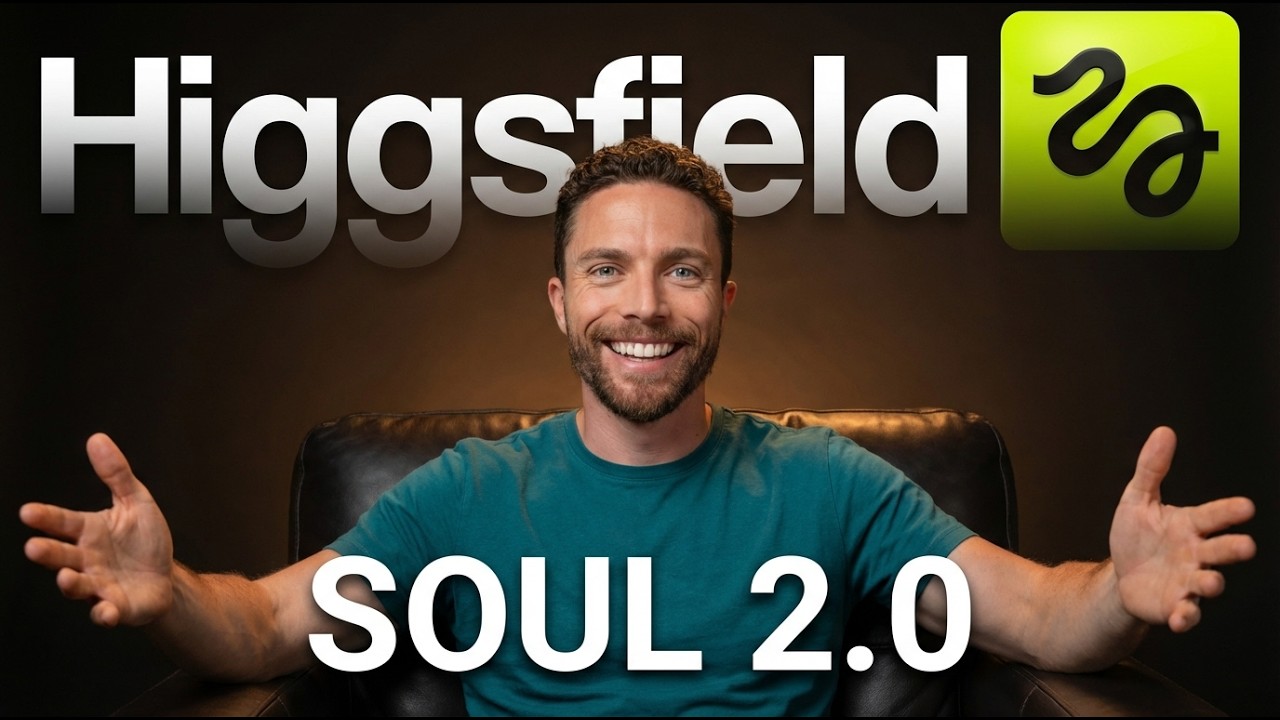
Higgsfield Soul 2.0 - AI Images With Actual Taste
6:00

Higgsfield Soul 2.0 - AI Images With Actual Taste

Paul J Lipsky 28.02.2026 8 067 просмотров 230 лайков

Machine-readable: Markdown · JSON API · Site index

Поделиться Telegram VK Бот
Транскрипт Скачать .md
Анализ с AI
Описание видео
Try Soul 2.0: https://higgsfield.ai/soul-intro?utm_source=youtube_e_pu&utm_medium=pauljlipsky&utm_campaign=soul_2&utm_content=de_5a971 User Guide & Prompt Tips: https://higgsfield.ai/blog/SOUL-2.0-Realistic-AI-Image-Generator-for-Creative-Direction This AI image generator doesn't just make images — it actually understands fashion, aesthetics, and style in a way I haven't seen from any other tool. 🔗 This video is sponsored. Some product links are affiliate links which means if you buy something we'll receive a small commission.


Оглавление (2 сегментов)

Segment 1 (00:00 - 05:00)

So, Higsfield just released something incredible. It's called Soul 2. 0, and it's being called the first AI image generator that actually has taste. Unlike most models, this one was built by creative professionals to create images that look styled, directed, and fashionware instead of that stiff costume-like AI that we're all used to. So, when they reached out to me about collaborating on a video, I was really excited to show you what this is all about. This is the new Soul 2. 0 0 by Higsfield. This promises to be the first model with built-in modern culture that understands fashion terms, online slang, and cultural references, and that results in some pretty stunning looking images. There are multiple ways to use Soul 2. 0, but let's start with something very basic. I'm going to ask it to create an image of a man standing on a Tokyo side street wearing a very specific outfit. He has one hand in his pocket. His weight is shifted casually to one hip, chin tilted slightly down. It is shot on a Kodak Porta 400. Soft golden hour light filtering through the neon signage reflections on the wet pavement. And the results we get here are incredible. Not only did it follow the prompt exactly, but the image has such depth to it that you just do not see with normal AI images. From here, I'm going to click on this button that says angles. This will give you the option to create a very similar image of the same subject from a different camera angle. Let's drag this around a little bit like this. And we'll click on generate. And now we have a second image of the same character in the same location just a different camera angle. Here is another example. I asked to create an image of a young woman sitting cross-legged on the floor of an empty art gallery surrounded by unframed canvases. It's late morning with light pouring through the windows on the left, casting soft shadows across a polished concrete floor. And once again, the results are absolutely stunning. It sort of has this contemplative mood to it that I really, really like. One of the most impressive things you can do with Soul 2. 0, 0 though is you can create your own characters by uploading images of a person from multiple angles. Let's go ahead and create our first character. Here I've uploaded over a dozen images of myself. So I'll call this character name Paul 2. 0. I'll select as my model soul 2. 0 and I'll click on create. Once the character is ready, you can hover over it and click on generate. And now I can describe any scene I want and that character will appear in it. Here I'll ask it to have the character sitting on worn concrete steps of a sun bleach Mediterranean courtyard. I describe exactly what he's wearing. Some faded olive chinos, beat up white leather sneakers with no socks, and describe what the atmosphere is like. Late afternoon sun pouring in from the left, terracotta tiles, whitewashed walls, and he has a relaxed expression looking off frame. And there we go. We have a much more handsome version of Paul 1. 0. And notice how it really captures the mood that I'm going for. That laidback sort of relaxed look of being in a Mediterranean courtyard with loose clothing, no socks. It captures that entire mood so well. And the lighting in here is incredible as well. But let's say you don't like the lighting. Well, luckily it is easy to change. I'll click right here where it says relight. Now I'll change it so that this character is back lit. And I want the lighting to be quite harsh. So I'll turn on hard. I'll even turn it up a little bit just to kind of demonstrate how much this changes the final or the next image. Click on generate for that. and we'll see how different that looks. And here is the result. The exact same image, but now the light is coming from behind, making him look more like a silhouette. If you're happy with this image and you want to use it in another image generation, you can click right here where it says reference. From here, I can choose a different aspect ratio if I want, change the resolution if I want, and even have it create more than one image for us. And from that, it creates two new images using the same mood and style, but with new characters. Here's the first one. And here is the second one. And what I love about this is that once you create an image of a person that you love, you can turn them into a character so that you can have them consistent through all of your different scenes. And you can combine this with all the other features I've already shown you. For instance, mood boards. Here, I'll use the same character as Paul 2. 0, know, but this time I want to see him as a 2000's band. So, I'll select that mood board and click on generate. Not only does it put you in the right outfit, but the photo feels like it's coming from the

Segment 2 (05:00 - 06:00)

2000s, right? That really sort of grainy look with the white edge to it as well. It really gets the entire mood and aesthetic. Here's another example of that same character. This time, I used the mood board called Surreal. solarization. And I got to say, the quality just looks incredible. Such a cool looking shot that I've never seen before made with AI. But this image has to be my favorite that I've created. It just looks the most like me, especially the clothes that I'm wearing. And it just has that really gritty street photography look. I just really love it. Just sort of that worn in realworld look. It looks excellent in my opinion. So that is Soul 2. 0 by Higsfield. Whether you're building out consistent characters, exploring different aesthetics, or just want AI images to actually have some taste, this is one of the most impressive tools I've come across. If you want to try it out for yourself, make sure to click the link down in the description. Thanks so much for watching and I'll see you in the next video. Bye for now.

Другие видео автора — Paul J Lipsky

Ctrl+V

Экстракт Знаний в Telegram

Экстракты и дистилляты из лучших YouTube-каналов — сразу после публикации.

Подписаться

Дайджест Экстрактов

Лучшие методички за неделю — каждый понедельник



