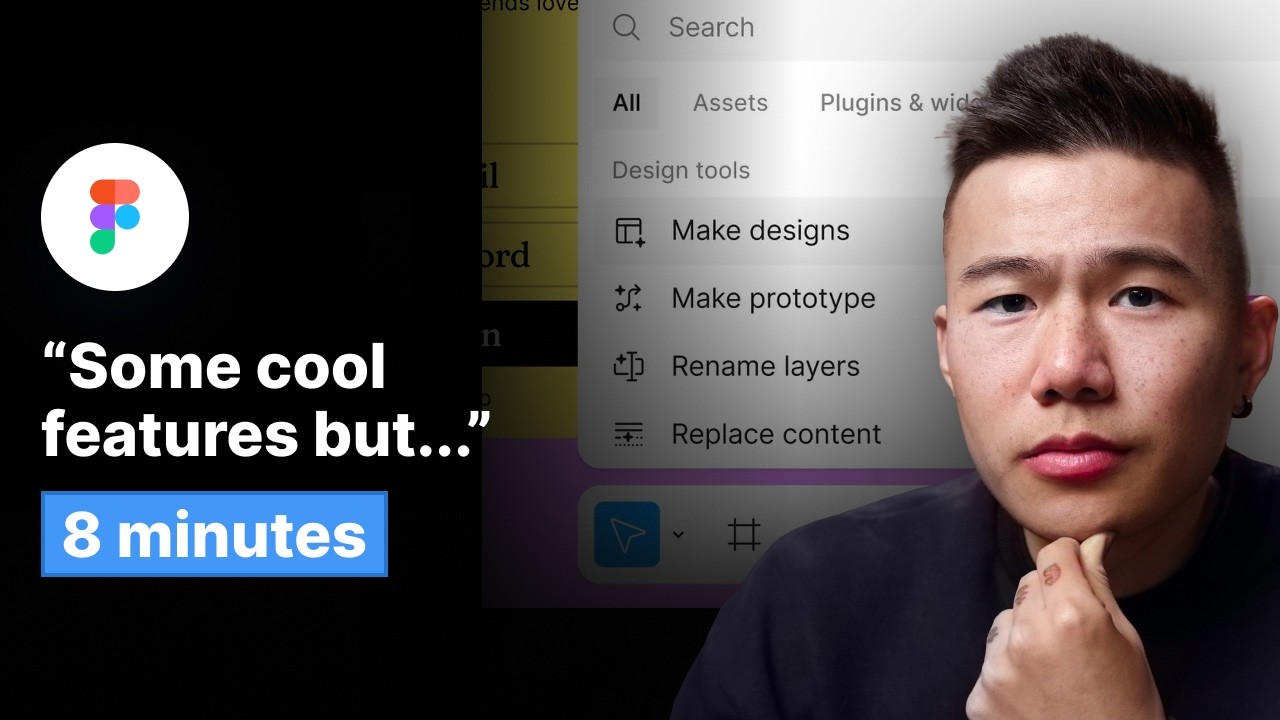
Config 2024 Figma Recap (IN 8 MINUTES) - Figma Ai, Figma Slides & More
8:30

Config 2024 Figma Recap (IN 8 MINUTES) - Figma Ai, Figma Slides & More

Mizko 28.06.2024 57 340 просмотров 1 671 лайков

Machine-readable: Markdown · JSON API · Site index

Поделиться Telegram VK Бот
Транскрипт Скачать .md
Анализ с AI
Описание видео
⚡️ Join my monthly newsletter for exclusive goodies: https://mizko.net/newsletter --- ⚡️ Timestamps: 00:00 - Don't waste an hour of your time! 00:17 - Dylan needs God-like superpowers 00:50 - UI3 Overview 01:25 - Hiding menus 01:28 - Resize properties panel 01:30 - Re-positioned component properties 01:38 - Suggest Auto Layout 02:20 - Native UI Kits 02:45 - Connect workspace 03:05 - Manual approval 03:35 - New statues for Dev Mode 03:40 - Ready for Dev tab Dev Mode 03:45 - Responsive viewer for Dev Mode 03:50 - Code Connect is Synced with designs 04:05 - Figma AI 04:50 - Search file with AI 05:00 - Remove backgrounds 05:05 - Translate with AI 05:06 - Rename layers with AI 05:08 - Make Prototype with AI 05:23 - Figma Slides 05:45 - Configure tone of voice 05:55 - Live prototypes in Slides 06:20 - Was I impressed? 07:04 - My Figma predictions --- Become a highly-demanded Product (UX/UI) designer with me: Learn My Real-world End-to-end UX/UI Design Process (NEW! 200+ students) 👉 https://www.thedesignership.com/courses/ux-ui-design-course Master Figma with my Ultimate Figma Design Masterclass (7,200+ students) 👉 https://thedesignership.com/courses/the-ultimate-figma-masterclass Practical UX Research & Strategy Masterclass (700+ students) 👉 https://thedesignership.com/courses/practical-user-research-strategy-course Shipfaster UI - Advanced Figma Design System (3,500+ designers) 👉 https://thedesignership.com/products/figma-design-system/ Outline - Figma Wireframe Kit (500+ designers) 👉 https://www.thedesignership.com/products/outline-wireframe-kit Follow me on IG (Daily updates): 👉 https://instagram.com/themizko --- Follow and learn with me: Become a legendary designer: https://thedesignership.com Personal portfolio: https://mizko.net Instagram: https://instagram.com/themizko LinkedIn: https://linkedin.com/in/mizko

Оглавление (24 сегментов)

Don't waste an hour of your time!

you don't want to spend hours watching a replay to figure out what was actually dropped at config 2024 so let me go ahead and break it down for you in less than 10 minutes and make sure to stay all the way to the end and I'll also share with you my predictions for what I think will happen this year but first a

Dylan needs God-like superpowers

quick shout out to Dylan at figma I'm still waiting for him to develop Godlike controls to eliminate all bystanders seriously the CEO himself got a little bit nervous when the audience started requesting edit access to his file live on stage and with that as the UI is hidden um you know it makes it so that uh I'm able to get a little distracted by our friends online so that out of the way let's dive

UI3 Overview

in and take a look at the four main pillars of updates at config 2024 first we have ui3 Dev mode AI and also figma slides now the first major update that will be incrementally released to all figma users is ui3 which is the redesigned interface of figma yes it's making a grand entrance right after I just updated my figma course perfect timing but the changes aren't too bad the goal of this redesign is to put your work in the front and center of the figma experience the left and right menus will also hide when you are

Hiding menus

following others in a file the design

Resize properties panel

panel can also be resized and the team

Re-positioned component properties

have prioritized component properties and variables in the top right corner now alongside the superficial UI update

Suggest Auto Layout

figma is rolling out suggest Auto layout which automatically configures layouts with auto layout so you don't need to fiddle around with it too much figma is literally just telling you to get out of the way let me handle it and so today what we're doing is making it so it's a bit easier to get into to uh Auto layout by making something called Suggest Auto layout if I press this you'll see that I get all the frames that I need now I would still recommend you to learn how to use Auto layout so you can debug any issues as they did mention the feature isn't 100% just yet we also have

Native UI Kits

three native UI kits provided in the assets panel there is one for iOS design material design and a neutral UI kit by the figma team now I don't think they're as robust as ship faster UI but that's up for you to decide these kits are also linked with code connect which means that developers can copy the relevant code and use it in real projects we then

Connect workspace

have two updates regarding billing and teamwork we have connect workspace which acts a little like slack workspace where you can invite other teams into your projects and the figma team is also rolling out the ability for you to get an email digest of how many paying users

Manual approval

are currently tied to your account and you can also enable manual approval when users are entering your files with edit access as it obviously incurs payments it's clear that figma doesn't want to remove their frictionless invite experience just yet because it will definitely impact the revenue as a lot of people are unaware that they are incurring costs for external users in the files that have edit access so when it comes to Dev mode you can now

New statues for Dev Mode

set the status of each frame to whether they are active changes developers also

Ready for Dev tab Dev Mode

have access to a ready for Dev tab which hides everything that isn't ready for

Responsive viewer for Dev Mode

development just yet the Prototype viewer now has a responsive viewer so

Code Connect is Synced with designs

they can see what the designs actually look like at different breakpoints and code connect is directly synced up with the designs so that you can make changes directly to the design and see it reflect in the code as well that's everything for ui3 then when it came to

Figma AI

figma AI you can slap yourself in the face a couple of times because you ain't dreaming It's Coming For You by clicking on the AI button you can prompt an entirely new UI where even the graphics will be custom as well I also noticed the frames are structured and named correctly which is an absolute bonus from here you can also tweak The Styling of the UI Dylan did mention this is just the start so you can imagine a lot of effort will be put into this area of figma moving forward you know it's Elon of course uh he's our architect that we're focused on today and it's going to pull in some images as well you never know what it comes up with so it's always a surprise which is pretty fun now Beyond The Prompt to UI

Search file with AI

you can also use AI to search for anything in your file Dylan demonstrates drawing an icon and clicking search for similar where it then finds the icon for

Remove backgrounds

you can remove backgrounds of images translate all your designs into another

Translate with AI

language magically rename all your

Make Prototype with AI

layers and the ultimate bang up was being able to highlight all your designs and hit make prototype now I'm assuming your layers and your layouts do need to be structured correctly for this to work but that was an absolute Banger then

Figma Slides

finally there was figma slides to be honest this was unexpected but it actually makes sense as well figma has the entire infrastructure to build a great slides tool they have all the assets all the interactions and I'm sure they have millions of slides that people have created on their platform already now how is this different to other

Configure tone of voice

presentation apps well figma allows you to actually use AI to configure the tone of voice it's pretty cool so if you want to make it more professional or casual

Live prototypes in Slides

you can also copy and paste the Prototype link of your design into your slides which means it can automatically play and be presented live in your presentation and they already have a bunch of templates that you can access immediately obviously it seems like they are more focused on design presentations right now but I'm sure very quickly they're going to expand horizontally just like canva and Tackle all sorts of

Was I impressed?

presentations so that's it for config 2024 was I impressed H I think there was some cool features but I think the Adobe acquisition messed up their road map a little I also think figma has now reached a point in vertical expansion where they are now looking to expand horizontally while still going deeper into Design Systems and the development space and this is because I can see they are now repurposing their infrastructure to move into presentations and they are also introducing new features which are more graphic design related like removing the back ground of images so I can start to see that they are starting to broaden their offerings so what are

My Figma predictions

my predictions for the following year there is a lot but I'll focus on three that I think will actually happen we'll see now first a continuous focus on Design Systems and Dev mode because figar knows that these are their lockin strategies once a team has their entire system integrated into figma the cost of migrating or changing vendors becomes way too high and this is how figma will try to retain the user base second I wouldn't be surprised if we see a major focus on building out the slides template repository once again moving upstream and capturing more markets with minimal effort this will just add a nice bump into the cash flow where they can keep investing into more cost intensive features now third going absolutely hard on AI that means getting it smarter and also being able to create UI that's much more intricate than what most generic generators are currently doing and maybe even allowing you to connect your own design system with their text to UI experience if you made it this far let me know who the true Die Hard fans are let me know in the comments below what you had for breakfast for me I had a dirty chai and some spaghetti and if you enjoy this video make sure to gently smash the like button subscribe for the darad fans and if you want to keep learning you should definitely check out this video

Другие видео автора — Mizko

Ctrl+V

Экстракт Знаний в Telegram

Экстракты и дистилляты из лучших YouTube-каналов — сразу после публикации.

Подписаться

Дайджест Экстрактов

Лучшие методички за неделю — каждый понедельник