How input buffering works

How input buffering works

Machine-readable: Markdown · JSON API · Site index

Поделиться Telegram VK Бот
Транскрипт Скачать .md
Анализ с AI

Оглавление (5 сегментов)

Segment 1 (00:00 - 05:00)

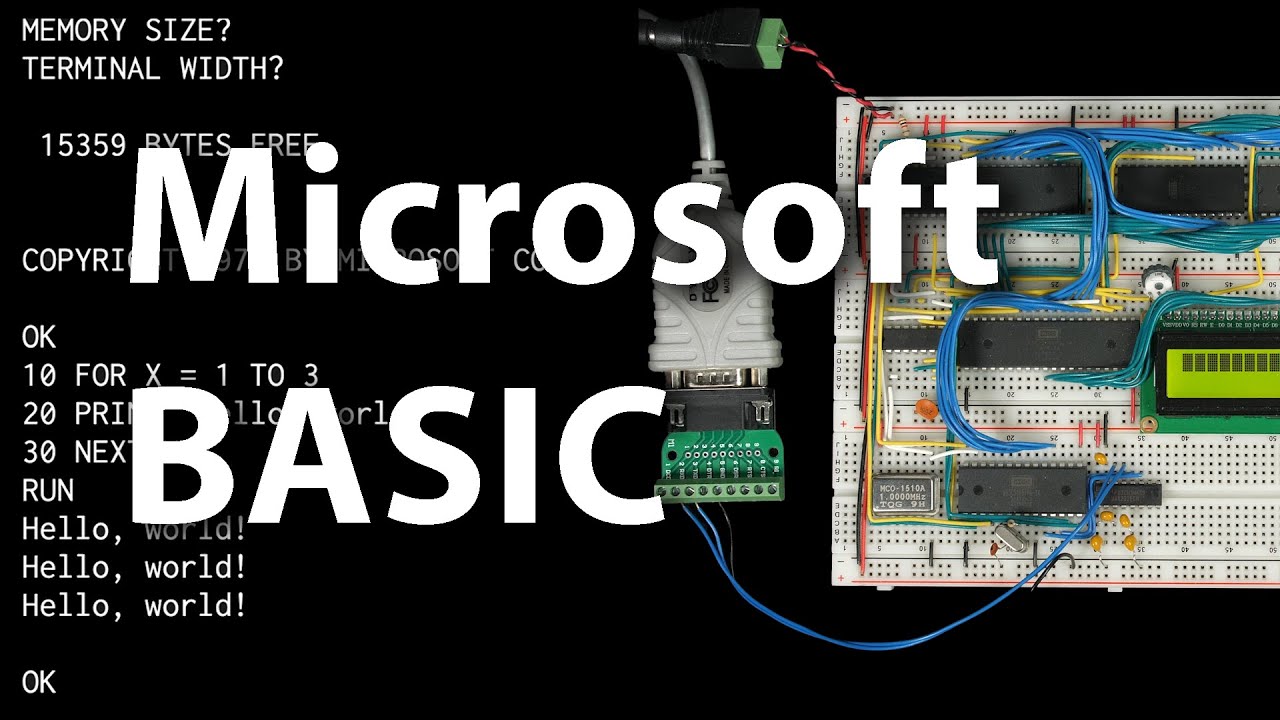
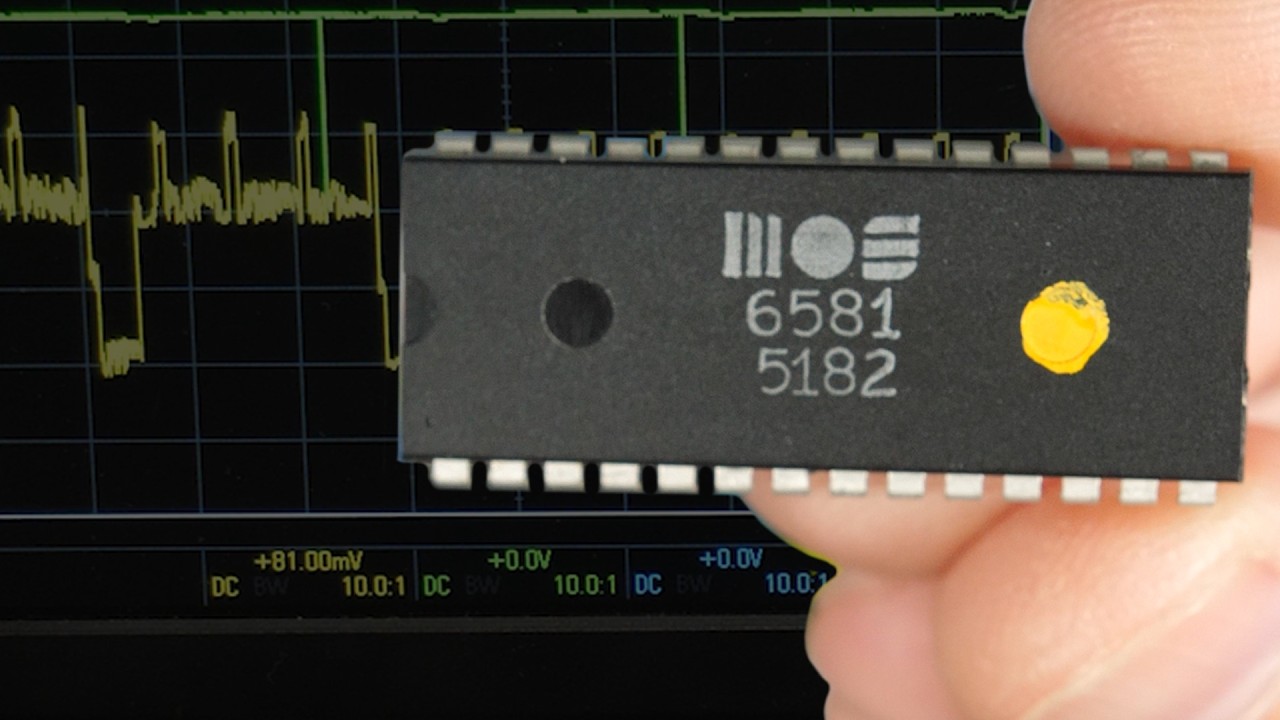
so I've got Microsoft basic running on my homemade breadboard computer and that means I can try out some longer programs but I found that even if I take a simple program like this and just try to copy and paste it into the terminal program it gets garbled and of course if I try and run this I get a syntax error the problem is the computer is taking too long to process each character and so it's missing some of them if we look at this garbled mess that we uh got here when we tried to paste that program in it actually matches the text we pasted in but it's skipping lots of characters because it's busy processing one character while several more characters come in so it's only catching some of the characters now I can work around this problem with this terminal program which lets me configure pacing so I can have it put in a 20 millisecond delay between characters and that'll give the computer enough time to process each character that I'm pasting in so now when I paste that program in you can see it sort of types it more slowly and it all makes it in so I can list the program there it is I can run it and of course it works but of course I'd like the computer to be able to accept input as quickly as possible without having to artificially slow down the rate that I type or paste it in and without it ever missing a character and an effective way to do that is to use interrupts so when a new character comes in it'll trigger an interrupt so the CPU will stop whatever it's doing and read that character now conveniently the uart we're using the 6551 can generate interrupts so here's the data sheet for the 6551 and it talks about interrupt logic here and it says the interrupt logic will cause the irq line to go low when conditions are met that require the attention of the microprocessor uh what sort of conditions is it talking about well it lists a bunch of different conv conditions including uh receiver data register full and that's what we want when a new character comes in it gets sent over the serial connection one bit at a time and when all of the bits have been received the receiver data register will be full and so this chip can generate an interrupt which we can use to have the microprocessor read that data register and put it in memory right away before another character comes in and so to enable those interrupts we need to set this bit one here in the command register to zero to enable the interrupt requests so if we look at our code the beginning of wasma on is where the command register is initialized so right here we're setting it to 8B if we flip bit one off that'll make it 89 and that'll enable interrupts when we receive a character so now when this chip receives a complete character from the serial interface it'll bring uh pin 26 low so I'll connect pin 26 here to pin 4 on the 6502 microprocessor so that when that goes low it'll trigger an interrupt and the microprocessor will stop what it's doing and run our interrupt code and for now I'll disconnect the interrupt signal coming from the versal interface adapter since we're not going to be using that for the moment and then also this interrupt line from the 6551 is an open drain output meaning it's going to pull that line low when an interrupt occurs but otherwise it'll be floating so to keep it high normally I'll add a pull-up resistor here and the value is not that important I think this is a 1K resistor but most anything will do so now when that interrupt happens let's look at our bios code it's going to jump to whatever address we have here for our irq Vector right now it's just a bogus address but we can write WR some code for our interrupt request Handler I'll add a label for the interrupt request Handler and to start with it'll just return from the interrupt then I can set the irq vector to point to that label and so now whenever we receive a character it'll run whatever code uh we put up here in our interupt request Handler so what do we want it to do well we want to take the character that was received and put it in memory somewhere and it doesn't really matter where as long as we can keep track of it so we might have a pointer telling us where to write a character to memory a write pointer and you know let's say that pointer is pointing at address 7 so when we receive a character we can write it to memory at address seven and increment the right pointer to eight which is where the next character will go and then when whatever software is running wants to read a character from the user rather than reading it directly it'll use a second pointer that says what address in the buffer to read the next character from so that's our read pointer in this case the read pointer says to read the character from address 7 so the software reads H from memory as the next character typed and increments the read pointer so now the read pointer and right pointer are equal to each other in this case they're both pointing to eight and so the software can tell there are no more characters that have been typed but now if the user starts typing really fast and the software isn't ready each character can be quickly written to memory at the next available spot pointed to by the right pointer then whenever the software is able to catch up it'll grab the next character at the address stored in the read pointer uh incrementing at each time to keep track and so this allows the user's typing to be disconnected from whenever the software is ready for the next character and this sort of buffer is referred to as a circular buffer because you know it's a fixed size but when the pointers get to the end here they just wrap around to the beginning so in this case if the pointer is a 4-bit value when it gets to F and we increment it that 4-bit value will just overflow and it'll wrap back around to zero one and so forth and then it just keeps going you know so as long as the buffer is big enough and the input's not coming in so rapidly that the right pointer overtakes the read pointer

Segment 2 (05:00 - 10:00)

this will work perfectly so to implement something like that we'll need to set aside some space in memory now we need a read pointer so I'll reserve one bite for that and we also need a right pointer and both of these are one BTE so each of them can count up to 255 and then when we increment it again it'll wrap back around a zero so that'll work perfectly if we make our input buffer 256 bytes long so for the input buffer I'll Reserve 256 bytes and 256 is 1 hex now we have to think about where in memory we're going to put these variables so for the one by variables the zero page is a good place since accessing it there is going to be a little bit faster though I guess space is somewhat limited then for the buffer since it's larger uh we'll just put it in its own memory segment now for the zero page you know Microsoft basic is already using the zero page for a bunch of stuff if we look at our custom defines that we set up in the last video where we got basic running we had to Define these zp start variables to tell it where to put stuff in the zero page and I think the easiest way to add two more bytes to the zero page without conflicting with anything here is to add a zp start zero at the beginning starting at address zero and since we just need room for two bytes the read pointer and right pointer I'll just nudge the rest of these zp start addresses by two so instead of zero this will be two instead of a this will be C instead of 60 this will be 62 and instead of 6B this will be 6 D so that gives us two bytes free starting at zp start zero so then I can go back to our bios file and add an org statement to explicitly put these two bytes in that space we just freed up then we've got the input buffer and that's going into its own segment memory so we can configure where that goes in the Linker config so I'll add the segment here so this is the input buffer segment we'll load it into the input buffer memory location and it's read write then we need to define the memory location for it so it'll be the input buffer location and it'll start at address 030 which I believe is currently not used for anything else the size is 0 1 0 or 256 bytes the type is read right and the file is going to be blank since we don't want to write this to the ROM file since it's just going to be in Ram only okay so now we should have memory reserved in a reasonable place for these variables now we can use them so I'm going to define a couple subes for working with our circular buffer so I'll just go down here and first to initialize the buffer before we do anything else we want to make sure the read pointer and right pointer are both pointing to the same place so we'll put a zero in the a register and store that to both the read pointer and to the right pointer and then return from the subar tetin and you know actually since this is a circular buffer it doesn't really matter where we start there's nothing special about starting both of these pointers at zero so you know we could save a couple bytes by getting rid of this load a and then loading a with whatever random value happens to be in the read pointer and that'll still initialize the buffer to be empty since it sets the pointers to be equal to each other now I can write a sub rtin to write a new character to the buffer and so when this sub rtin gets called we'll assume the new character is in the a register so I'll start by loading the current right pointer into the X register and then we can store the character from the a register into the input buffer at offset X so if the right pointer happened to be seven now there's a seven in the X register and we're putting our new character into memory at the address of input buffer which is 030 0 plus X gives us 0307 then we want to increment the right pointer so we'll say increment right pointer and we can return from the sub routine so that'll write a character to the circular buffer next I'll write a sub routine that'll read the next character out of the circular buffer and return it in the a register this would be very similar except now we're putting the read pointer into the X register then we can load the a register with whatever is in the input buffer at offset X so again if the read pointer is 7even we'll put whatever character is in memory at address 0307 into the a register and then we'll increment the read pointer so increment read pointer and return from the sub rtin with the character now in the a reg now as we write these sub routines it's useful to document what registers they modify so we don't get surprised by any side effects of you know modifying for example the X register unexpectedly so the init sub routine modifies the processor flags as well as the a register because we're loading the a register with the read pointer and writing that to the right pointer the right buffer sub routine is modifying the processor flags as well as the X register and then the read buffer sub routine is modifying the processor flags as well as the a register because it's returning the value in a and the X

Segment 3 (10:00 - 15:00)

register finally I'll write one more sub routine that computes how many bytes are in the buffer so that is how many have been written to the buffer but not yet read so we'll start with the right pointer and basically we're just going to subtract the read pointer from it so we'll set the carry bit and then subtract with carry the read pointer and you know setting the carry bid and doing a Subtract with carry will basically give us the difference of the right pointer minus the read pointer and it'll wrap around correctly with our circular buffer so this ought to just work that leaves the difference in the a register so now we can just return from sub routine and this one just modifies the flags and of course the a register so those are all the sub routines we need for a circular buffer um so now let's start using them you the first one we need to call is anit buffer and we want to call that as soon as the computer is powered on or reset and of course whenever that happens the computer is going to jump to whatever code is pointed to by the reset Vector down here and in our case that's over in Wason and so here's that reset label and so this is the code the computer runs as soon as it's reset and so pretty much right away we want to jump sub routine to anit buffer and so I'll put that here um right before the clear interrupt disable so that once we do that any interrupts come in the buffer will already be initialized and so now we can write the interrupt Handler to process each incoming character and basically all we're looking to do here is load the character into the a register then write that character to the input buffer using the right buffer subroutine and that's basically it but we do need to do a couple other things since we're modifying the a register with this load a we need to push it onto the stack before we begin and then pull it off the stack before returning because the interrupt Handler is expected to leave all of the registers other than Flags uh the way it found them and then another gotcha is that the right buffer sub routine that we're calling here modifies the xre register and that was sort of this note here modifies the flags and the X register so we also need to save the X register and restore it before we return and then finally you know the way the interrupt works is that when a character arrives the UR is going to pull the interrupt request line low which causes the processor to pause whatever it's doing and run this interrupt Handler but if we don't acknowledge the interrupt the art will just keep that irq line low and as soon as we exit the Handler here it'll immediately run again and we'll be stuck in an infinite Loop just running this interrupt Handler forever and so we actually have to do something to acknowledge the interrupt and the way that we do that is simply reading the status register so just by like this into the a register that that's enough to cause the UR to know that we're we've handled the interrupt and then it'll bring the irq line back high again until the next character arrives now in theory we could check the status register here to confirm that the interrupt actually came from the art uh but since it's the only thing we've got you know physically connected to the arq line we can just assume that the only thing that can cause interrupts is incoming data now if we did have other things that could cause interrupts then we would actually have to look at this status um and potentially look at other uh potential causes of interrupts you know make sure we're handling interrupt from the correct place but for now this will do is our interrupt Handler and I think if you actually look at how long this interrupt Handler will take if you actually look at how many instruction or how many clock cycles each of these instructions takes as well as you know the instructions in this right buffer sub routine it turns out to be around I think 60 clock Cycles or so somewhere in that range which you know a 1 MHz clock like we have is going to take 60 micros to handle an interrupt whereas at you know 19. 2 kilobits per second with a start bit in a stop bit it's going to take 520 microsc to receive each character so 520 microseconds to receive a character only 60 micros in this interrupt to process it so even if we're pasting in a block of characters all at once the computer is only going to spend about 10% of its time in this interrupt Handler and so now we've got input being handled by the interrupt Handler here and going into our circular buffer so now we need to modify the input routine to fetch characters from the input buffer rather than directly from the uart so here's our character in sub routine so it started out by checking the status register of the uart seeing if a new character had arrived and if not branching down to the no key pressed here what we can do is replace this with a call to the buffer size sub routine which will return the number of unprocessed characters in The buffer so here if there are no new characters this will return a zero in the a register and the zero flag will be set so in that case this Branch will actually be taken no key pressed if there's nothing in the buffer otherwise if there are characters in The buffer to read it'll drop down here and now instead of loading data from the uart into the a register we can just call read buffer and that'll put the next character from the buffer into the a register and that's basically it

Segment 4 (15:00 - 20:00)

except again we need to be careful because this read buffer sub routine modifies the X register so we need to acknowledge that the we're changing the way this read sub routine Works um by noting here that it's going to change the X register but you know this sub routine is called a lot of places like from within Microsoft basic and that's not really the expectation that basic has you know it makes sense that it's modifying the a register because it's returning the uh the whole point of here is to input a character into the a register but it doesn't really make sense for this sub routine to modify X so instead we'll uh push X onto the stack here and then make sure we pull it back off the stack before returning and that should pretty much be it so as long as everything's using this input routine the interrupt Handler is going to put all new input into the buffer and this routine will read it out so now Microsoft basic is already using this um but Wason is still interacting directly with the hardware so let's change that so let's switch over to wmon and let's find where it's reading characters and so here's where won is reading a character directly from the hardware and this should look somewhat familiar this is what we were just kind of looking at for reading a new character from the hardware but we can just get rid of all this and just call our character in sub routine and that'll read in a new character from the buffer and if there is no new character that's been typed then this sube is going to return with the carry flag clear so we can Branch if carry clear back to next care to just sit in a loop here and keep calling character in until we get some kind of input so that actually simplifies this a bit since it doesn't have to interact directly with the hardware anymore and also since um character in already Echoes the character back we can get rid of this line here to Echo and so now everything should be using our new interrupt driven buffered input routines so let's give it a try I'll save everything and get out and run make and then write the eprom image it creates using mini proo we're programming a 28 c256 eom we want to unprotect it before we write and then protect it after writing and we're writing the temp eater. bin file to it so there it goes success so I'll put that eom back in the computer and reset and well that's kind of weird it's just sort of scrolling off the screen I reset again here all right so if I type 8 Z what it's like it's repeating each character that I type sort of sporadically if I hit enter weird so I think what's going on is we're getting extra interrupts and you know the only thing that can cause interrupts is the uart because that's the only thing that's connected to the interrupt line but if we look at the uart data sheet the description here of interrupt logic says that the conditions which can cause an interrupt will set bit seven and the appropriate bit of bits 3 through six in the status register so bits five and six correspond to data carrier detect logic and data set ready logic with bit three corresponding to receiver data register full and so these are the conditions that can cause an interrupt request you we only care about the receiver data register full so I guess this assumption about the only source of interrupts being incoming data isn't right yeah so maybe we need to actually check this status register to verify that the cause of the interrupt really was incoming data but really I didn't expect DCd or DSR to be doing anything at all since we're not currently using them you know those are pins 16 and 17 here and well actually right now they're not connected to anything so maybe because they're just left floating like this they're causing sparus interrupts let's actually just connect both of them to ground to see if that stops the extra interrupts from happening there's DCd and DSR and that actually seems to have maybe worked it's stopped it anyway and it looks like I can type and yeah Wason seems to be working so let's run basic all right basic seems to be running so far so good let's try copy pasting that program in again oh well it's still doing it slowly but I guess it at least it seems to still work but let's get rid of the pacing here so we can see our buffer do its thing so I'll clear out the program nothing there paste it in boom there it is nice much faster so that's a huge Improvement we can send data as fast as the hardware will allow and we're guaranteed not to miss anything unlike before however there is still a limitation um which is that the buffer is only 256 bytes so if we tried pasting a larger block of text you know significantly more than 256 bytes at a time we could overrun the program so we take this program here paste that in this case you can see we overran the buffer um that is the right pointer caught up to the read pointer and lapped it so we lost data now fortunately there

Segment 5 (20:00 - 20:00)

is still a way to fix that but that's going to have to wait for the next video in the meantime I want to thank all my patrons who help make these videos possible you know everyone who contributes on patreon gets Early Access to these videos at least a few days before they're released publicly and all the contributions of course help give me the time to make these videos so thank you

Другие видео автора — Ben Eater

Ctrl+V

Экстракт Знаний в Telegram

Экстракты и дистилляты из лучших YouTube-каналов — сразу после публикации.

Подписаться

Дайджест Экстрактов

Лучшие методички за неделю — каждый понедельник