Adapting WozMon for the breadboard 6502

Adapting WozMon for the breadboard 6502

Machine-readable: Markdown · JSON API · Site index

Поделиться Telegram VK Бот
Транскрипт Скачать .md
Анализ с AI

Оглавление (4 сегментов)

Segment 1 (00:00 - 05:00)

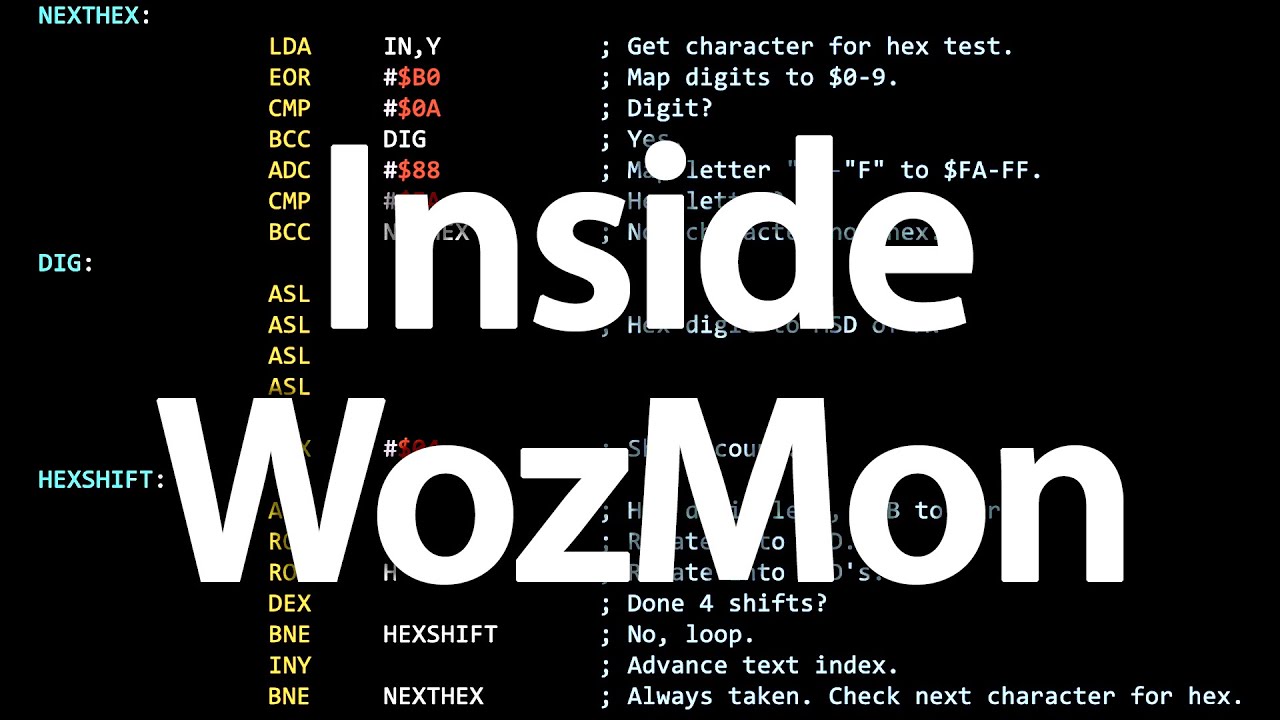
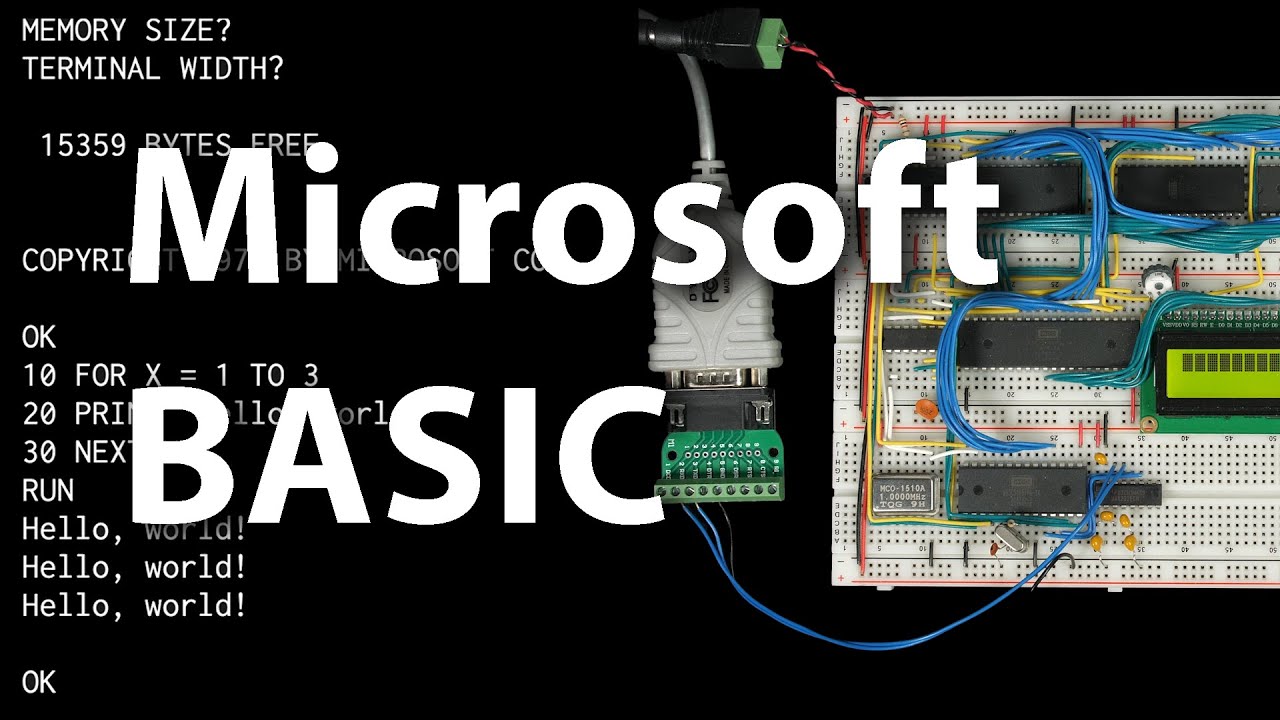
I recently made a video where I walked through the entire assembly code for the ROM monitor in the apple one computer written by Steve Wozniak and I want to do a brief follow-up where I'll walk through what I had to change in this in order to get it to run and work on my 6502 breadboard computer here and of course if you want to build your own 6502 brand more computer check out eater. net 6502 for more details on that but an obvious difference between my computer and the apple one is I'm using a Serial uart interface for input and output and so this Hardware at d010 through d013 doesn't exist on my computer instead I've got the 6551 serial asynchronous communication interface adapter and it's got its data register at address 5000. and the status register is at address 5001 the command register is five zero two and a control register at five zero three and of course this works differently than the keyboard and display on the apple one so at the very least we're gonna have to change the input and output routines so let's start by looking at the Apple One input routine this is basically these four lines here the first three lines are a loop that it sits in until there's a key ready from the keyboard and then this line reads the key from the keyboard into the a register so we want to change these lines to wait for a character from the serial interface so we can start by getting the asynchronous communication interface adapter status to see if there's anything in the receipt buffer and then if we look at the data sheet for that status register the receiver data register full is bit three now this was using brand shift positive to check bit 7. but in order to check bit three we're going to have to end it by zero eight and zero eight hex corresponds to just bit three being set so bit three were set and we end it with 0 8 we're going to get zero eight if bit 3 is not set and we end it with zero eight then we're going to get zero and so in that case we can change this Branch to a branch equal which means Branch if the result was zero and that'll keep us in this Loop until the character is ready then when we drop out of this Loop a character will be ready and so we can load that from the serial uart data register so that replaces the input routine from the original Osmond but note that we added a two byte instruction here this and zero eight is two bytes and you know my goal here is to keep the entire wasmon within a 256 byte address block you know thankfully woz did leave two bytes unused but now we've just added two bytes so from now on we need to be careful not to make any more changes that add code or if we do we need to find some other code that we can remove so that's the input routine but you know another difference with the Apple One keyboard is that Hardware gives ASCII key codes but with bit7 set whereas the serial interface that I'm using just gives normal ASCII key codes with bit7 clear so this common comment here it says bit 7 should be one well now it's going to be a zero and so the rest of wasmon actually assumes that bit 7 is always going to be set so we're going to fix that somehow you know one approach would be that when we read in the key we could or it with eight zero hex to just always bit set bit 7 before adding that modified key code to the text buffer the problem with that is that you know now we're adding more instructions so I think to keep the code small it would be better to just change the rest of the code to just deal with the different character values that we're getting so let's do that starting at the top you know here it's looking for a backspace key as DF if we look at an ASCII table we can see that backspace is 0 8 hex so let's change that so 0 8 for backspace then we've got Escape here we can look here Escape is 1B in HEX so we'll change that to 1B then here it's echoing a backslash and so backslash is not DC it is let's see where is backslash is 5c and a lot of these the only thing that's changing is that top bit is no longer set for example carriage return is instead of 8D it's 0d you can look here Zero D is carriage return and if we keep going here's another character turn instead of 8B it'll be Zero D and we keep going here's another character turn instead of eight D it'll be Zero D and then we've got a DOT so instead of AE let's see dot is 2E change that to 2E then we get a colon instead of ba colon is 3A and then the letter r capital r set of D2 a capital R is going to be 5 2 change that to 5 2 and if we keep going yeah down here we've got another carriage return instead of 8D that's 0d and another colon instead of ba that's 3A and then here's a blank or a space

Segment 2 (05:00 - 10:00)

which space is 2 0 instead of a0 change that to 2 0. and I think that might be it yeah I think that's all of the hard-coded character codes that are in here but there are a couple other places that manipulate ASCII values like if we go back up here to where it's parsing a typed in HEX value right here and you can check out my last video for more details about how this whole thing works but here where it's xoring the character that it read in by b0 and for my last video we saw what that does it takes the character code that's entered and it basically zeros out those top bits but now of course the hex character whether it's a digit or a letter is already going to have that first bit set to zero so if we xor by three zero instead of e0 then we're going to get to the same step here and then the rest of this process will work the same as before so I'll just change this b0 to 3 0 and that's all we need to do to make the hex parsing work with normal ASCII and then it's going to be the same idea down here at the bottom where it's converting a byte back to hex characters so here rather than ordering it with b0 to set that top bit we want to order it with three zero and so by ordering a number with three zero that'll map a zero through nine to three zero through three nine to get the ASCII numbers and then to check if it's a you know a digit from you know zero through nine we want to check if it's less than 3A so instead of checking ba we'll change that to a 3A and then this offset of six is going to be the same you know to offset from a you know a 10 or whatever up to a that's the same everything else is the same so we've updated the input routine we've updated everything else to handle characters as normal ASCII characters so now let's update the output routine and that's right here this Echo subroutine and so you can see these first three lines here the apple one is waiting for the display to be ready and then it just outputs whatever is in the a register and so we're going to do something similar you know we'll output whatever's in the a register to the serial uarts data register so that it will transmit it and then once we output the character we'll have to wait for the character to get sent and you know in theory we could check the status register to see when it's done but as I discussed in a previous video there's a bug or has the data sheet puts it this feature Works different from earlier designs so instead we need to use a delay Loop here for the delay Loop I'll initialize the a register to FF then decrement a each time through the loop and loop until a gets to zero and the loop will just go back up here and you know since we're using a register here we want to put it back to the way we found it so we should push it onto the stack at the beginning of the subroutine and then pull it off the stack before returning from the subroutine so that's the updated Echo routine and if you're keeping track this Echo subroutine is now two bytes longer than when we started so that makes the entire thing four bytes longer and you know while has only left two bytes unused so hopefully we can make it up somewhere else but fortunately we can you know we've updated the input and output routines but we haven't actually added any code to initialize the serial interface yet so if we go up to the top here there's this reset code which on the Apple One initializes the keyboard and display here and so we can replace all this code with code to initialize the serial interface yeah I've covered this in previous videos but basically we just need to set up the control and command registers so I'll load onef into the a register and store that to the control register and so that sets the uart up for 19. 2 kilobits per second eight data bits and one stop bit then I'll load 0b into the a register and store that to the command register that sets it for no parity no Echo and no interrupts and so that's all we need to do to initialize the serial interface and so far this reset code is actually uh three bytes shorter than the original so that brings the total for the whole file to just one byte longer than the original but there's a problem so if you watched my previous video you may recall that this get line process down here has kind of a weird dependency on the reset code so when it first resets and it drops through this reset routine and goes into this code here the original code expected the reset code to leave a 7f in the Y register that way

Segment 3 (10:00 - 15:00)

um when it increments y here it would overflow and then just drop into the Escape routine which prints a backslash and then initializes everything but now if you look at our reset code we're not leaving anything in the Y register so that won't work now we could just separately load y with 7f but that adds two more bytes to the code so that's not ideal before it just happened to be that one of the values the Apple One used to initialize the display was 7f but neither of these values here are 7f so that's kind of inconvenient but if we look at the code here you know increments Y and then it does this Branch if Y is positive so really you know any value 7f or higher would fall through this code so if we were using some value up here that's you know 7f or greater we could put that in the Y register maybe but neither of these values is greater than 7f but you know maybe we can contrive one of them to be greater than 7f you know or in other words you know let's see what it would take for one of these values or what it would mean to have the top bit set so let's look at this first one for the control register so here's the control register and the top bit is the stop bit number or number of stop bits I guess right now we've got it set to zero for One Stop bit and you know we could change it to two stop bits but I really prefer not to have to do that you know One Stop bit is more common and I prefer not to add that constraint if we don't have to but I guess if we had to we could do that we could change our serial protocol to use two stop bits but what about this one here's the command register which right now we're setting to zero B well if we look at the command register bit 7 is PMC one which is uh parity mode control and values where it's one it says use but no parity I'm not sure what that means let's take at the look at the description here on the next page so parity mode control bit six and seven it says parity should always be disabled so any combination of these bits is acceptable awesome so we can basically just set bit seven and it won't matter and that's just what we want so instead of zero B we can make this 8B and then instead of using the a register here we'll make this the Y register so we'll load that into Y and we'll store y to the command register so that'll leave 8B in the Y register so then when we get down here and increment Y for the first time it'll get incremented to 8C and then since that top bit is set this Branch if positive will not get taken and it'll fall through and execute the Escape routine and initialize everything else so that's perfect so we're properly initializing the serial interface we've updated the input routine we've updated the output routine we've updated everything else to use ASCII character encoding from a modern serial terminal well almost everything else there is actually one more issue we need to fix and that's this mode variable and this thing this mode variable is set based on the character codes for DOT and colon if you'll recall from the previous video and since those character codes are going to be different on my computer these mode values are going to be different and it really doesn't matter if they're different as long as the top two bits are the same because it's that bit test down here um wherever it was this bit test is what's differentiating uh you know what mode we're in and that bit test is just looking at bit 6 to determine whether we're in store mode and if not it's using bit 7 to differentiate between exam mode and block exam mode the rest of these bits don't matter at all so the exact values that we're using really aren't that critical as long as those top two bits are the same so here are the ASCII values for colon and Dot just so we can see what we're working with and when we encounter a colon that means we're trying to store a value in memory and for store mode we want a zero one in those top two bits so somehow we've got to get a zero one there and then for DOT that means we're examining a block of addresses so we want a one zero in those first two bits you know because we're in Block exam mode well if we shift the colon left one place we've got a zero one right here and so shifting it left we'll put a zero one in the first two places here and in fact that's already what the code does so here if we encounter a colon we Branch to set store and then set store does an arithmetic shift left and stores that as mode so that'll work just fine so we're shifting this 0 1 to the left and we get the zero one where we need it for that to work so that's fine for colon but how about dot well for DOT we've got a zero one here if we can shift it left twice then that'll work so let's try that so right now we check for a DOT if it's less than dot so it's a blank or comma or something and then we go up to blank skip but if it's equal to a DOT here then we're jumping up to set mode and we're just storing that dot as mode well that's not going to work because that'll set the mode with the top two bits as zero but we could add another shift left up and jump here instead so I'll change this so if it equals a DOT then we'll jump to set block

Segment 4 (15:00 - 16:00)

so if it equals a DOT we come up here to set block it'll shift left then shift left again and then store that as mode so it's taking the dot shifting left twice and that's leaving a one zero here in the top two bits but that should fix the mode so it's zero for uh examine mode but now it's 7 4 for store mode actually I think it was always seven four and this was a typo in the original but now it ends up being B8 for Block examine mode and that's new but it'll work however we did end up adding one instruction this uh this extra shift left instruction and that brings the total to two bytes longer than the original but fortunately was left two bytes unused which was very thoughtful of them so this will work just fine and you know of course there's you know probably lots of other ways to do this um but you know I should mention one other constraint that I was trying for was to keep the beginning of the echo routine down here so right here this Echo routine trying to keep that at address ffef in memory because in the Apple One manual there's this test program that assumes that jumping to a subroutine at ffef will print a character and I wanted this thing to work so here's that program it's got ffef embedded in it and you know with the modifications that I just went through in this video this program still works so anyhow I hopefully you found all that interesting I think this will probably be the last video I do on wasmon for a while but as always I'd like to thank my patrons for making these videos possible so thank you

Другие видео автора — Ben Eater

Ctrl+V

Экстракт Знаний в Telegram

Экстракты и дистилляты из лучших YouTube-каналов — сразу после публикации.

Подписаться

Дайджест Экстрактов

Лучшие методички за неделю — каждый понедельник