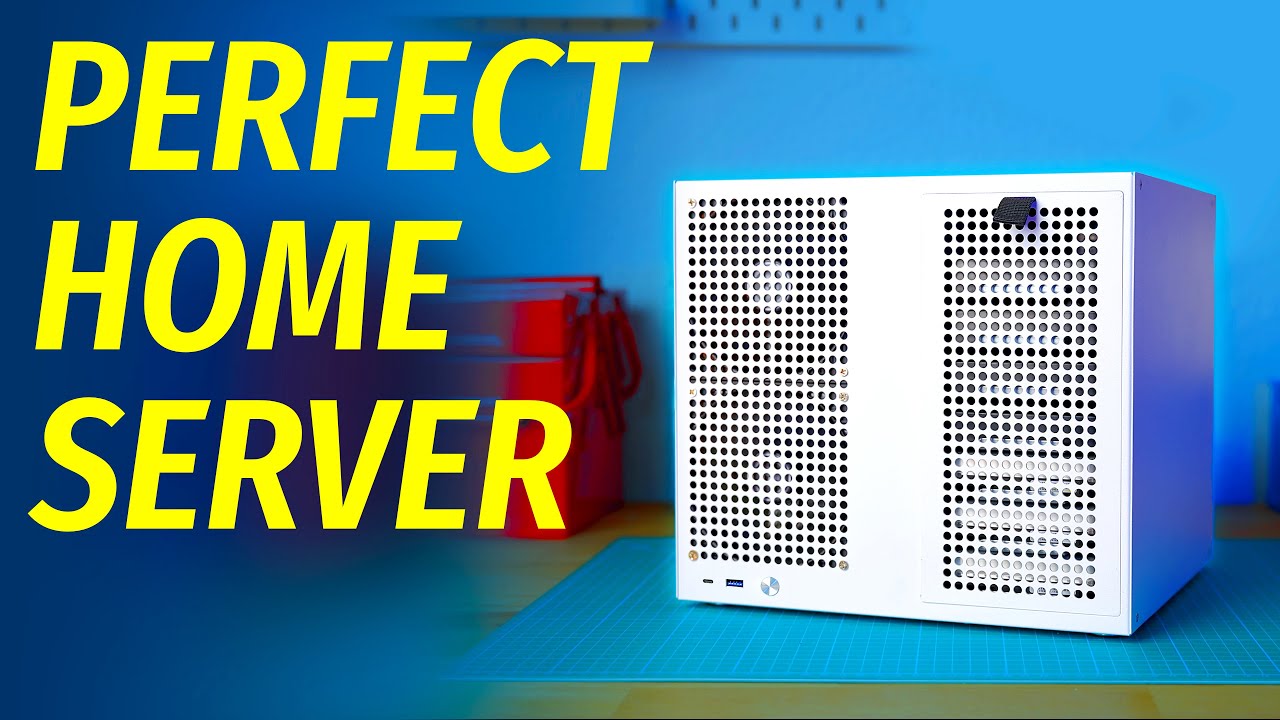
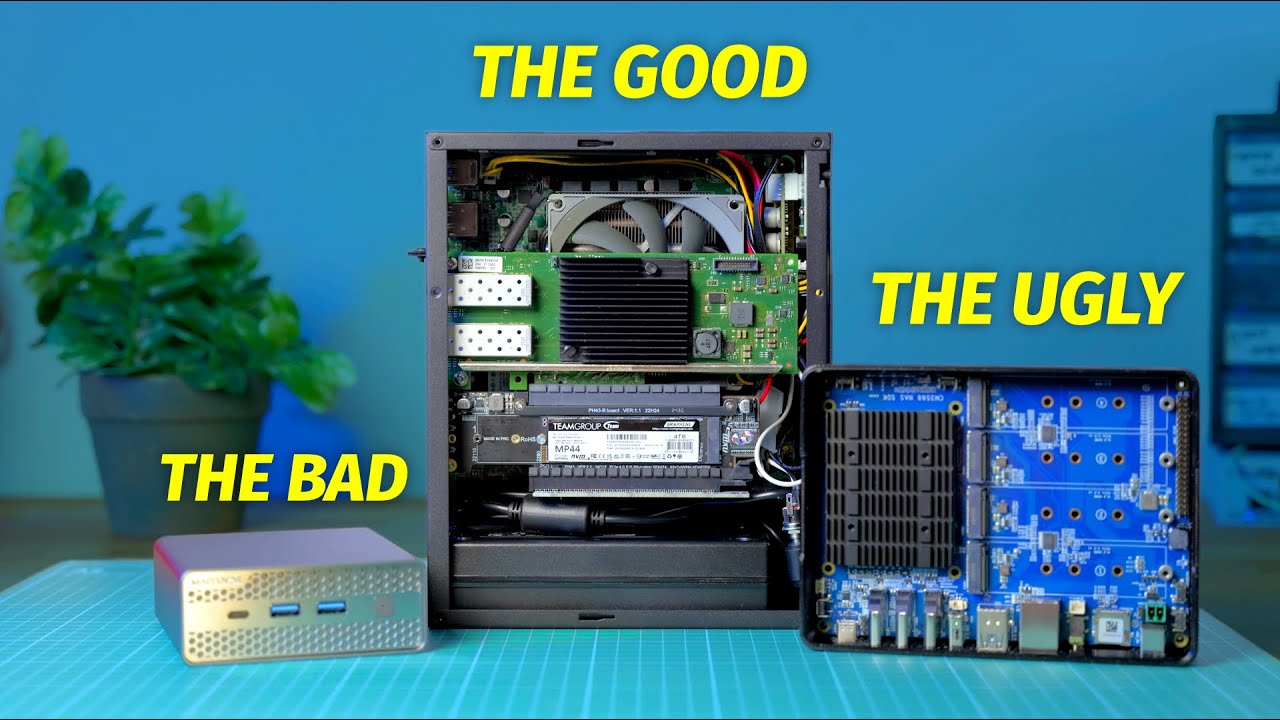
Building a home server right now is probably one of the worst financial decisions you can make. The RAM prices are out of control and DDR5 for example, costs almost double as much as it did three months ago. SSD prices, also out of control. I guess we have our AI overlords to thank for that. Hard drives, well, you guessed it. Also very, very expensive and overpriced. Now back in the peak crypto mining slash COVID era, GPUs were also very expensive and hard to buy even at overinflated prices. So a very common trick that people did was buying a pre-built PC with a GPU already installed and basically pull the GPU out and sell the rest for parts. That worked because the OEMs, so the companies that build those PCs, have different channels of distributions than us mere mortals who have to buy separate GPUs. So considering that, one of the best ways to avoid the price craze of SSDs and RAM is probably just to buy a PC with RAM and SSD already pre-installed. So that's what I did. I found this office PC on eBay. It's based on a Ryzen 5 Pro 5650G, comes with 16 gigs of RAM and a 512 gig SSD, and it also comes with the most important part for a home server, a DVD drive. And it only cost me 360 euros. And sure, it's not a super fancy small form-factor NAS-specific build with hot swap SSD bays, the wife approval factor is basically zero, or maybe in the negative actually. But at least you can actually buy it, unlike my previous home server build. And no, I'm not saying go buy this specific pre-built PC from Terra on your local eBay, chances are you won't be able to find it. But that being said, a used office PC is a great choice for building a home server, without breaking a bank, relying on super sketchy obscure parts from AliExpress, or maybe finding a once in a lifetime super lucky deal. Still, if buying a used home server in these trying times doesn't entice you, there is another alternative. And that is not buying a home server at all, and instead renting a cloud server from today's sponsor, Hostinger. Hostinger is a VPS hosting provider that offers virtual cloud servers with NVMe storage, AMD EPYC processors, as well as advanced features like free weekly backups, firewall management and an in-house AI assistant powered by MCP. You can rent this server in any of the worldwide data centers in Germany, Singapore, Brazil, France and many other locations. So no matter where in the world you want your server, chances are Hostinger's got a data center in that place. Aside from images for all the popular Linux distros like Ubuntu, Debian or Rocky Linux, Hostinger also offers one-click deployment for apps like Olama, N8n, Nextcloud, GitLab and many others. Right now, Hostinger is running a Black Friday sale, which is gonna last until December 15th, 2025. For instance, you can get a KVM2 server with 8 gigs of RAM and 100 gigs of NVMe storage for just $5. 99 a month, provided you pay for 2 years in advance. So go ahead and get your VPS today. Visit hostinger. com/wolfgang and get 10% off all yearly VPS plans on top of the sale pricing. So thank you Hostinger for sponsoring today's video and now let's get back to your home server. Now this particular used machine is, in my opinion, the perfect base for building a storage-focused home server. And yes, that's like the third time I've shown an AM4 Ryzen build in the class, but there's a reason for that. AM4 is a legacy platform, which means that parts are cheap and plentiful in the used market. The majority of Ryzen CPUs and motherboards support ECC memory, but the Pro Series APUs go even further than that. Not only do they come with ECC support, as you can see here, but they're also based on a monolithic design instead of chiplet, which makes them more power efficient at the same-ish performance, and even at idle. As a bonus, the Ryzen APUs also come with integrated graphics that supports hardware video transcoding in Jellyfin And you also won't need a separate GPU to install the OS. Now in terms of video transcoding, the integrated GPU in those things is not as powerful as the Intel one, but it does work pretty well for a single-stream 4K HEVC HDR. As you can see, we get about 27 FPS when transcoding this movie in Jellyfin. The catch is that the Pro Series APUs were only sold to OEMs. Now you can find them sold separately by resellers, but these are usually overpriced. So for the Pro Series APUs, it almost always makes sense to go with a pre-built PC that has one installed. Keep in mind that 3rd gen and older APUs are based on Zen 1 and Zen Plus architectures. And they also unfortunately suffer from the C-State bug, which would basically force you to disable these C-States entirely, or suffer from crashes and instabilities. That also applies to 2nd gen and older non-G CPUs, because AMD's naming scheme is great and consistent. So the particular chips to look for are 4350G, 4650G, 5350G, 5650G and 5750G.
Segment 2 (05:00 - 10:00)
When it comes to the motherboard, this PC has an Asus B550 motherboard, which does support ECC memory. Personally, I haven't yet seen an Asus, ASRock or Gigabyte motherboard that wouldn't support ECC. But MSI for instance is notorious for not supporting ECC on their motherboards at all. Another point is that even though the Ryzen CPUs and Pro Series APUs do support ECC memory, we're talking about unregistered ECC memory or U-DIMM ECC. Unfortunately, they don't support server-specific R-DIMM or registered memory, which is cheap and plentiful in the used market. U-DIMM ECC on the other hand is actually more rare and more expensive than regular non-ECC memory, which as you remember is kind of expensive on its own right now. And unfortunately, this particular PC comes with non-ECC memory, and chances are the one you find at your local marketplace will too. However, non-ECC memory is still better than no memory at all, and this should at least let you survive the RAMpocalypse with a functioning home server. Now if you absolutely require tons of cheap ECC memory, you should look at the used EPYC or Xeon CPUs and motherboard combos. Embedded CPUs are especially good and cheap, but keep in mind that those older embedded server platforms are both more power-hungry and less performant than consumer systems. But if you really don't care about power efficiency, you can look at older rack servers. Now coming back to our Ryzen systems, Pro Series APUs are pretty much the Goldilocks. They have ECC support, they have integrated GPUs, and they're pretty power efficient. But they're also pretty rare, so what if you can't find one? Well that depends on which aspect of this Goldilocks equation you're ready to compromise on. If ECC is a must and if you don't care about hardware video transcoding, the non-G Series CPUs are the way to go. Everything starting from 3rd gen should be good enough, but beware the Ryzen 5 5500. This is a monolith design CPU and it doesn't support ECC. You'll also need a dedicated GPU for initial setup and for remote access with something like PiKVM, so that will also increase power consumption. Speaking of power, the non-G Series CPUs consume more power than their G Series counterparts. The difference is somewhere between 5 and 25 watts depending on a scenario which isn't the end of the world, but depending on how much you pay for electricity and how many hours a day your server is on, you might actually feel the difference. Now if on the other hand you do want an integrated GPU, and if you don't care as much about ECC, you should look for used PCs with a non-Pro Series APU. These might be easier to find than the builds with a Pro chip. Here the 4th and 5th series chips are the ones without the aforementioned C-state bug, so chips like 4300G, 5600G and so on. Finally, if you can't find offers with relatively new Ryzen CPUs, you could opt for 1st and 2nd generation CPUs. Now you will have to disable C-states on these CPUs entirely, but at the same time, if you're not paying as much for electricity, you're getting a pretty solid home server platform with things like ECC support and PCIe bifurcation Beware that the memory controllers on Zen 1 and Zen Plus chips do tend to be a bit pickier about memory, so do your research. So, where do you even look for used PC like that? Well, in Germany, a lot of those decommissioned office PCs land on eBay. de. A lot of these are sold by businesses, which in the EU means a warranty and 14 days no question asked return policy. But some of them aren't, so when in doubt, look at the seller info on eBay and the return policy. Now, the easiest way to find what you're looking for is look for the specific CPU model. So, if you want a PC based on a Pro Series Ryzen APU, you would start with, for example, 4350G. As you can see, there are a few options from HP, which are actually pretty cheap, but they're also not great in my opinion. First of all, they have proprietary power supplies, so if you ever planned on adding a GPU, you're SOL. This PC in particular only has 3 SATA ports, and it can only fit 1 hard drive. I also wasn't able to find any information on ECC support, so I would assume that this PC doesn't support ECC. But if we scroll down a bit, we find this gem for 300 euros, which is a bog-standard ATX pre-built PC. Unfortunately, it also has an MSI motherboard, which as we already know is basically known for not supporting ECC at all. Apart from that, this one is also sold by an individual and not a business. Now, in Germany, even though individuals are not obligated to give you 14 days return and warranty, it's still forbidden to sell broken stuff under the guise of working stuff. But still, buying from a business does give you a bit more security in that regard. But let's continue our search with 5650G, and here we pretty much get the same HP pre-built with just a better CPU. 4350G is quad-core and 4650G is hexa-core. Now, whether it's worth the 50 euros extra, I don't think so.
Segment 3 (10:00 - 15:00)
Then we got this bundle, so motherboard plus CPU plus RAM plus SSD. Now, the price is actually great on this thing. You just have to add a random PC case from a dumpster and a power supply. Unfortunately, MSI. And once again, this one is sold by an individual. But then we hit a jackpot, a motherboard, RAM and CPU combo, including a beefy cooler, 32GB of RAM and an ASRock motherboard with 6 SATA ports. And this combo is sold by a business. They're also accepting price offers, so you can probably get it for like 250 to 255 euros. Then I looked for 5350G but found nothing. And 5650G yields actually almost the same PC as I have right here. But this one also comes with a graphics card for some reason. Unfortunately, it's a Radeon R7 360 with 2GB of RAM, so yeah. Personally, I think that this type of PC is the best. They usually don't have any proprietary parts. It's all ATX. So if you ever want to upgrade the power supply or install a GPU, you can do with no problem. Another tip for finding these pre-builds is adding E at the end. So for example, 4350GE. E basically stands for Eeeeelow power? E-series CPUs are capped at 35 watts instead of the usual 65 watts. Now, that does lower their peak performance, but depending on your use case, you might not care all that much about that. Mostly you're gonna find these 1L mini PCs from HP and Lenovo. Personally, I don't think they're a great option. There's zero expansion, so if you ever want to add a hard drive for a GPU, for LLMs or something, you can't, basically. Also, some time ago, Lenovo was caught basically vendor-locking CPUs to their pre-builds. You can never use them in any other system but Lenovo. Basically, the first time you boot the system with the CPU installed, it basically triggers a fuse in the CPU itself. So, maybe don't buy those. But what if you can't find any pre-builds with a Pro Series Ryzen APU? Well, you can try just looking for "office pc ryzen" and basically manually sifting the results. Most of them will have a Ryzen CPU without graphics and a super basic GPU. And this particular listing doesn't say which motherboard it has inside. But you can always ask. Just make sure it's not MSI. This one actually has a Ryzen APU, but it's a third-gen one. And as we know from the beginning, these suffer from the infamous C-State bug. And yeah, I wouldn't pay more than 400 euros for a system like that. Now, failing that, there's always Kleinanzeigen. de. Now, in your country, you might have OLX, you might have Facebook Marketplace, you might have Craigslist, but the idea is the same. It's an online marketplace where people get rid of their old junk. As you can see, we have the same system with the 4350G that we found on eBay, but for 4650G, there are a lot of listings. There's this listing with a motherboard, CPU and RAM combo, which is a pretty good offer. We also find this gem, which includes an Nvidia 1650, a monitor, a mouse, and a keyboard, all for 349 euros. There's this offer for 275 euros, but you guessed it, MSI. And yeah, quite a lot of these do have MSI boards, so do keep an eye out. 5350G and 5650G give us nothing. And 5750G also happens to be a model name for an ancient Acer laptop, so that's all we find. But yeah, that's my usual process for finding used hardware here in Germany. Now, if you're not blessed with the German used market you can technically buy a 4650G and a motherboard and AliExpress for around 220 euros, all in all. But it's a bit overpriced in my opinion. Still, if you already have a PC case, an SSD, some RAM and a power supply, maybe that could be an option for you. But what if you're like on an ultra low budget and only have less than $100 to spend? Well, and you're in luck, because with the death of Windows 10, there are now a ton of older Intel PCs that are being sold for pennies. And one specific CPU generation to look out for is the 7th gen, or Kaby Lake. Why this one? Well, it's one generation older than the oldest Intel CPU generation that is supported by Windows 11 or the 8th generation. 7th gen CPUs also feature Intel Graphics 630, which was a huge leap from the 6th generation's 530 I think? And this particular CPU is really good at hard-drive video transcoding in Jellifin and Plex, even better than much newer Ryzen APUs actually. And they also support stuff like VPP tone mapping and HEVC encoding and decoding. Finally, some 7th gen i3, Pentium and Celeron CPUs actually support ECC memory. And you can also find a C236 motherboard with ECC support for around 30 to 40 euros. This one from Intel has 9 SATA ports and 3 PCIe slots. The motherboard, by the way, might actually cost you more than the rest of the system. Because, yes, the 7th gen Intel-based pre-built PCs can be found for as little as 37 euros.
Segment 4 (15:00 - 16:00)
And when it comes to running costs, these chips are very power efficient at idle and semi-idle loads. Despite being almost 10 years old, this build on an i3-6100 and ASRock C236 board is still my most power efficient home server build. And with 5 hard drives connected in spin-down mode, this thing only draws 13 watts. Now you might say, this is a low-end old i3 chip from like 10 years ago. What good is it gonna do me now in a home server? Another one to say is that a lot of people underestimate those load chips while simultaneously overestimating how much power they actually need in a home server. My current home server is based on i3-9100, which isn't that far performance-wise from 7100. And here's a list of all the stuff that I'm running on this thing. Nextcloud, Vaultwarden, Jellyfin, Immich, the Arr Stack, Navidrome, Paperless and so on. Despite that, the typical average load on this machine is 0. something. So if you also just run a bunch of containers on your machine and maybe a couple of VMs, and don't do any intensive compute, the i3-7100 might just be enough for you. That's gonna be it for today's video, I hope you guys enjoyed it, and as usual, I would like to thank my patrons.