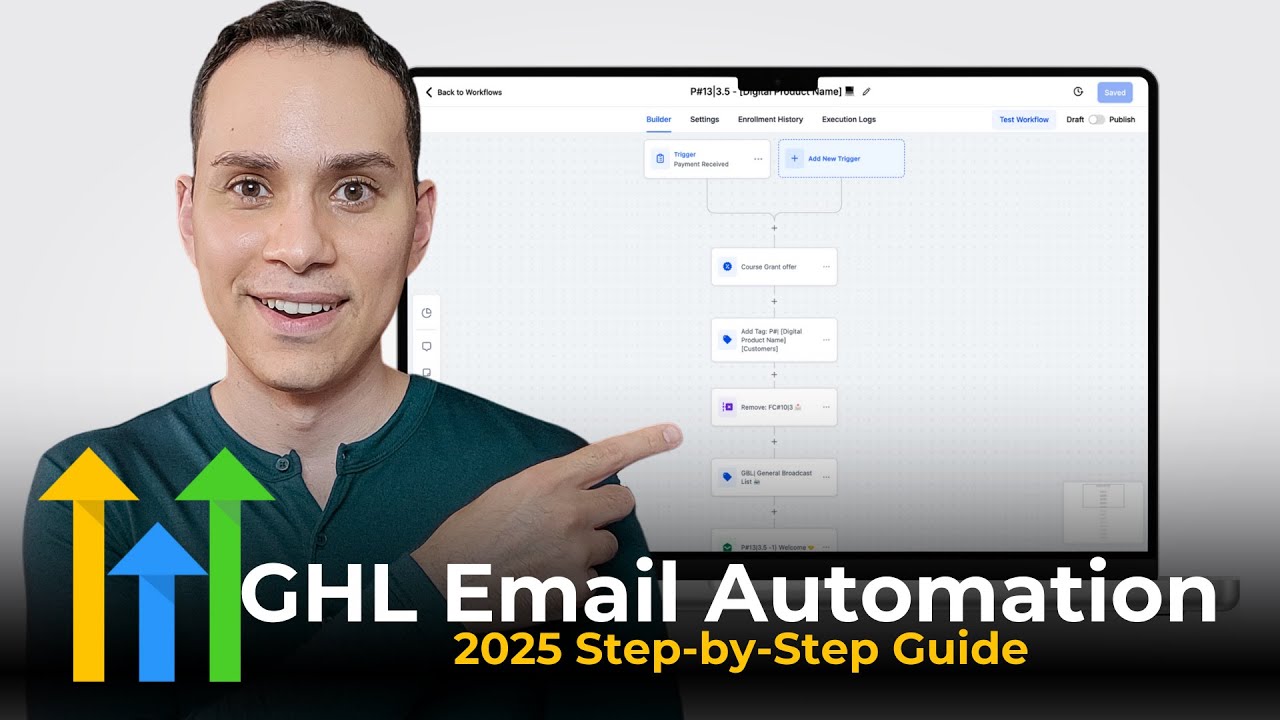
Here's a full breakdown of how to deliver and sell your first online course, plus two simple strategies that can literally double your revenue per customer with the same traffic you have now. Or if you're just getting started, then it's just going to increase your revenue out of the gate. Either way, these two strategies you definitely want to use. Hey, I'm Jason, faith-based entrepreneur. timestamps and resources below, including a link to today's sponsor, Go High Level, the best all-in-one marketing platform, especially if you want to sell digital products and courses. And when you sign up via our link, you get a 30-day free trial. You'll get bonus access instantly to our best performing funnel templates, a private community to ask me questions directly, along with a growing library of templates, tools, and AI agents to help you build and scale your business faster. Now, the strategy we're going to go through here is going to work with whatever software that you decide to use. I just happen to be a big fan of high level. So, first we're going to go through this strategy. I'll walk you through it and then we'll actually go through all of the different pages and how all of this can fit together irrespective of the software you decide to use. So, we'll start at the back here with your members portal. Obviously, this is going to be the private membership area where you deliver your course or digital products. I don't recommend sending digital products or courses via email. Give people a place to actually log in and it gives you the opportunity to actually offer your other products and services in the future if people get used to coming to your site. Now, of course, we need a way to sell your membership portal, and that's going to be through a sales page. We'll go through what that can look like. So whether you're doing a sales page or just a super basic checkout page, this is pretty much step number two. Once you have your members portal, you need a place for people to go to give you money for the product. Right now, pretty much every course software out there is going to have some sort of automated email that will go out to people once they purchase. So, they enter their credit card information on the sales page and then the system processes it and sends them a welcome email giving them access to your members portal. And this is as complex as we need to be with selling courses. I mean, this is literally it. Just three steps. You got a sales page or a checkout page, a welcome email, and then they're inside the membership portal. Off to the races. I'll show you demos of all of this in the next few sections. But before we do, I want to point out three ways actually you can increase your average transaction value or your revenue per customer. So the first and simplest way, I know in the beginning I said two, but I have three. So the first and simplest way is to actually add a welcome sequence. So something that I do with a lot of our digital products and courses is instead of just sending out an email saying, "Hey, cool, awesome. Thanks for buying. I'll see you in three months when I have something new to sell you. Right? What we can do is if we have other products or if we have any sort of coaching or consulting, we go ahead and send out another four emails saying, "Hey, here's how to use the product. Here's what's super great about the product you just purchased. " Essentially hyping them up to use what they actually bought. Because as you sell courses and digital products, you'll quickly find out that 90% of people don't make it past module one. It is really frustrating because you want to help people and the more people that enjoy your products, the more people are likely to purchase in the future. And so we send them emails saying, "Hey, you just bought this. You should use it. " You kind of annoying. It is kind of annoying. But then in the final two emails here, you can seed or in a PS section say, "Hey, by the way, if you're enjoying this product, you could check out this thing. " Or, "Hey, by the way, I offer coaching or services. Book a call with me. " or check out this other sales page. Right? So, the welcome sequence is one of the most underrated areas to increase the revenue in your business with the same amount of traffic you have because they've already bought from you. Presumably, they like the product that they just got. You know, fingers crossed. You can also ask for a testimonial in here, too. And then, now that we have a customer, we'll say, "Hey, here's some other stuff we think you might enjoy. " Now, once you have this set up, realize uh forgot to change the color on that one, then you can increase your revenue per customer with something called an order bump. And so, once you have this welcome sequence set up, again, I'll show you how all of this can work. This layers, by the way, you're not doing all of this in your first like 30 days, right? Your first 30 days, just to clarify, it's just going to look like this. you got a page, uh, email, and you got your product, right? Getting launched is always going to make you more money than trying to perfect this sales process, right? [snorts] So, once we have this little welcome sequence, then we can add something called an order bump. Now, an order bump simply is, hey, you're about to buy this
Segment 2 (05:00 - 10:00)
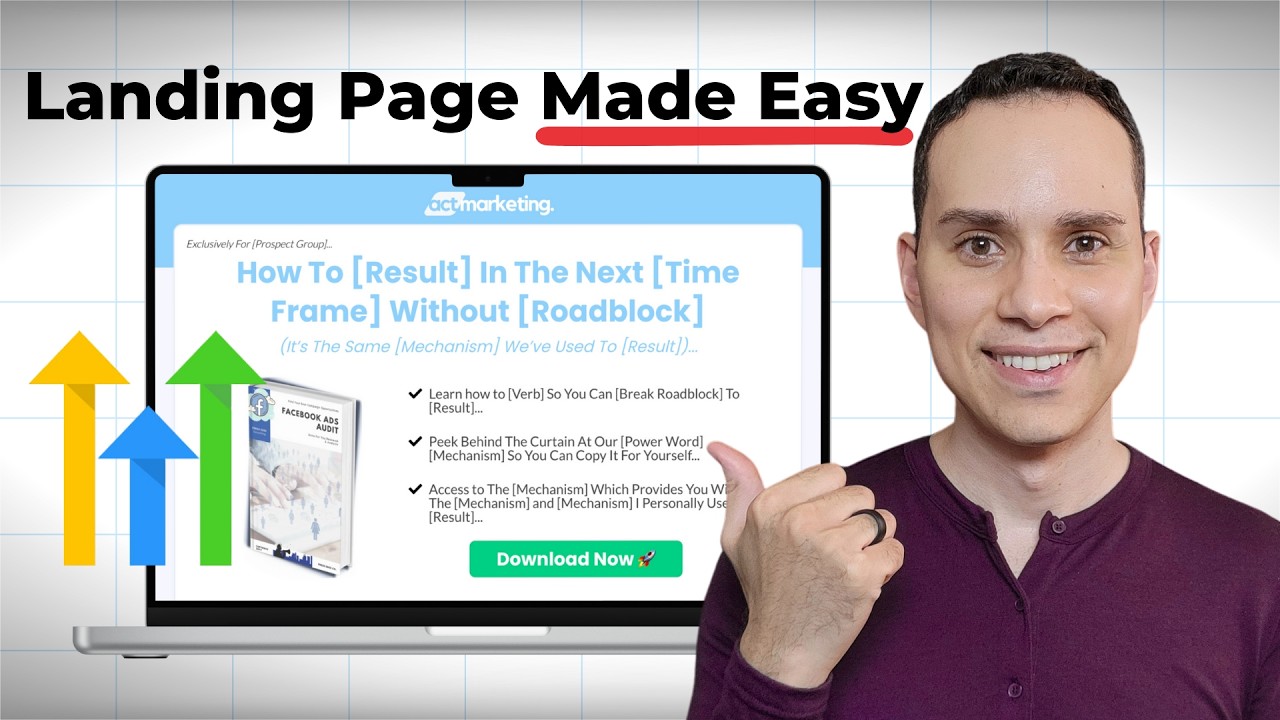
product. We think this other little thing is going to help you. It's kind of like if you buy a dress shirt, they're going to try and sell you a discounted tie or cuff links, right? So, it's this nice tiny complimentary product or something you just happen to have laying around and you're like, "I never got around to selling this. " Most entrepreneurs I talked to, you have like a product or a template or something and you never really got around to finishing it. Well, just spend an extra couple hours, finish it and say, "Hey, you can an extra five bucks. You can grab this. " I'll show you exactly what it looks like in a little bit here. And then the third and final way to essentially fully upgrade your course sales process is by using something called an upsell. And so if you sell like let's say a $3 to $7 product here, then you might upsell to a $15 to $30 product. And this was the biggest gamecher for my business, especially when I first started selling courses because it's a lot of effort to essentially get all these people to your sales page in the first place, right? You're running ads, you're creating content, you're sending emails, you got your podcast and your videos, whatever you're doing to grow your audience, right? And so once you've done all that hard work of getting someone to your checkout or sales page and they actually purchase, then it might as you might as well again say, "Hey, you bought this product. We think you're going to find value in this one as well. Now, I get a lot of push back at this point because if we're looking at it, we started off selling one offer and now we've added three others, but you have to remember that you're creating digital products and courses to help people. So, all we're doing is saying, "Hey, we helped you solve this problem with the first product. We think this little order bump will help you do it for, you know, faster, easier. " And then in our upsell and our welcome sequence emails, we offer other products or services that we think are going to be helpful. And so when you approach it from an aspect of I think this is going to help my customer even more, then it's a lot easier to get over the fear of being overly salesy, right? Because we've always been all been through those funnels where they just like keep adding upsell after upsell or they're just like, "Hey, I know you bought this, but now buy this for like 3,000 more%. " and you're you just look at it and go, I just wanted a $5 template. I don't want to pay you, you know, $5,000 for a private coaching mastermind, right? But I'll we'll go through the pricing. But when it comes to selling online courses, this is the way you maximize your revenue per customer, and it's what allows most course businesses to make money. I have a lot of funnels where the majority of my revenue actually comes from the upsell because I have a lot of products that are like three to 10 bucks and then the upsell is 40. And you only need one or two people out of every 10 or 20 to purchase the 40 to double if not quadruple your revenue. So enough with the little graphics here. Let's go ahead and dive into what this actually looks like. So I will start off with the sales page and I'll show you two examples so that you can see how simple it is to get started. Now, the simplest way to get started is to just create a checkout page and say, "Hey, I've got this cool offer. I just have a picture of the offer. I built this in Canva. I just took screenshots of a bunch of stuff. " And then I have some text and bullet points explaining what the offer does. And as simple and ugly as this page looks, if especially if you're doing podcasts or videos where an audience is much warmer, simple pages like this are all you need to get started. And especially if you're selling something that's under $15, you probably don't need to do more than this, right? Because your audience has already consumed your content. They kind of know who you are and what you're about. They know you're a real person and not just some random ad on Facebook that's trying to scam them again. And so, when it comes to getting started, I also like to tell our members inside of our private community that this is the place to start, especially if you already have a small audience. Now, once you have this set up, or if you just want to skip to the nicer looking one, you can create a fullblown sales page. And so, this is what the sales page looks like for this particular product. I'll just zoom out so we can see more. You can see here I have a basic headline, picture of the image. This uh button opens a popup to the checkout form, and then I have some pictures and bullet points, right? And inside of the bonuses, if you check out High Level, we actually have this page template and all the copy formulas and an AI agent to help you write it as well. But I just want to show you that this simple page is all you need to sell your digital product. So instead of spending time trying to create these massively long sales pages or wasting time creating a webinar, you can create this page in just a few hours. the Canva images, you know, they're probably going to take a little longer than a couple hours, but at least the writing, putting the page together is relatively quick, and you can start selling your course or digital product. Now, if we go back to our diagram, I just covered the sales letter. So, now what I want to do is
Segment 3 (10:00 - 15:00)
show you what the order bump looks like. Now, every software is a little different, but inside Highle, you'll see here that when someone clicks the popup, they can of course enter their credit card information, but we also have this little box that they can check. And if they check it, then they can add the order bump offer to their order. And so, typically, this is going to be anywhere from 3 to 10 bucks, right? Um, this one is actually one I'm currently testing that's at $14. 95. I think that's a little high for an order bump, but it's just a simple opportunity to say, "Hey, if you think this product's going to be helpful, I think this product, this other offer is going to be helpful to you as well. " And I'll also leave a link in the description to a full-blown go highle guide that goes through how to build out all of these funnel steps. And of course, the 30-day free trial includes all of the templates that you're looking at as well. So you can play with everything. And once we have this order bump, then we have what we call an upsell. And so once someone enters their credit card information here in this checkout, they click enroll now, they're immediately taken to this page, clicking around here, where we say, "Hey, the order is not complete yet. Check out this other offer that we have. " And so in this particular instance, I'm selling this little revenue roadmap guide to help people come up with digital product ideas. And so my upsell is, hey, now that you've figured out what your idea is, here's a launch kit to help you actually create and launch it. And it has a bunch of stuff to help people create and launch their digital products, right? And so typically with an upsell, you give a crazy discount. So if someone decides to add this to their order, they just click this green button and all of a sudden instead of a $8 sale, I've now made a $37 sale because the first product was eight bucks. about eight bucks, right? And of course, there'll be most people say, "No thanks. I'm good. I don't want the offer. " And then, of course, they're taken to their confirmation page. Now, pretty much any good course software will have some sort of confirmation page after the sales process is complete, and you'll see we'll give them a little summary of whatever they purchased. And then we tell them the email address to look out for this first email. So going back to our diagram, if we have gone through the sales process here, we're on this first email giving them access to everything that they purchased. And for this first email, every software handles this a little differently, but when it comes to the confirmation email, your system is going to send out an email something like this saying, "Hey, welcome and here's your access to your membership. " Now, when I use something like Thrive Kart, I couldn't really customize this email. So, it was just accounts thrivecard. net. So, I would tell people on the confirmation page, hey, look out for an email from accounts@thrivecard. net. And then that way people know, okay, I need to go look for an email from our system, from your system to get access. You might be wondering, Jason, why are you spending so much time on this? Because it'll save you a lot of headache with customer support. Because one of the worst things you can get is an email. you wake up in the morning and you have an email from someone who already wants a refund because they couldn't immediately access their stuff, right? So once someone actually checks their email, they get the system welcome email that gives them the link to the members portal and see the courses they have access to. And then in most cases, you can actually set up your membership area to show some courses that they don't have access to yet. Which is why creating a membership site is so important because let's say someone just purchased my 30-day automated income challenge. Well, then I can decide to show them some of these other ones so that I have another opportunity to sell some of my other products. And so, the more products you create and add to your membership site, the more products people are going to see that they can access when they log in. And of course, in high level, they can just click my courses and see the ones they actually have access to versus all of them. Obviously, this is my account, so I give myself access to everything. But then inside of the actual members area, they can click through and actually start watching the videos and then of course actually downloading their templates. Now, the way I deliver templates is via Google Drive. So, I set up a simple drive just like this one. I create one for each one of our products. And then I go to rightclick and I set share and I share the link with anyone who has access. And this makes it super easy to keep everything updated. So when I need to update the template, as you can see here, I just did that a few hours before recording this. Then all I have to do is update the Google doc and then everywhere I've put it inside the members area or in emails, although I don't recommend sharing via emails, make people log into your membership site. my changes to whatever I've done in the Google doc or
Segment 4 (15:00 - 17:00)
Google sheet are pretty much applied everywhere. And so I don't have to go ever worry about where I shared the link inside of the member members area. I just put the link here and then I can always change the Google doc or the Google sheet. And then inside of my Google doc, I try and put everything in one place so it's really easy for people to just download it and then move on. So, I have different tabs for the bonuses, bonus offers that I include with this offer. And then I also have uh the full prompts that I include here as well. So, you can see here that all I have to do is copy and paste this text, use the prompts, and then I have a bunch of, you know, basic worksheets to fill in the blanks. And Google Docs actually lets you make drop downs as well, which is something I spend way too much time creating for members. And then finally, inside of the Google doc, I have a little link here to give them access to the custom GBT that comes with the offer. So again, if I ever need to change the GBT or change the link to maybe I start using Grock or Claude for some reason or Gemini, then all I need to do is update my Google Doc and I know that it's going to be updated pretty much anywhere I've shared this document. So, that's how I keep myself sane when it comes to selling digital products because as you can see, we have a lot. And so, when you put all of the links inside of your PDFs or your Google Docs and using Google Drive, you essentially make it really easy to manage all of your stuff. You update the file here and you know all the links everywhere uh have been updated correctly. And with that, you have everything you need to deliver and sell your first digital product or course. as well as three solid strategies for increasing your average transaction value. So, make sure you check out that link at the top of the description to grab a 30-day free trial to go high level. It includes all of the templates and workflows that you saw in this particular guide and some other ones that we just didn't have time for, as well as private community access to ask me questions, growing library of templates, tools, and AI agents to help you grow and scale as quickly as possible. So, make sure you hit that like button, subscribe for more guides just like this one, and until the next, keep building the business you love.

![Lead Generation Funnel Tutorial [ Go High Level 2025]](/thumbnail/7cVo5xKMUbY.jpg)