Meet the UI Prep 8.0 Color Variables

Meet the UI Prep 8.0 Color Variables

Machine-readable: Markdown · JSON API · Site index

Поделиться Telegram VK Бот
Транскрипт Скачать .md
Анализ с AI

Оглавление (2 сегментов)

Segment 1 (00:00 - 05:00)

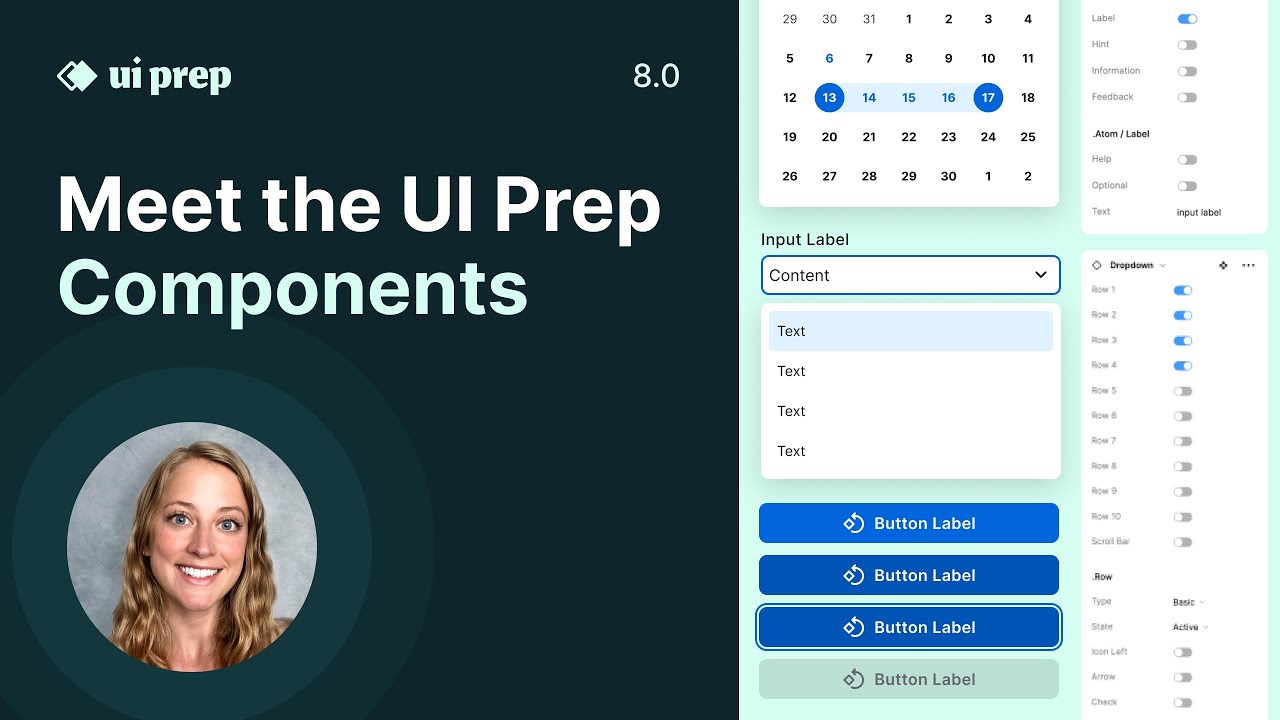
hey everyone I'm Molly the creator of uiprep and in this video I'm going to show you three quick ways to update your color palette and the newest version of the design system using Color variables so first let's take a quick look at the colors in the system the entire color palette has been pulled from Adobe Spectrum you can see a lot of really rich documentation over here on the Adobe Spectrum site and see the palette that I pulled from as well as a lot of really great usage guides to help you move forward with the system the first way to update your palette is to pull in a new color scale from Adobe the easiest way to do this is to use the super palette plugin find the Adobe Spectrum system or any other system that you choose and pick a brand new color that you want to use let's say seafoam would have added right here and simply go ahead and replace the original color with the new color you've chosen and also go through and make sure everything's looking right we have this new palette and we're still going to use the same color scale for each purpose so we're still going to use 100 for the weak background 704 data and the 900 through 1100 for things like borders icons texts and backgrounds and it's really nice easy labeling system we can even drag these little labels around if we want to make some changes now they've picked my new color what's added to our color variables and open up local variables here and see that we have our primitive collection open send me all of our raw values for our colors so this is we're going to update and then automatically our semantic colors will be updated which you'll see in just a second put two are blue color and all we need to do is update these five colors for our blue Primitives so I'm going to go in and just use the eyedropper tool and grab these new colors so I know I need 100 700 9. 1000 and 1100 now we've updated the Primitive blue colors let's go through and see how they've updated the semantic collection it's going to switch from primitive to semantic and we'll see that all of our light blue colors have been updated click it on here for text to Brand instead of our original blue color we now have our seafoam blue color and of course if we were doing this for real we would also update the dark mode as well we see our text colors have updated theme for Aura background icon and borders I want to also update the dark mode we would add in from Adobe the dark mode palette and then go over to the Primitive collection again and simply update the blue color under the Dark theme let's go and take a look at how this is affected some of our components we see here these different components used to be our original blue color and now they're showing our seafoam color we can click into each one and see the actual variables here we have our background for the brand and this is the default color same thing for this component here that is for our text and lastly for our border on this input so by just updating a few of our primitive colors we're going to be making really huge changes across the entire system now let's go through the second way to update your color palette and head over to the Leonardo website which is used to create the Adobe Spectrum palette and make some tweaks to one of the colors that they've already provided for example if we want to update our blue color you can head over to this edit icon update this to have only one key color are the added that color to whatever your brand is so say for example your brand uses more of let's say a purple now we've updated the one key color we can see how that's influenced the entire color scale softball back so you can go back and we can see how by editing that one key color we've updated the entire blue color scale we can now add in the hex codes from this newly generated color palette into the file just like we did in the first example they'll go for the third way to update your color palette it's a little more DIY and it's perfect if you just need to make a few tweaks to the existing color let's say for example your color palette is already really close to the sequin color each make a few tweaks what you

Segment 2 (05:00 - 06:00)

can do is head over to your variables open up your primitive collection go to the color you want to update and simply make a few edits to the colors being used here you can click into this color swatch what I find really helpful is to go to the HSP option here instead of hex and simply update the Hue value which is the color along the Spectrum here to match your branding we'll notice in a lot of color palettes including Adobe is that each Hue across the color scale might shift just by a few numbers going up or down the scale so we see that for this really light color the Hue is 174 making it this T foam color and the Hue for the darker 700 color is a little bit different it's 177. feeds the color slowly inching across this color spectrum here and I'll just mirror those ratios of numbers moving up and down so easy way to make an adjustment is to adjust this Hue value while keeping the saturation and the brightness the same to maintain that same scale of going from light to dark I'll do a quick example I'll start with a light one and I'm gonna make a really small tweak I'm just going to minus 10 from each of these values for the 174 I'll do 164. you see a slightly more green color we'll do the same thing for each of these and just removing 10 from each to know some are the same in some vary a little bit perfect up to the seafoam color to be a little bit more green to potentially match The Branding needed for your project so there you go those are three really quick ways to update the color palette and the newest version of the uip design system

Другие видео автора — UI Prep

Ctrl+V

Экстракт Знаний в Telegram

Экстракты и дистилляты из лучших YouTube-каналов — сразу после публикации.

Подписаться

Дайджест Экстрактов

Лучшие методички за неделю — каждый понедельник