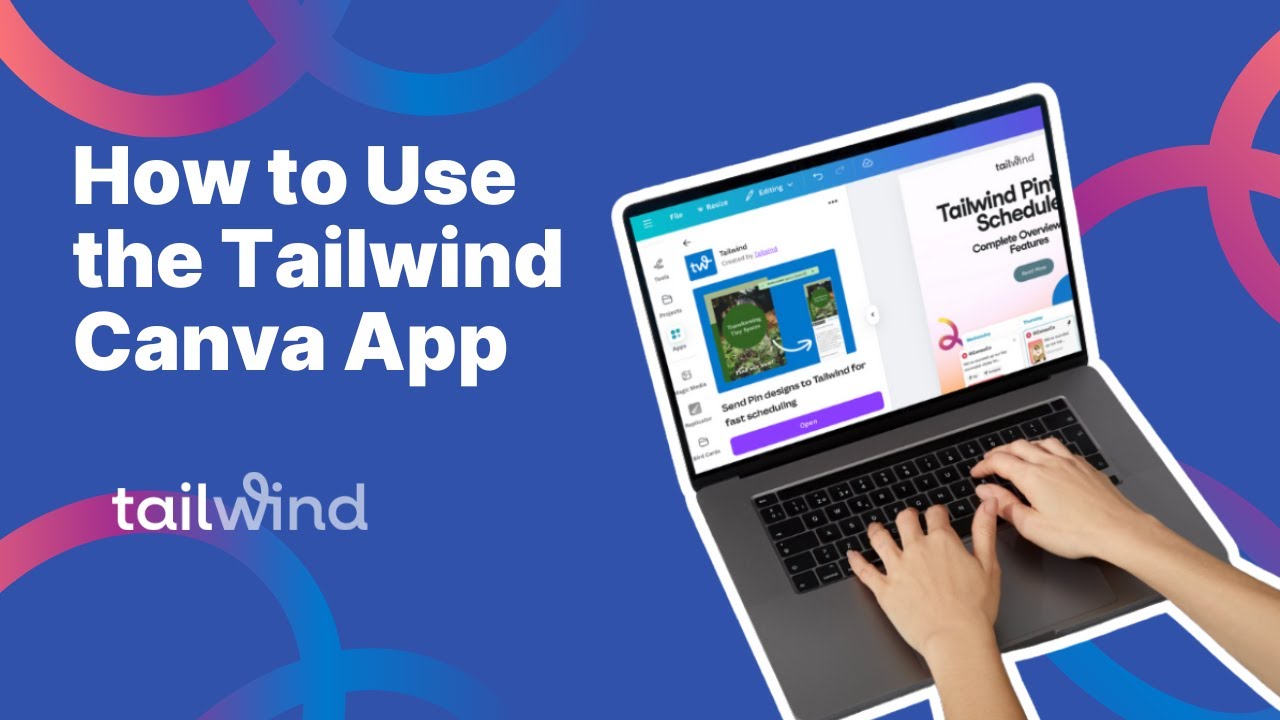
How to Use the Tailwind Canva App
2:05

How to Use the Tailwind Canva App

Tailwind 07.08.2025 557 просмотров 19 лайков

Machine-readable: Markdown · JSON API · Site index

Поделиться Telegram VK Бот
Транскрипт Скачать .md
Анализ с AI
Описание видео
Learn how to import your Canva designs directly into Tailwind drafts for easy scheduling.

Оглавление (1 сегментов)

Segment 1 (00:00 - 02:00)

This guide shows you how to use the Tailwind Canva app to schedule your Canva designs directly to Tailwind. You'll learn how to connect your accounts, create pins, generate content, and manage your scheduling seamlessly. Open your Canva design and go to the apps section. Search for the Tailwind app in the search bar. Click on the Tailwind app from the search results. Click to open the Tailwind Canva app. Click the connect button to link your Tailwind account. If you're not already logged into Tailwind, you'll be prompted to log in from a popup window. Once logged in, you'll be taken back to Canva. Navigate to the share tab to schedule your Canva design directly with Tailwind. Use the drop down to select which social profile on your Tailwind account you'd like to publish. Fill in the pin title and description with your desired text. Fill in the pin URL with your desired URL. Select the boards that you'd like to publish to. You can also click on board lists to view your Tailwind saved board lists. Click the share to Tailwind button to prepare your PIN for sharing. Select your desired file settings. Then click export. Once your draft is ready, you'll see a success message. Click the open in Tailwind link. You'll be directed to Tailwind where you can view your newly created draft. Make any scheduling adjustments and click to schedule your design. Your new design will be added to your schedule. In the Tailwind Canva app, you can also use the create tab to generate copy for your designs. Once you enter the topic and optional keywords, click generate to view the five results. You can click through the several provided options, then click add to design to add the copy to your Canva design. You can use the grab images option to pull images directly from any URL. Just paste your URL and select any of the images from your page to add them to your design. This guide covers how to create and schedule posts directly from Canva using the Tailwind app. If you have questions or need more help, reach out to help at tailwindapp. com.

Другие видео автора — Tailwind

Ctrl+V

Экстракт Знаний в Telegram

Экстракты и дистилляты из лучших YouTube-каналов — сразу после публикации.

Подписаться

Дайджест Экстрактов

Лучшие методички за неделю — каждый понедельник