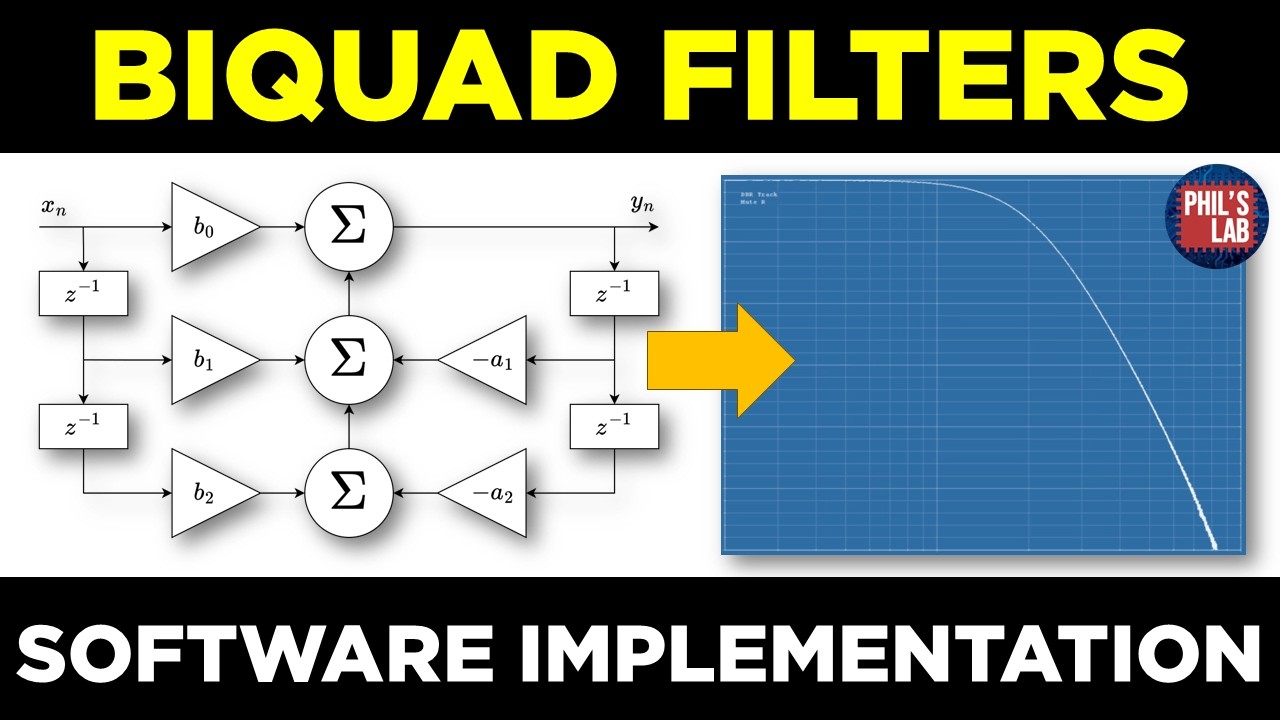
gone through the theory and essentials of what biquad filters are, why you might use them, and also how to get the coefficients for these filters, let's go over to an actual realworld embedded platform and implement a biquad filter. I'm going to be using hardware we've seen many times on this channel. This is this mono guitar pedal based on an STM3287 processor. This is where our code will be running on. It interfaces with a Sirrus Logic codec. has an analog front end, analog back end where we can then run an input signal into this device, get an output signal and we can actually perform proper measurements such as bodhi plots on the real world hardware to see if our bquad filter on the real world implementation matches up to our theoretical expectations. I also have various controls such as potentiometers that I can use that are fed into the ADC channels of the SM3287 which we can then control and adjust filter parameters with. So let's implement the code next. I won't be going through the I squareds, DMA, and general STM32 setup in this particular video. I've done this before, in particular in video number 55 on my channel. I strongly suggest checking that out if you're unfamiliar with setting up an audio stream with a codec through an STDM32 platform that goes through everything in detail. We will just be looking at the biquad implementation in this particular video. Here's the code for the Bquad filter. I've just done this as a pair ofh and C files which I can then tie in and reuse. I can instantiate many of these by quad strcts. For instance, if I want to cascade or I want to have different bods running on different channels, I can do that with a very generic class. The core of this is the byquad strct itself. This contains the coefficients. So, a1 and a2 for the denominator and b1 b2 for the numerator. We also need to store the internal states. So, w1 and w2. And we can also store the output just for simplicity and for access. You'll also have noticed that I have a essentially a copy of the coefficients with an underscore t and these are the target coefficients because I'm implementing a very simple form of smoothing when I update my coefficient values. Essentially low pass filtering from the current values to the target coefficients. But if you don't want to implement smoothing, all you need are the current coefficients, the internal states and if you want of course the output. I then have various functions. One is the initialize function which sets the current coefficients. It sets the internal states and then clears the output. We have a set coefficient function which can be used to set the target coefficients or the actual coefficients themselves within the strct which just a one function call. I have an example set lowass function where instead of coefficients such as a1, a2, b and so on, I take in a cut frequency, a q value and a sampling frequency and then compute the coefficients and set the coefficients and this is taken from an st app node and some equations but we'll go through that later on. Depends on what you want to implement if it's low pass, high pass and so on. The most important or function important is the update function where we take an input sample and generate an output sample based on the difference equations we saw in the slides. Going through the initialization function, we take in the strct by reference. We initially just set the coefficients to be pass through because a n is one. So the denominator would be one if we set a1 and a2 to zero. And all we have to do is set b n to one. And that gives us a pass through strct. In case we've turned on coefficient smoothing, we set the targets to the same values. We clear the state variables to zero and the output variables and the output variable to zero. This is just called once when we start up our program. Set coefficients essentially just takes all the arguments and sets them to the strct. The update function itself just takes an input sample and then if we just look at the calculation section we can see in you can see in comments I've added in the three difference equations and what we're computing. We have three difference equations we have to calculate. The output is B * the input plus plus the state of W1. W1 is this difference equation. So B1 * the input minus A1 * the current output plus the state of W2. And then we compute W2. W2 is B2 * the input minus A2 * the current output. After we've computed these three difference equations, all we have to do is return the current filter output. If you want to implement smoothing to try and avoid or reduce sudden coefficient jumps, we can just do a simple first order IR lowass filter where we have a target value, for instance, target of the A1 coefficient. We multiply that by some sort of smoothing coefficient and add that to one minus the smoothing coefficient times the current value of our coefficient A1. We only run that smoothing filter if there is a significant difference between the current coefficient and the target coefficient. Now, this might be a rather crude way of smoothing or going from the current coefficient value to your target coefficient value, but it's something that works fairly well in practice. You of course need to do this for all of the coefficients within the filter. And there are five coefficients for this particular bio quad filter. So, we're checking if there's a significant difference for every coefficient and the target. If there is, we just perform the smoothing and we slowly ramp from a current value to the target value based on the smoothing coefficient. Now you can take that out and you can just set the coefficients directly. But keep in mind that this could cause transients and instability for large coefficient changes because that disrupts the internal states as well. Again, another option would be just to crossfade or blend between two different filter instances. And once you've blended, you just continuously compute the new filter instance. That would be a different way of achieving this as well. You will have noticed we also jumped over the set lowass function. This is an optional function. It depends on what kind of filters you want to implement. We want a function on the fly. If we're turning a potentiometer, if we're updating the cut off frequency of a low pass filter or the Q value or whatever, we want to have the functions, the equations integrated into our program that recomputes the coefficients on the fly based on certain equations. And in this case, the lowass filter equations I took from the application note we just saw, AN2874 from ST micro electronics. the low pass filter design equations. I just took these premputee values and then computed the coefficients A1 A2 and B1 B2. That's exactly what I took over here. And then I just call the set coefficient function just for the sake of simplicity. Keep in mind there are some somewhat expensive computations in there. So for example, calling 10 function might be expensive. So you wouldn't want to do that every single sample. You might want to do approximations or use different equations. But just for the sake of simplicity, I've just implemented this set lowass which implements these equations and sets the coefficients. Then in my main functions to include the low pass filter, I'm including my bike quad. Before starting the audio stream, I call the initialization function for the bquad. And in my process function, I'm reading once per block the current potentiometer values and mapping them to a cutter frequency in hertz to the Q value. And I have some preggain and some post gain, which is just a multiplication before the filter and after the filter. So nothing to do with the bord. And this is to demonstrate. Then I'm calling the set lowass function again once per block. And through looping through every sample I'm computing my current output by calling the bquad update function passing in the filter strct my reference and sending in my current input sample just premultiplied with a volume between 0 and 1. And I'm getting my output which is also multiplied by a post volume. And just for the sake of if we have large Q values that might clip our plus minus one range which we have in this particular system. So that's why I can just vary the gains before I feed into the filter and after my result I get out of the filter. So very simple, I call the initialization function. I call the compute coefficient function. In this case, we're just using a low pass filter, calling the update function on every sample and getting that output and feeding that to the DAC later on. Let's move over and see if this filter, this low pass filter actually does what it's supposed to do. Cut off frequency range is from 1 kHz to 6 kHz. And the Q value is from critically damped, so one over roo< unk>2 to about a Q value of five. And I have my pre and post gain anywhere from zero to one linear. With the code