Claude Code's New Task System Explained
11:03

Claude Code's New Task System Explained

Ray Amjad 23.01.2026 27 477 просмотров 783 лайков обн. 18.02.2026

Machine-readable: Markdown · JSON API · Site index

Поделиться Telegram VK Бот
Транскрипт Скачать .md
Анализ с AI
Описание видео
Level up with my Claude Code Masterclass 👉 https://www.masterclaudecode.com/?utm_source=youtube&utm_campaign=6omInQipcag Learn the AI I'm learning with my newsletter 👉 https://newsletter.rayamjad.com/ To avoid bias, I've never accepted a sponsor; my videos are made possible by my own products... —— MY CLASSES —— 🚀 Claude Code Masterclass: https://www.masterclaudecode.com/?utm_source=youtube&utm_campaign=6omInQipcag —— MY APPS —— 🎙️ HyperWhisper, write 5x faster with your voice: https://www.hyperwhisper.com/?utm_source=youtube&utm_campaign=6omInQipcag - Use coupon code YTSAVE for 20% off 📲 Tensor AI: Never Miss the AI News - on iOS: https://apps.apple.com/us/app/ai-news-tensor-ai/id6746403746 - on Android: https://play.google.com/store/apps/details?id=app.tensorai.tensorai - 100% FREE 📹 VidTempla, Manage YouTube Descriptions at Scale: http://vidtempla.com/?utm_source=youtube&utm_campaign=6omInQipcag 💬 AgentStack, AI agents for customer support and sales: https://www.agentstack.build/?utm_source=youtube&utm_campaign=6omInQipcag - Request private beta by emailing r@rayamjad.com ————— CONNECT WITH ME 🐦 X: https://x.com/@theramjad 👥 LinkedIn: https://www.linkedin.com/in/rayamjad/ 📸 Instagram: https://www.instagram.com/theramjad/ 🌍 My website/blog: https://www.rayamjad.com/ ————— Links: - https://github.com/anthropics/claude-code/blob/main/CHANGELOG.md - https://github.com/steveyegge/beads Timestamps: 00:00 - Intro 00:30 - The Problem 01:45 - What the Claude Code Team Did 03:40 - An Example 06:21 - Sharing Task Lists Across Sessions 10:10 - Env for Task Lists

Оглавление (6 сегментов)

Intro

All right, so yesterday we had a pretty interesting cloud code update that may change the way that many of you fundamentally use cloud code and may also unlock some new workflows for you. And this is a brand new task management system that includes new capabilities like dependency tracking. And I'll be going over that in this video and what it means for you. But before getting started, this video is sponsored by myself and my cloud code masterass. If you want to join hundreds of other people and become the most proficient cloud code user at your company, the most comprehensive cloud code class that you will find online, then there will be a link down below in the description.

The Problem

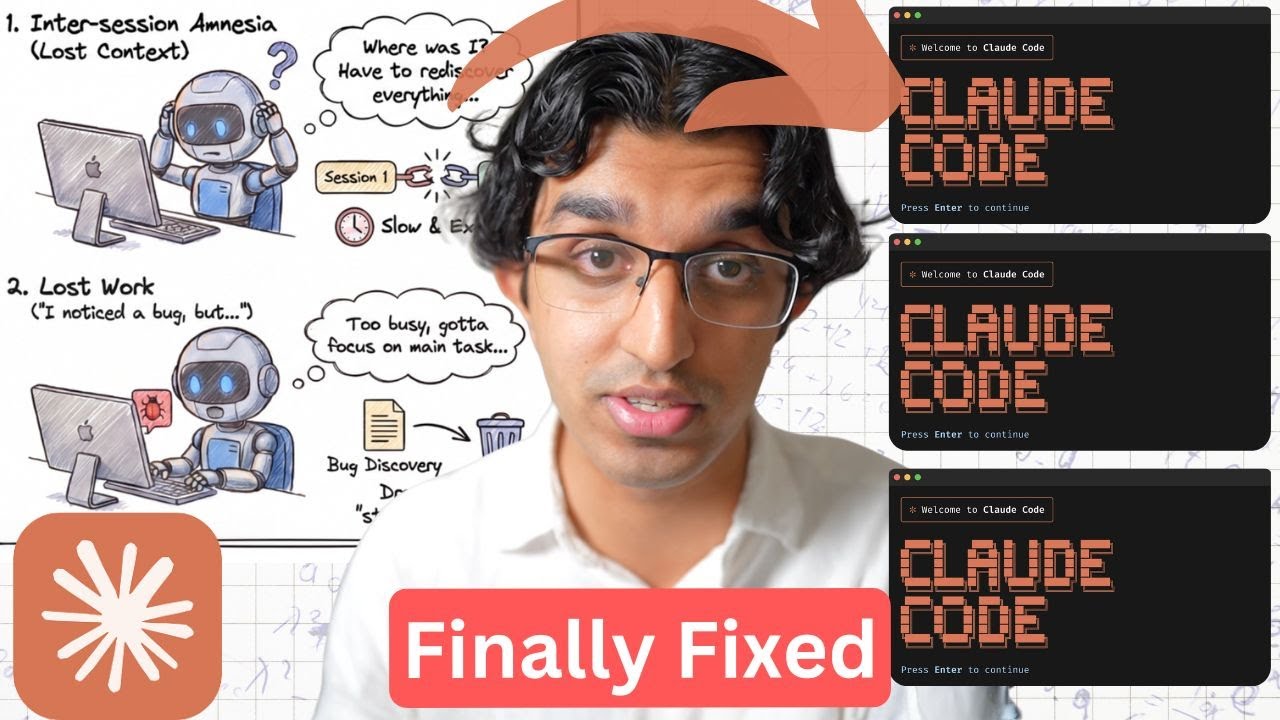
Okay, so I'll explain the background, some examples, and what you can now do with this new task management system. So getting started, one of the biggest problems of coding agents these days is this agent amnesia that it has where basically if you start a brand new session in the middle of a task because the context window filled up too much or something, then the agent would forget where it was and then have to rediscover a lot of files unless you write the remaining to-dos in a brand new file. This can get quite annoying and cumbersome to write the remaining tasks into a brand new file and then load it up in a brand new context window. which is why many people have developed solutions such as beads which is a pretty popular one for many coding agents where basically it writes everything that it's done so far into a JSON file. It writes a goal that is currently working on and then the next steps that it has which means that you can start brand new sessions pretty easily and have one session isolated to completing one task. Another problem that coding agents do have these days is that if they notice a bug or a problem, because a context window is already pretty full or it has like 90 100,000 tokens in the context window, then even if it finds a bug, it might just drop it and completely ignore that task. But by having each task that you give a coding agent isolate it into its own context window, you can now give it the ability to log any bugs for later or tasks that it does come across. Now essentially

What the Claude Code Team Did

what the claude code team did is they made this possible and they said themselves that they were inspired by the like beads repository over here. Uh so basically beads is kind of now integrated into cloud code. And what this practically means is that previously cloud code had a to-do list and you may have noticed this when cloud code was executing. It would just be ticking off things as it goes along. And this was stored in session memory and did not persist across different sessions. So what cloud code have now done is they got rid of the to-do list and they now added a task list instead that is saved onto your computer in the dotcloud folder. So for example, if I go to my docloud folder, go to tasks, then I can see some tasks over here from an earlier session. So I have task number 1 2 3 4 and if I open up any of these tasks, then I can see the description of the task that cloud code gave it. And I can see a few more things here such as this task blocks these other tasks and is blocked by this other task. So essentially we have some dependencies here which means that we can have many tasks running in parallel reliably knowing that some tasks have to be completed before other ones. But now since the to-do list itself is stored on the file system instead for each individual session, we can now share it across the different sessions and each sub agent that is actually completing each individual task. So task number one is completed by sub agent one. Task number two will be completed by sub agent two. Each sub agent now has the ability to see which tasks there are which are ones are remaining and to even write new tasks as well. So you can see that in cloud code both the main session and sub aent have access to four new tools. So task create, task get, task update and task list which means that a sub agent if it notices that it should create a brand new task to be completed by another sub agent then it can create it right over here. Now, this makes cloud code more useful for longer projects across many different sessions and sub agents. So, you could have two sessions each with different sub aents all sharing the same set of tasks that they have to complete. Now, let's go for

An Example

a short example. So, in my application, Hypersper, I recently added the ability to stream text as you're speaking onto your like computer and I want to add 11 Labs as a provider because currently I have deep gram. So, I basically got cloud code to explore the codebase and write this plan file over here for the changes that should be made. Looking through this plan, can you basically turn it into a set of tasks that you should complete? And now you can see it's created six tasks and now it's like identifying task dependencies and it identified which tasks are blocked by which other ones. So for example, task three depends on two, task five depends on one, two and four. So we have these dependencies here and these tasks have now been written into this file with the like folder name being the session ID. And instead of waiting, I'll go for a different chat where I've actually completed that plan. One thing I forgot to mention is that you have to specify completed by different sub aents because sometimes it just doesn't launch it in a different sub aent and it decides to complete those tasks within the main chat instead. We had a dependency breakdown and some of them could be run in parallel because they have no other dependencies. So we had wave 1 where three of them ran in parallel, wave two and then a final wave three. And you can see that by the end of the plan we only used 18% of the context window. But in this particular case where we did not specify to have each task run by a different sub agent, you can see that this chat basically like all the tasks happen within the same context window and it ended up using about 56% of the context window instead. So yeah, do try to tell it to complete each task with different sub aents and it should automatically identify which one should happen in parallel because I find that this new task system sometimes runs them in parallel with sub agents and sometimes doesn't. Now the thing that we just saw now is that instead of cloud code completing all the tasks in a single session, if we spin it up into different sub agents to actually complete it, we get a brand new context or know where we can basically focus on completing that particular task without worrying about previous merge conflicts or mergeability problems because each task does have a dependency. So if you do remember Ralph Wigum, it's kind of like Ralph Wigim as well because each task has been completed in its own brand new fresh context window. And this now mirrors real engineering workflows where you have work being done in parallel. You have handoffs, blockers, and dependencies. But unlike the real Ralph Wigan bash loop, we still have an orchestra in this case, which is slowly like eating into our context window because it's still like receiving the output of each of the sub agents as they're completing the tasks. And a nice benefit that we do have here is that we can tell Cloud Code to tell each sub agent to update the task list with any new tasks that do need to be made. Or we could tell cloud code to tell any relevant sub agent that is completing the task that if anything comes up that the next task has to be aware of then you should update that task with that

Sharing Task Lists Across Sessions

information. Okay. Now let's talk about how you can have two different sessions of cloud code session A and B sharing the same context. So previously if you had two different sessions of cloud code running for example one on the left and one on the right in the same folder then it was pretty tricky to have task updates from one session being broadcasted into the other session. And some people did get around this by using polling within cloud code. So they tell one session of cloud code to look at a file every 30 seconds to make sure that any tasks that have been marked as completed are now known to be completed. But you would still have a stale view of the task status for about 30 seconds or whatever the polling interval is. But now what happens with cloud code is that as tasks are being completed if two sessions are working on the same task list then each session is notified immediately when the task is marked as completed or updated in any way which means that you no longer have the stale information problem or you won't have two sessions of cloud code that accidentally start the same task on the task list. So let's actually see this in action. Currently both of these sessions of cloud code even though they are in the same folder are not sharing the same task list. So to be able to do that, we have to define the task list at the very top and that would be done by writing in something like this. So I have the task list ID here which I set to localization and then I have claw being triggered after that. So that's basically an environment variable that's being passed in. If I press enter on both and then tell it to convert a file that I have into a task list. Then on the left hand side we have about 15 tasks that are newly created and those tasks now appear on the right hand side even though I did not put in any prompts on the right hand side and whenever it updates with the state such as which task is blocking which task then it's also updated on the right hand side. Can you execute each task in its own sub agent? And that will spawn up a general purpose sub agent for each of the tasks. But if I did have many different sub aent types in my project then I could specify a different sub aent for each type of task if I wanted to. And now as it's completing the task, so number one is being completed. You can see it's being updated on the right hand side. And now you're probably thinking what am I going to get this right hand side like cloud code session to do. If the left hand side is completing all the tasks and one thing that [clears throat] you can get it to do is basically be a monitor of sorts, you could have the second session of cloud code being a checker. So instead of creating any tasks, it can monitor which tasks have been completed. Every 30 seconds it spawns up a checker sub agent of sorts. checks whether it's been implemented correctly. If it has, then it can just sleep for another 30 seconds. If it hasn't, then it adds a brand new task to task list for anything that is missing. So, I can do that over here. So, basically say every 5 seconds, can you look at the task list to see which tasks have been completed and then spawn up a checker sub agent to make sure the task has been completed according to its description? And if it hasn't then add another task to the task list to basically complete the implementation in a way that would fit the requirements of the task. So it's like okay found five tasks let me get their details and spawn checker sub agents uh that will verify each task and each of these sub agents do have access to the task get tool so they can actually view each task and now it's like okay all five of them have been completed and ven sleeps for about 5 seconds it looks that there are two new tasks and now it's verifying them. So I think this is one interesting workflow that you can have by having two sessions of cloud code sharing the same task list. I'm sure that many people will be thinking of new workflows in the future. Now you may actually want to have a more complicated checker. So to do something like code simplification or identifying security vulnerabilities as the orchestra is actually like executing on each task or you could have the checker session of cloud code spawn up a headless version of codec cla or gemini cla or something to do the checking instead. So this is the first idea that came to mind when I was experimenting with this feature. And if any more ideas come to mind, then I will be sharing them in my cloud code masterass. There's a link down below. Now it is worth

Env for Task Lists

bearing in mind that the default value for the task list ID will always be the session ID. Which means that if you don't define your task list ID and then do / clear, for example, that will start a brand new session and your task list will disappear even if there were remaining tasks in it. So what you can do is you can put this in your settings. json file kind of like this. So at the very bottom you have a end of a section put in cloud code task list ID and then your project's name and this basically means that if you run cloud within the project then it will always remember any tasks that are being completed have been completed until basically all of them are completed and then cloud code will delete all the tasks. So yeah maybe this will be a pretty good long-term workflow. So overall it is pretty interesting because then team looks at any popular packages online and then integrates a version of that into cloud code itself. But of course, if you do want more flexibility, then beads may be a better solution for

Другие видео автора — Ray Amjad

Ctrl+V

Экстракт Знаний в Telegram

Экстракты и дистилляты из лучших YouTube-каналов — сразу после публикации.

Подписаться

Дайджест Экстрактов

Лучшие методички за неделю — каждый понедельник




