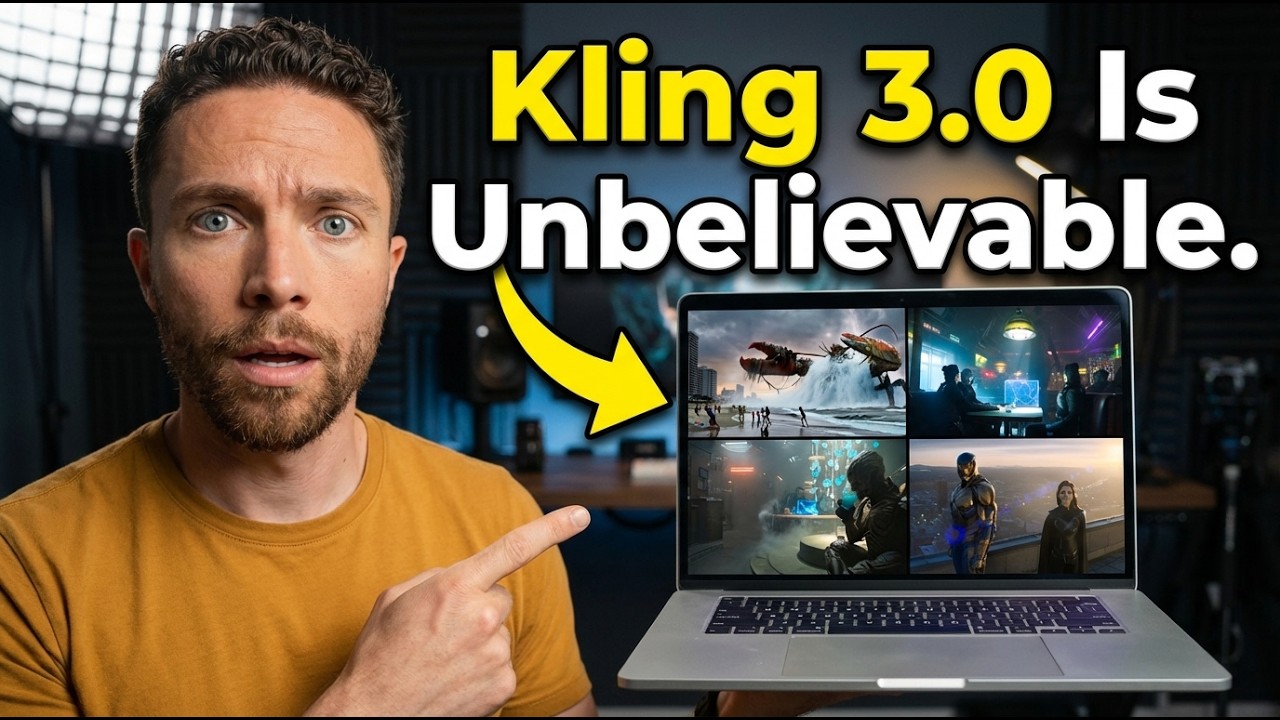
Kling 3.0: The Best AI Video Generation I’ve Ever Seen (Truly Incredible)
9:20

Kling 3.0: The Best AI Video Generation I’ve Ever Seen (Truly Incredible)

Paul J Lipsky 11.02.2026 6 400 просмотров 132 лайков обн. 18.02.2026
Поделиться Telegram VK Бот
Транскрипт Скачать .md
Анализ с AI
Описание видео
🔥 Get KLING 3.0 UNLIMITED: https://higgsfield.ai/kling-3.0 Kling 3.0 just launched on Higgsfield and it changes EVERYTHING about AI video — multi-shot cinematic sequences, native audio with lip-sync, 15-second continuous generation, and unlimited access at 70% off. 📖 User Guide: https://higgsfield.ai/blog/Kling-3.0-is-on-Higgsfield-User-Guide-AI-Video-Generation #Higgsfield #Kling3.0 #AIVideo #FreeKling #KlingUnlimited 🔗 This video is sponsored. Some product links are affiliate links which means if you buy something we'll receive a small commission.


Оглавление (2 сегментов)

  1. 0:00 Segment 1 (00:00 - 05:00) 848 сл.
  2. 5:00 Segment 2 (05:00 - 09:00) 671 сл.
0:00

Segment 1 (00:00 - 05:00)

So, this is the newest AI video generation model that just dropped called Cling 3. 0. And it's kind of crazy. It can generate multi-shot cinematic sequences. It has native audio and lip-sync. And it is some of the best character consistency I've seen in a video generator so far. I've been testing it out for a few days now and want to show you some of the amazing things you can do with this. The platform we're going to use to access Cling 3. 0 0 is called Higsfield. They're also the sponsor of today's video and right now they have a 70% discount on Cling 3. 0. You can grab that at the link in the description down below to get signed up. All right, so this is Higsfield right here. Now, if you're not familiar with it, it's an AI video platform that gives you access to all the top AI video models in one place. And the model we're focusing on today is, of course, Clling 3. 0, which just dropped. Now, there's a whole lot you can do inside of Higsfield here. But for purposes of this video, we're just going to concentrate on this tab right here called video. I'll go ahead and click on that. And here you can create videos, you can edit videos, you can do motion control. There's a lot you can do in here. So, let me show you some of the videos that I've been able to generate with this. So, first I started with a very simple example. All I did was put in a prompt for this sort of sci-fi shot that I want of these people inside like this futuristic sci-fi bar. I of course made sure that cling 3. 0 was on. I made a 10se secondond video 16 by9 720 resolution. You can change all of this. And this is what it came up with. And I got to say that looks freaking awesome. It looks so good. I'm just super impressed with how far video generation has come. Just how realistic it is. all the details of it. It looks amazing, but that's only scraping the surface of what you can do with Cling 3. 0. To get the most out of it, you want to use something called multi-shot. So, over here on the left, I toggled on multi-shot. And this allows you to enter in the prompt for each shot of the video that you want produced. So, in the original video, you'll notice that it's just one shot. The camera just zooms in. There's really only one thing happening here, but here I can begin to actually almost like build out an entire film with Cling 3. 0. So, right here is an example of a multi-shot video that I created. — We have to move. So, not only is that just really good, but it also has excellent character consistency as well between each of the shots. And the audio is what impresses me the most because a lot of other video generation models, the sound just sort of comes here uh sounds like it's coming from everywhere. But with this model, it actually feels like it's coming from the direction it should be coming from. And just as a comparison, here's a video that I created using a different model. And I went ahead and gave it the same prompt that I used for the second shot of that multi-shot sequence. Same exact prompt, but notice how different it is. — This is data only. No leaks. — Understand? — Enact. They're closing in. — Don't run away. Get busted. — One wrong milestone. So sweet. — We're almost all sustainable rate. So, we strike first. — So, not only is it just not as good, it doesn't really adhere to the prompt as well because I wanted that really like dark, gritty look, and this one's like a little bit too bright, but the sound, it just kind of sounds like it's coming from everywhere instead of the direction of the actual characters like we do with this one down here. We have to move. It really is a major step up. Another great thing you can do with Cling 3. 0 is use start frames and end frames. You can upload those right here as images and then the video is going to transition from the start frame to the end frame following your prompt as well. And why this is great is because this allows you to use image generation, which is very cheap, to get the look exactly the way that you want before you click generate on video generation. So that's what I use this for right here. You can see this is my start frame. It's just like a nice calm beach. And then the end frame is this lobster coming out of the water. So let's go ahead and give this a watch. Yeah, pretty awesome. I love the way that came out. And so just kind of
5:00

Segment 2 (05:00 - 09:00)

to get a feel for how much of an upgrade this is from previous versions, I went ahead and generated a similar video right here with an older model. And you'll notice just how different it feels. It just doesn't feel as realistic, especially for the humans running through the scene as well. — Run. It's coming. — Yeah. — Mom, I'm scared. Keep moving. Don't stop. — Yeah. like the humans aren't really reacting the way that you think one's uh they would when they see like a giant lobster coming out of the water compared to this one right here where everyone literally just starts running away. So yeah, just a major improvement. It kind of blows me away how fast this is moving and the improvements that they're making with it. All right, so a few more examples here. This first one I wanted to see really how well it handled dialogue. So, the prompt is cinematic high angle medium shot. A rooftop overlooking a sprawling neon lit metropolis at dusk. Two superheroes on the roof. The wind gently ruffles the nightshade's cape. The lighting is moody. And I gave them a little bit of dialogue for an 8-second video. And I wanted to see how well it was able to handle the pacing. Because in the past, if you gave a long video, a short dialogue, there was often a lot of dead air where the characters were just looking awkwardly at each other. But if we take a look at this, — is it over? — In this city, — it's never over. there's a very natural pause that happens with the superhero on the right before she answers. So, just the way it's able to fill the entire length of the video very naturally is very well done. And of course, the prompt adherence is very excellent as well. This next one I put together is like an ASMR type video. I had to create a hyperrealistic cinematic ASMR style shot of a craftsman in a sundrenched woodworking studio. extreme close-up, macrolevel perspective, locked in on what he's doing. And I really wanted to focus on the sounds, slow motion, catching the natural light, and the natural movement of the cameras as it follows the woodworker's hands. Yeah. I mean, it's pretty incredible the way kind of all these shavings are floating through the air. and it's just kind of able to get all of that just so precisely and all the stuff floating in the air. It's really excellent. And for this last example, I really wanted to explore how well it was able to handle emotional depth, even if it's very subtle. So, I gave it a very specific prompt. It's a candid cinematic film shot of an intensely emotional, bittersweet reunion between two women in their late 40s. It's a handheld camera, medium close, and it's holding steady, but slightly raw. Their expressions are complex and layered, not mellow, dramatic. So, I really wanted to really see if it was able to understand sort of those emotional nuances that really until now we've only been able to get from real actors. And I got to say, I think that is pretty incredible. A lot of times in the past, it would be just kind of like over dramatic sort of the emotions, and here it's so subtle. It's really well done. So, there you have it. That's Clling 3. 0 on Higsfield. And honestly, it is the most impressive AI video generation model I have tested so far. between the multi-shot generation and that really awesome audio. It is just fantastic. Remember, right now you can get Cling 3. 0 with unlimited generations at 70% off. That deal is not going to last forever. They told me though, so make sure to click the first link in the description down below to check it out yourself. Thanks so much for watching and I'll see you in the next video. Bye for now.

Ещё от Paul J Lipsky

Ctrl+V

Экстракт Знаний в Telegram

Транскрипты, идеи, методички — всё самое полезное из лучших YouTube-каналов.

Подписаться



