Watch Robin's Blender 3D Essentials Course: https://byol.com/blmcsu3
Watch Dan's Blender 3D Printing bonus tutorial here: https://byol.com/blmcsu2
In this video Dan attempts to turn his 3D printing dreams into a reality with the help of Robin Ruud.
Join the Bring Your Own Laptop Facebook Group: https://www.byol.com/FB
Follow me on Instagram: https://www.byol.com/IG
Follow me on TikTok: https://www.byol.com/tiktok/
Follow me on Twitter: https://twitter.com/danlovesadobe
Join the LinkedIn Group: https://www.byol.com/LINKEDIN/
Оглавление (3 сегментов)
Segment 1 (00:00 - 05:00)
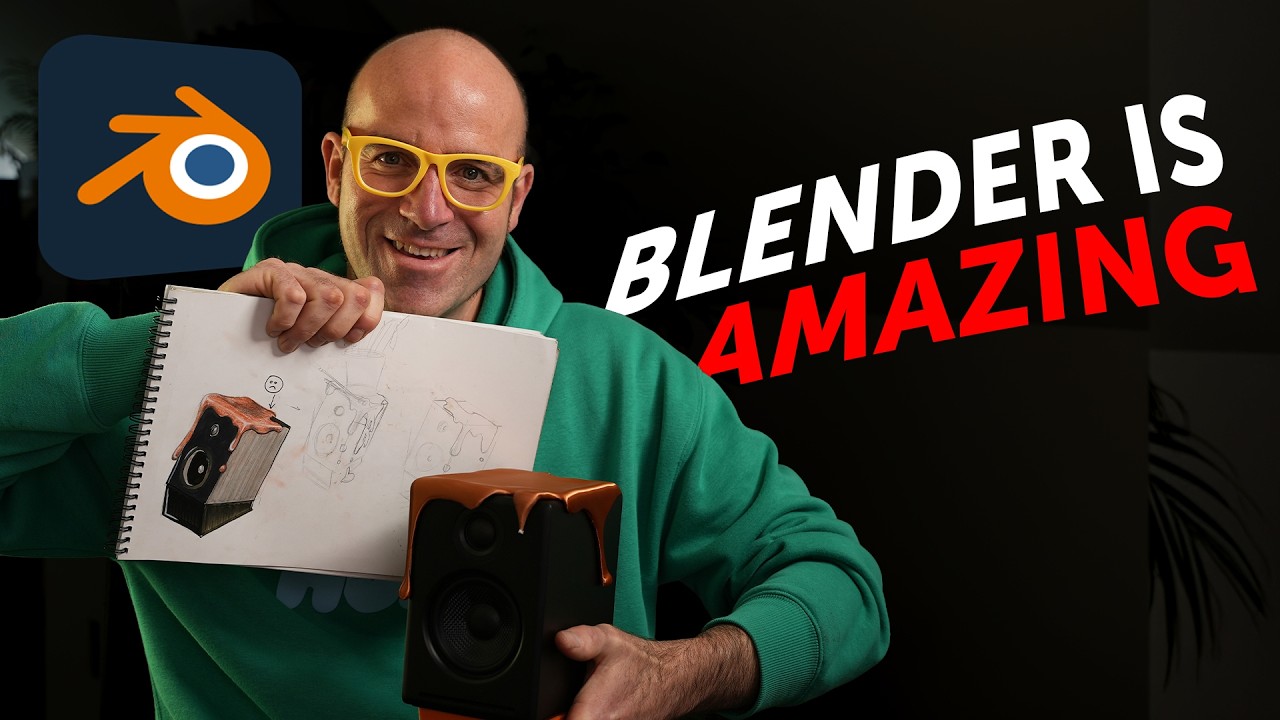
All right. Uh, today's project is to figure out if I can learn Blender. I've never used it before. Can I learn it fast enough? I want to make this see the blobs over the speaker. I have the speaker. I want to use Blender to 3D model the paint blob thing and then if I can 3D print it in the real world, uh, and sit it over my speaker here. Uh, that's the goal. Uh hopefully if you saw the images at the beginning of this, okay, there will be a finished product. Uh otherwise, this will be a video on how hard it is to learn Blender. Um the shortcut or sneaky trick that I've got though is I know uh Robin Rudd, who is the creator of the Blender Essentials course. I'm going to give him a call now and figure out what tools do I actually need to make this thing um and get started there in the course. Let's give Robin a call. That's if I can get through learning Blender while I've got uh old sick man home. How sick are you on a scale of 1 to 10? — Uh about five. — Five out of 10. Damn it. So, we might not get too much through Blender. Maybe tomorrow when you go back to school. Say hi. Say bye. — Hey, Dad. — Robin Rudd. How are you? Hey, I'm great. Happy New Year to you, man. — Yeah, you, too. Hey, I got a quick question. I want to 3D model something so I can 3D print it. I've done a drawing that I want to show you. I want you to give me a kind of a the scoop or the skinny on what tools I should be kind of like looking out for or kind of like focusing on. Can I show you what I'm going to make? — Yeah, please. So, this is Can you see that's the drawing of it there? It's kind of like this. Um, I've got those speakers. So, I want to make like a blobby thing that is made out of 3D printed material that kind of sits on top of it. I got some ideas, but I'm just wondering I'm going to start learning Blender. What do I focus on, man? — Okay. Yeah, that's a cool That's actually a really nice beginner project. That's uh Hey, that feels advanced. So, uh, well, it it's pretty similar to the video I made for you guys first, right? With the dripping ketchup thing. — That's it. — So, it you're going to be using sculpting just like I did there. Uh, it's a very similar thing. Just, you know, drag the stuff. And then you need to hollow it out, right? So, it slots right on top of the camera. — That's it. — And that is a one-click solution. It's called a boolean. — All right. So, I need a boolean and I need the modeling brush. Yeah. Yeah, you need a sculpting brush. — Sculpting brush. All right, so those are the things to look out for. — Awesome. — Yeah, you really just need to like make a box the size of the speaker. You put it into the goo and you just hit, you know, with the boolean, you hit subtract and it's going to just cut that out. — That sounds easy. — Yeah, it is. I think this is very doable. — It's a cool project, too. — All right. How far through the essentials course before you know I got some navigation skills under my belt before I go off and do the um scold? — Oh, I don't quite remember. I think it's within the first like five videos you have everything you need probably. — Awesome. All right, I'm going to do the first five videos. Wish me luck. — Yeah, good luck, man. Looking forward to seeing it. — All right, cheers, bro. — Yeah. Bye. — Bye. Phase one, download Blender. — All right, now for the course. Wish me luck. All right, I have made something. I'm pretty stoked with myself. I did the first 10 videos of uh Robin Rudd's Blender Essentials course. I'll put a link for that in the description. Um I spent maybe 2 hours yesterday and then today I did his uh YouTube video with a ketchup because that's quite like what I need to make and I made something really cool. I'm a boss of Blender already. Maybe a little bit. I'll show you what I made. Look at that. It's all blobby and goopy coming out the top. Uh I am I'm well impressed with myself. I should be more impressed with Robin's teaching, but uh look what I made. I did it. I completely copied Robin though. Here's the final render. Okay. And the trick here was uh working out the navigation and building kind of meshes and stuff from the essentials course and then using the sculpting tools from that YouTube video. That was the key. How's it going to go with my own speaker? Let's find out. Okay, so I spent about an hour modeling this thing. I had loads of fun. It was pretty easy that I've got the skills. And what I've done is I've actually made this into a full tutorial of how I made these blobs in Blender. um uh it's not part of this video just to keep it nice and small, but there is a full tutorial there. It's free. Okay, there'll be a link in the description to it if you do
Segment 2 (05:00 - 10:00)
want to make your own blobs and follow along. So, check that out. All right, so after about Wow, exactly one can of Monster Energy. And a few cat destructions later, I made something that kind of looks Yeah, I don't know. We're getting there. What do you think? Uh I really got into it. It was fun. Now, I'm going to see if I can at least I'm going to 3D print it to see if I can turn this into the real world. Let's go do that. All right. Turns out this is way easier than I thought. All you do is have the shape selected. I'm in object mode and I just go file export to STL. Give it a name. Hit export. And then in my slicer, I use Prusser slicer, but you can use any of them, right? Let's check this out. Just drag my STL in there. Boop. It says it's set to meters. I want to change it to millimeters. And it just comes in. I got to figure a way of printing this. It's a bit of a weird shape. Actually, I don't know if this thing's going to actually fit. So, I'm just going to print the top chunk. All right. I'm going to add some supports. Some automatic supports. Let's slice it and see how long it's going to take. Uh, 2 hours to print this one. All right. Let's see if it fits on top. Might have to make How good were my measurements? I have no idea on the speaker. Let's send it to the printer. All right, that fits really good. Holy smoke, that is on there. I'm a genius. Look at that. I didn't consider that little tweeter there, but all right, I'm happy. It fits at least. Let's print the full one. All right, so I'm going to turn off the sinking, delete that, and I'm going to put it at an angle and print it that way. And I'm going to cut these little drips off cuz they don't need to be printed in media. I'm going to print those on the base plate. So, let's slice those off. And these two guys can print on their own. All right. So, printing this thing at what I had before, 32. It's going to take 4 hours and 38 minutes, but I needed to be super nice. Let's go down to. 15 and slice and prepare myself. All right. 7 hours and 12 minutes. Not quite double. Trying to change my mind cuz I don't want these kind of fisheye things appearing on the surface that I like the most, the one facing me. So, I'm going to rearrange this thing. All right, that's better. This is the side that faces me the time and it's going to have a better layer. That one up here is going to be at the back and we just live with that or we can sand it. Uh, I put a brim on the little blobs down the bottom here so they stick to the print bed. Let's Well, we're up to 8 hours and 57 minutes. I changed the uh size of the nozzle down to point4 as well. Let's get printing. All right, now time for the test fit. Ignore the big gluey bit. I might have to reprint that. But look at that. It goes on. So happy with myself. And it looks kind of cool. Let me know in the comments. Can you learn Blender real quick and make real world 3D uh projects using Blender? You totally can. I'm super proud of myself. Uh I've been doing this on and off over the week. Uh I probably spent maybe a day at it with all the 3D modeling and sick kids home and all of that. So, I'm impressed how quickly you can pick it up if you've never used it. Uh if you do want to check out Robin Rod's course, I'll leave a link to it in the description. Okay. Uh it's called Blender Essentials. or if you want my tutorial, okay, I've got a free tutorial just how I made this and you can follow along. There'll be a link for that in the description as well. Like and subscribe and I'm going to go and tell you my secret shame. So, one of them was I broke that off. So, I'm going to reprint it and make it thicker. The other bit is you didn't notice. I didn't even notice until I picked this up for this video. Watch this. Some reason it's too long. Great measuring, Dan. Okay. Somehow I measured it too long and it sticks out the back. So, gives me an excuse to remake it. But yeah, I'm proud
Segment 3 (10:00 - 10:00)
of myself. Look what I made. Uh, that is it. Like and subscribe. I will see you uh later on. Man, this is cool.