Drawing to Vector using Image Trace in Adobe Illustrator!  #adobeillustrator
1:45

Drawing to Vector using Image Trace in Adobe Illustrator! #adobeillustrator

Bring Your Own Laptop 26.01.2026 11 865 просмотров 502 лайков

Machine-readable: Markdown · JSON API · Site index

Поделиться Telegram VK Бот
Транскрипт Скачать .md
Анализ с AI
Описание видео
Drawing to Vector using Image Trace in Adobe Illustrator! #adobeillustrator

Оглавление (1 сегментов)

Segment 1 (00:00 - 01:00)

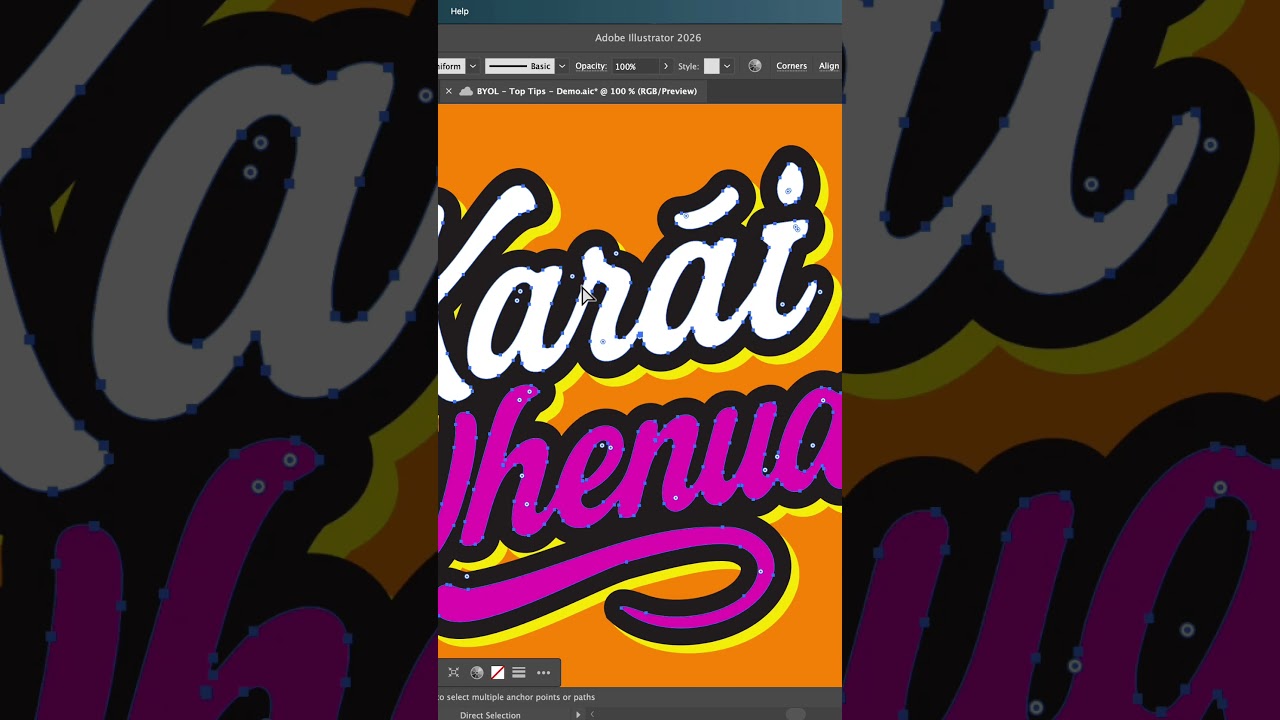
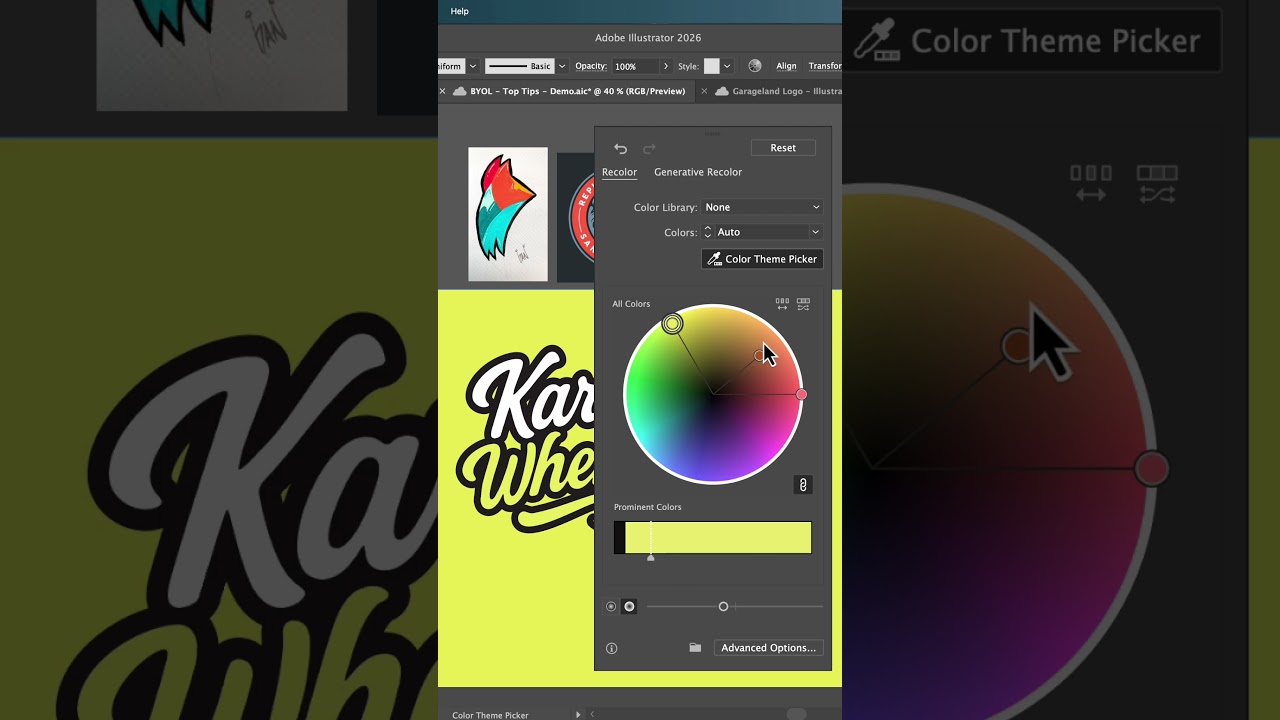
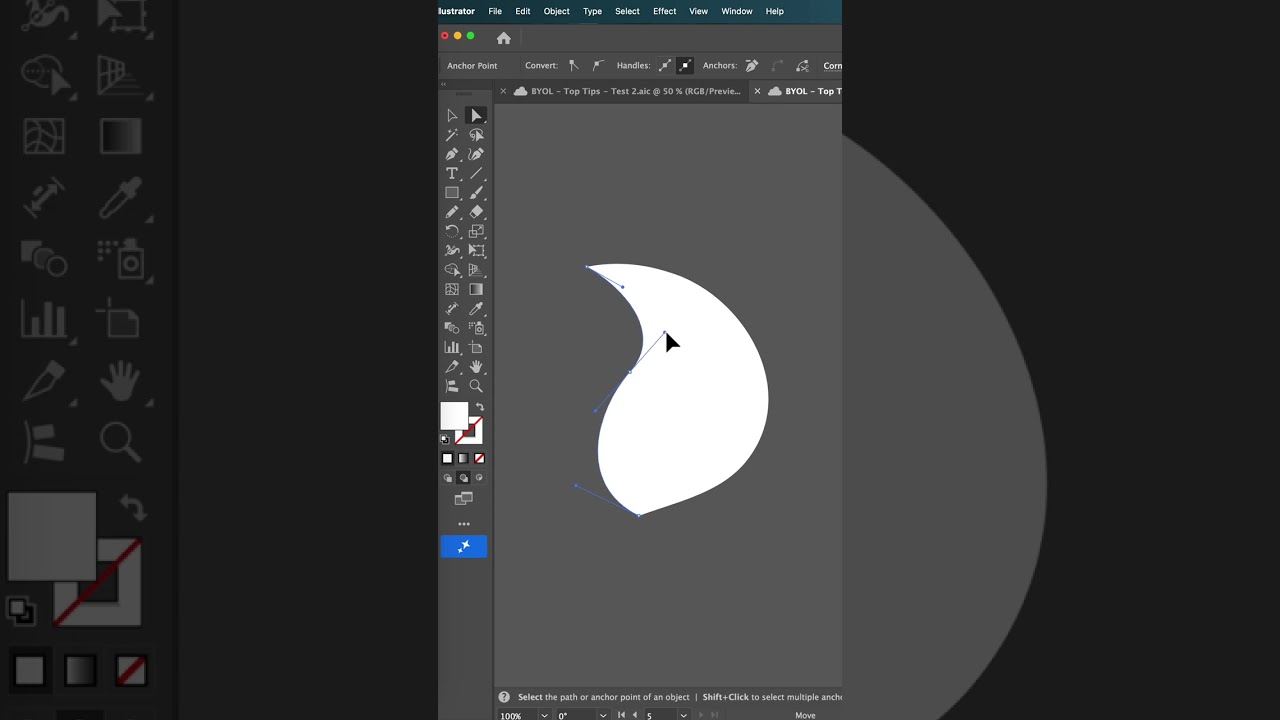
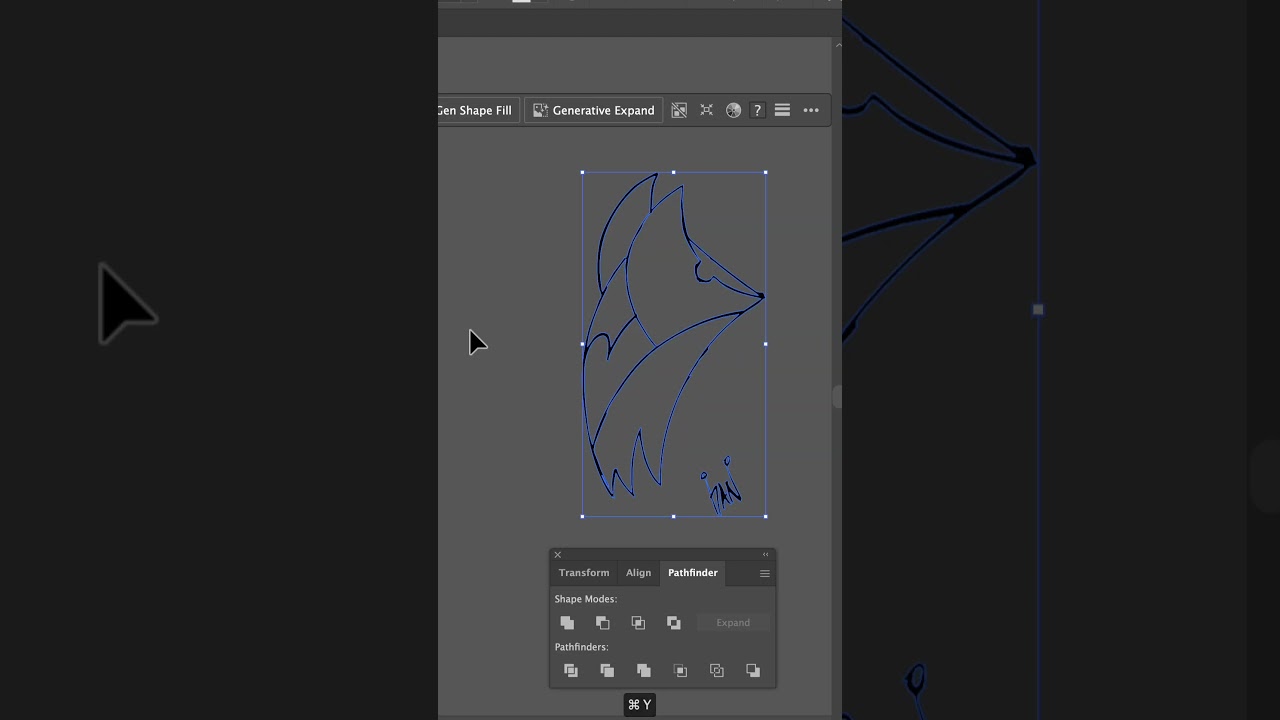
Do you want to go from a pencil drawing to a vector using image trace without it sucking? Just bring in your image. Hit image trace. The default here is good, but we're going to go into the settings over here. Click on them. The magic part is under advanced. Okay. And down the bottom here, look at this. Ignore color. Bam. Kind of removes all the background. No more picking out the white bits. Let's close that down. Let's expand it. Now, what do we do with all this other junk around it? I'll show you a trick. If you hit the M key, okay, on your keyboard, draw a rectangle around it all. Have them both selected. So, shift click them both. Let's add a mask. Command or control 7. But you know, all the vectors are still there, right? Hiding. There they are. Okay. What we can do is in the pathfinder, we're going to hit this button that you never use. Trim. Now, look, all of it gone. All right, let's get rid of this using my direct selection tool. Just delete it. Now, we're going to tidy it up cuz it still looks a bit rough. Look at this. Let's fix that by ungrouping it, selecting it with the black arrow, and we're going to go edit paths, use simplify. We're going to go from all of the anchor points to look at that. Just a few anchor points, things we can actually work with. And click done. You can use a little bit of smoothing as well, just to crank that up. Oh, it's looking good. How do we color it in? Uh, shift M on both Mac and PC. Open up your swatches panel. I'm going to pick this first color, blue, here. And watch this. I can click once to fill it with blue. If I use my right arrow, watch that here with my swatches panel. If I hit right and left, key, see it switches between them. Imagine if we could just go left, right? I'm going right actually. Okay. And just work your way through the different colors and color it in. That is how to not suck at image trace in Illustrator. Uh follow me for more tips. And if you're ready to be more advanced, check out my Illustrator advanced course.

Другие видео автора — Bring Your Own Laptop

Ctrl+V

Экстракт Знаний в Telegram

Экстракты и дистилляты из лучших YouTube-каналов — сразу после публикации.

Подписаться

Дайджест Экстрактов

Лучшие методички за неделю — каждый понедельник