How to create a proper Muzzle Flash texture! #gamedev #vfx

How to create a proper Muzzle Flash texture! #gamedev #vfx

Machine-readable: Markdown · JSON API · Site index

Поделиться Telegram VK Бот
Транскрипт Скачать .md
Анализ с AI

Оглавление (1 сегментов)

Segment 1 (00:00 - 03:00)

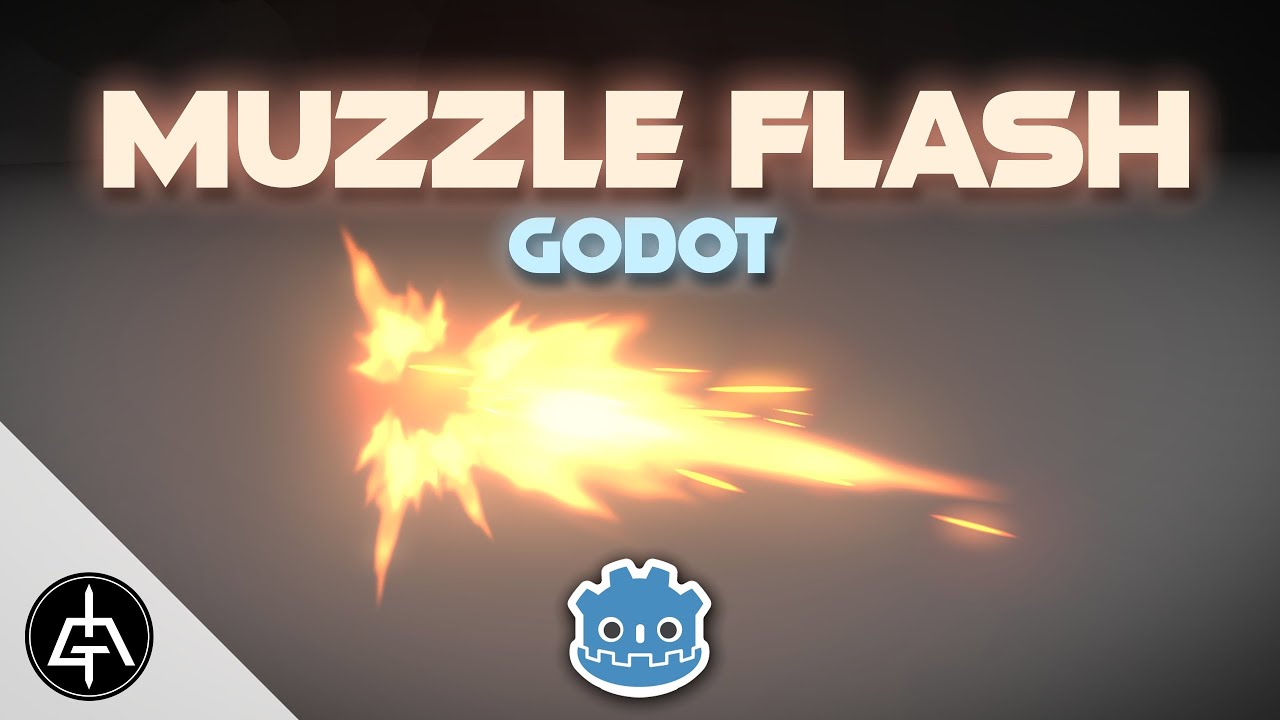
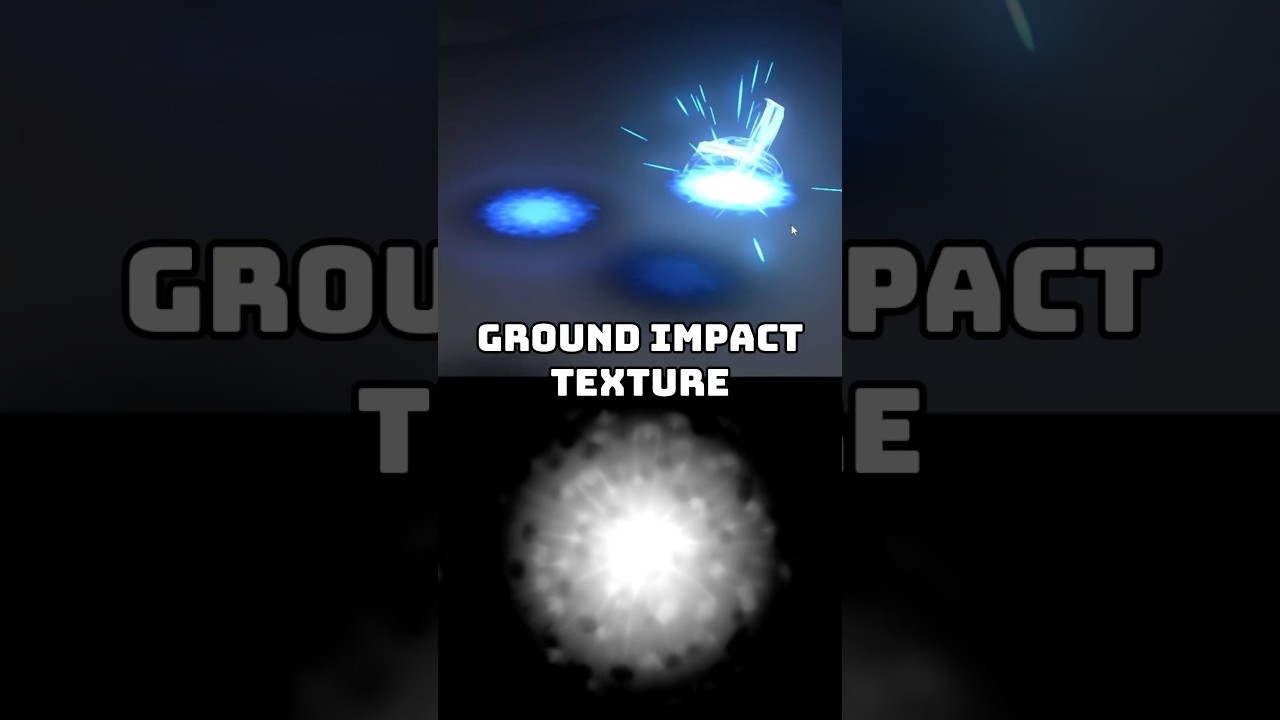
for the muzzle flash text. So let's begin with a box. For example, on the box, we can stretch it on the Yaxis and then we can connect this to an invert node. So the blacks become white and vice versa. We can repeat this rectangle with a Tyler node. We need something on the tile X. And that something is going to be a circle. Connect it to tile X. And on the Tyler, we can double it to 8 by 8. And we can shrink it on the X and on the Y a little bit. And then we can adjust these random values. What's really important is that the random value it's zero. If we connect this to invert node, this is what we get. It's getting closer to the texture we need. We can use a math node. Say it's in power mode. We can reuse this square. This way it will clip the values outside of the square. And if we connect to the invert, those small artifacts are gone. Now from here we want to transform this square shape into a triangle shape. We can use a transform node but the scale X only stretches and shrinks it. Right? So there's a little trick here where we can use a gradient. If we rotate it 90° and connect to the scale X, here we go. This is what we have because the black key is totally black. If it's a little bit gray, it's only shrinking at the top of the square. Now we are going to use this result and multiply it several times. Create a few of them. First we need to move it up on the translate Y and then stretch it on the X and shrink it a lot on the Y-axis. We can create the tile 2x two which is another very interesting note. And we want to splatter this with a circle splatter. In this case we only need five of these. Rings can be one only and inputs can be four. In our case, we are also going to stretch it again on the X and on the Y. The radius is going to be zero. We want them all overlap it, but we want this rotate to be Zilla 25. We also can add some random rotation and random scale a little bit. Let's align this correctly. If it's a muzzle, we want to push this down and then rotate it. Here we go. And the cool thing is that we can add with a math node our muzzle from all the way back here. result of this transform as the center. And now it's beginning to look like a muzzle, right? We can also increase the size. Push it a little bit down with another transform. Yes. But increase its size a little bit. It's all white right now. But if we connect this to a colorized node, we can say the white key is gray. And then we can create another transform from here. But this time, let's shrink it down. So we can add it again. This way we have some values, right? It's not all white. And what's even better is that if we don't want this to be so cartoonish, we can use a goian blur to blur everything. Here we go. Maybe 25 for the sigma, which is the strength. And that's it.

Другие видео автора — Gabriel Aguiar Prod.

Ctrl+V

Экстракт Знаний в Telegram

Экстракты и дистилляты из лучших YouTube-каналов — сразу после публикации.

Подписаться

Дайджест Экстрактов

Лучшие методички за неделю — каждый понедельник