Calculate Distance Between Multiple Addresses in Excel | Distance Matrix Calculator

Calculate Distance Between Multiple Addresses in Excel | Distance Matrix Calculator

Machine-readable: Markdown · JSON API · Site index
Поделиться Telegram VK Бот
Транскрипт Скачать .md
Анализ с AI

Оглавление (1 сегментов)

Segment 1 (00:00 - 02:00)

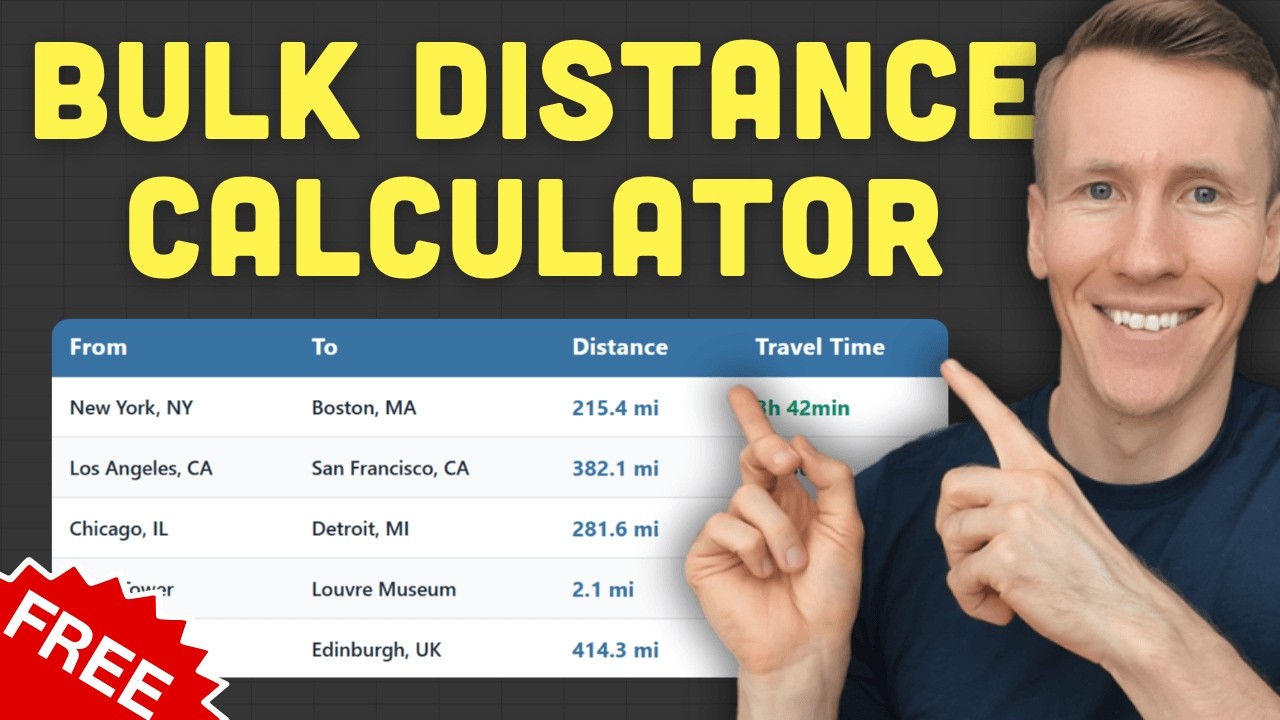
If you need to compare distances between multiple locations then this Excel tool is for you. Simply input your addresses, click one button and you will get back the distance and travel time for every single pair. Now, as you can see we have the results in a matrix format. So if you want to know the distance from this address, for example to the JFK airport you just need to find where that row and column intersect. And there you will find your distance and travel time. This way you can instantly compare any location to any other location. For example, if you need to know which customer address is closest to your warehouse you just scan that column and find your answer immediately. And to make it even easier to spot the differences the tool comes with a heat map. So the shortest distances show up in green while the longest ones are in red. And if you want you can also toggle this heat map on or off using this button here. Now you can use pretty much any kind of address you already have. It doesn't need to be in a postal code or even GPS coordinates. The tool will handle all kinds of formats from all around the world. And on top of that you've got also a few more settings options. So in the matrix you can choose to calculate only the distance only the travel time, or show both. Additionally, you can change the units from miles to kilometers and you can even set the travel mode. That means you can choose how the distance and travel time will be calculated whether it's driving, walking, biking, or public transportation. And if you want you can also factor in current traffic by setting the traffic mode to traffic aware. Now, all of this data comes directly from Google Maps so you're getting the most accurate results possible. And for this to work you will need a Google Maps API key. Getting this API key is free and only takes a couple of minutes. And with that key Google gives you 10,000 distance calculations for free every month. And if you go over that limit they will charge you $5 for every additional 1000 calculations. Now, and the Excel template itself is a one-time purchase. So you buy it once and you can use it forever. It's compatible with Excel 365 and supports versions going back to Excel 2007 on both Windows and macOS. So once you make your purchase you will get an email with the download link to the tool, your license key, and a link to the getting started video. In that short video I will show you exactly how to set everything up. So if you are ready to stop wasting time on manual distance lookups, then check out the first link in the description below. And if you have any questions feel free to drop them in the comments. Thanks for watching.

Другие видео автора — Coding Is Fun

Ctrl+V

Экстракт Знаний в Telegram

Экстракты и дистилляты из лучших YouTube-каналов — сразу после публикации.

Подписаться

Дайджест Экстрактов

Лучшие методички за неделю — каждый понедельник