How to Calculate Distance Between Two Locations in Excel

How to Calculate Distance Between Two Locations in Excel

Machine-readable: Markdown · JSON API · Site index
Поделиться Telegram VK Бот
Транскрипт Скачать .md
Анализ с AI

Оглавление (1 сегментов)

Segment 1 (00:00 - 01:00)

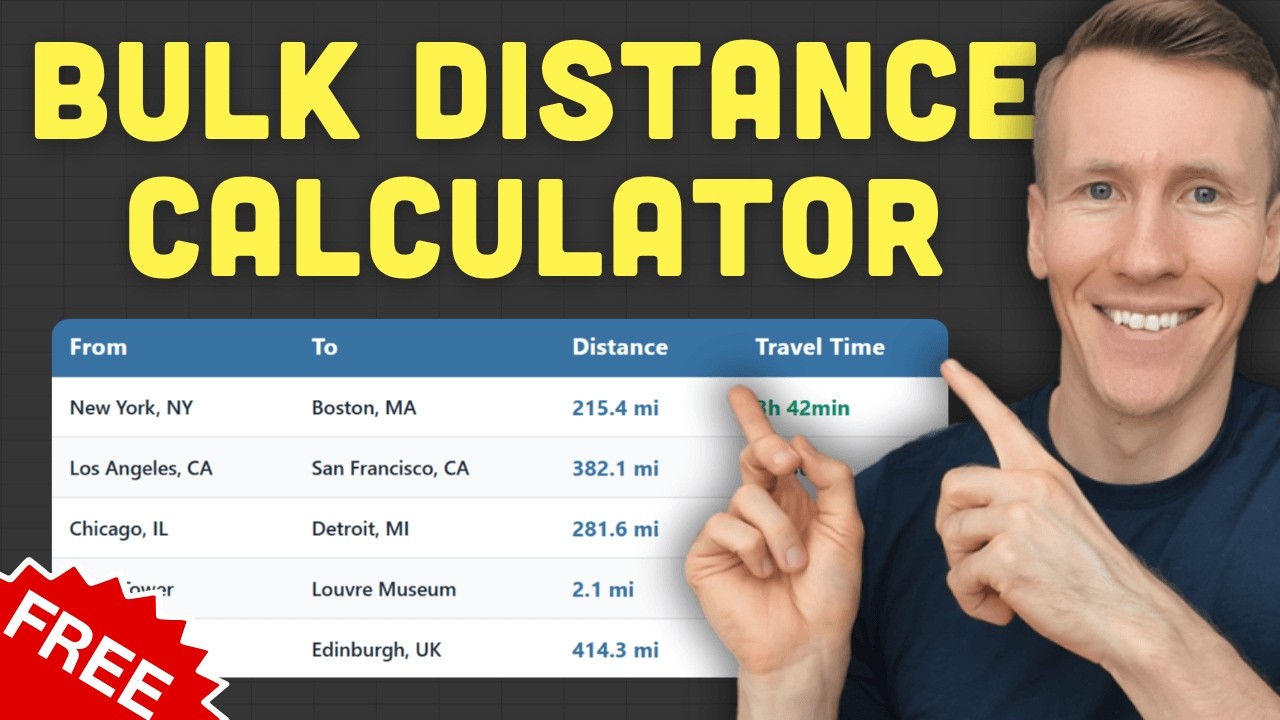
In this video, I'm going to show you a ready-to-use Excel template that lets you calculate distances between two locations in bulk. All you need is to input your start and destination locations and press a button. The tool will then calculate the distance and time between those locations. Now, you don't have to enter the full address. It can be also just a building name, a landmark, only the postal code, or even just a city name. That doesn't really matter. The tool handles all kinds of addresses, even if they're in different countries. Now, to calculate the distance, the tool uses Google Maps under the hood. So you will get the most accurate results. Also, you can switch the distance unit to kilometers instead of miles, and you can adjust the travel mode. That means you can calculate the distance and time for driving, walking, biking, or public transportation. You can also choose whether the time is shown in hours or minutes. And if you want, you can even let the tool factor in current traffic. Now, like I said, this is based on real-time Google Maps data. For that to work, you will need a Google Maps API key. Setting it up is free and only takes a couple of minutes. With that key, Google gives you 10,000 distance searches per month completely for free. If you go over that limit, they will charge you $5 for every additional 1,000 searches. Now, and the Excel template itself is a one-time purchase. So you buy it once and you can use it forever, no subscription needed. Once you purchase it, you will get a welcome email that includes a getting started video. In that short video, I will show you step by step how to set everything up. Now, to use the template, you will need the desktop version of Excel. That could be Excel 365 or even an older version. The oldest version it supports is Excel 2007. So if you've got anything in between, you're good to go. Also, the tool works on macOS, not only Windows. Alright, so I hope you find this template useful and that it saves you a ton of time. Thanks for watching.

Другие видео автора — Coding Is Fun

Ctrl+V

Экстракт Знаний в Telegram

Экстракты и дистилляты из лучших YouTube-каналов — сразу после публикации.

Подписаться

Дайджест Экстрактов

Лучшие методички за неделю — каждый понедельник