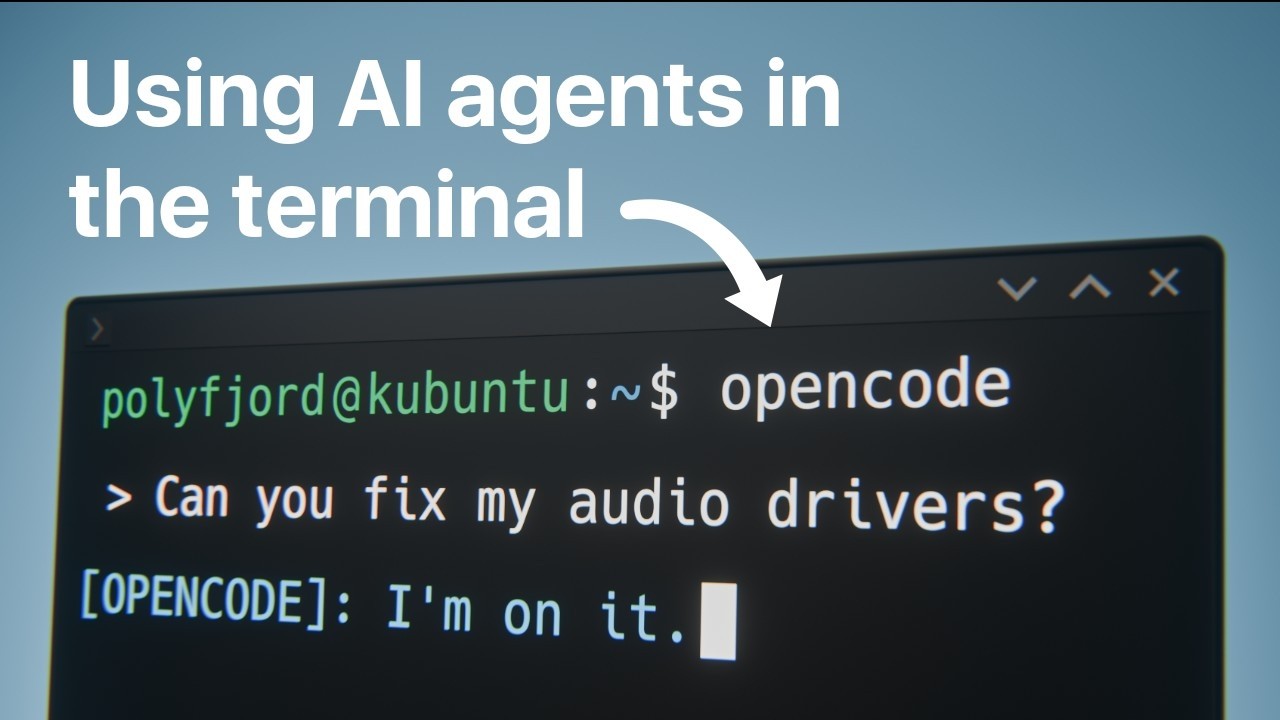
In this video I'll be demonstrating how I've been using agentic AI to interact with my computer using just natural language. I'm using Opencode to connect with different LLM models, and I'm giving them full access to my new installation of Kubuntu 25.10.
⚠️ Warning: The agentic AI setup in this video has full read/write access to my computer with no sandboxing or safety restrictions. This can go very wrong, very quickly. Only attempt something like this if you understand the risks and are willing to accept full responsibility for what happens.
My Kubuntu 25.10 tutorial:
https://youtu.be/Pe8uUMxPyTc
Learn more about opencode here:
https://opencode.ai
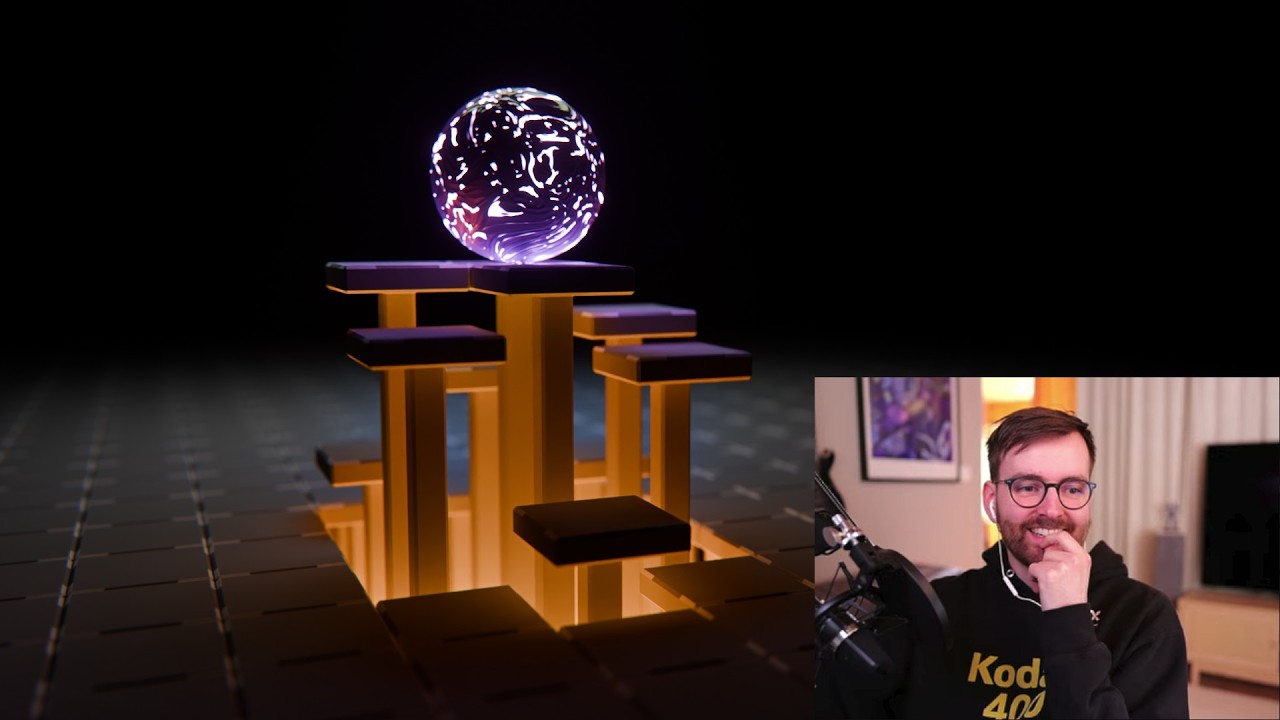
Feel free to support me on Patreon if you want the animated & looping Layers and Lights wallpaper (4k 60fps): https://www.patreon.com/posts/85188752?collection=241756
00:00 Intro
00:49 Why open source?
02:16 Why Kubuntu?
03:14 How to install Kubuntu in 3 steps
03:51 What is opencode?
05:09 How to install Opencode
06:21 Checking my Blender installation
07:23 Organizing my downloads folder
08:44 The purpose of Opencode
10:18 Using 3 agents simultaneously
13:43 Setting an animated desktop wallpaper
14:49 How I've been using AI agents on Linux so far
18:40 Pros and cons for AI agents
19:42 The future of Kubuntu
Оглавление (14 сегментов)
Intro
In this video, I'm going to show you how I finally made the switch from Windows to Linux. I've been a Windows user pretty much my entire life, but I've always wanted to use Linux because it's free and open source and it's really customizable. So, I have tried to make the switch before, but I've always found it so difficult to use the terminal on Linux. I feel like there are so many commands I need to know and working in a command line interface can be really confusing if you're not used to it. However, something really big has happened over the last few months. Large language models are getting so good now that you can use them in the terminal as AI agents, which is such a game changer because it allows you to talk to your computer with just natural language. And it can figure out what's wrong and even write the commands in the terminal on your behalf. It's so powerful and I'm going to show you how you can set this up because this has been a missing link for me when switching to Linux. Welcome to my most
Why open source?
open source video yet. I'm recording this with OBS Studio, the free and open source streaming and recording software. I am always using Blender, which is free and open source. But, what's special about today is that I'm using Kubuntu, which is a flavor of Ubuntu, which is based on Debian, which is a distribution of Linux, which is free and open source. There we go. So, why would I go through all this hassle just be able to say that my computer is running on an open source operating system? Who cares? Who cares if something's open source? Now, that is a great question. It is a very valid question actually. Let me ask you this. Do you have any software that you use everyday that you're completely dependent on? A software, it could be a proprietary that you just you absolutely need this service to work. And everyday when you wake up, you're dependent on this to work. What if one day you get a notification in the app that just says, "Congratulations, you have been upgraded to the premium light plan. You now get to purchase the features you've been using for the past year. You get a 50% discount on all the stuff you've been using for free. " And that kind of stuff. You know the part of a program's life where it starts getting worse because they just stop innovating. It's enshittification. And on a completely unrelated topic, Windows is proprietary software. And I'm not going to hate on Windows today because if I talk too much about Windows, I just get really upset and angry and I don't want to do that. So, let's just focus instead on
Why Kubuntu?
why Kubuntu. Where's this coming from? What is this? So, first of all, Kubuntu has great Nvidia drivers. Just right out of the box, Blender works really well. You can use Cycles with your GPU. It's amazing. And you might be calling me a hypocrite because Nvidia drivers are proprietary and I'm not using open source software anymore. That's true. You got me. But, I love rendering fast in Blender and Nvidia has the best uh hardware right now. So, I'm yeah. So, that's the situation, but I'm still going to use an open source operating system. So, what's cool about Kubuntu is that it's actually a pretty similar operating system if you're used to Mac and Windows. You have the Dolphin, which is basically the explorer where you can find your different things. And then you for example have settings, which is pretty similar. You can just search for whatever you want. So, for example, if you search for wobbly windows, you can enable this, which is uh bunch of cool features that you would never see this in a paid software. I like that this operating system has passion and charm. So, how do you
How to install Kubuntu in 3 steps
install Kubuntu? You need three things. A, you need a flash drive. B, you need to watch a YouTube tutorial on how to install it. It was actually surprisingly manageable. Although, I should mention that you need to like have your brain turned on. I don't want you to underestimate how difficult it is because then you will be disappointed because it is a little bit tricky. And then finally, C, you need to find the answer to these three questions. Question one, what is dual booting? Question two, what existing files do you wish to keep on your computer? And question three, how does late stage capitalism actually impact my free will as a digital consumer? And what are the early symptoms of enshittification in operating systems? And after that, you are installing Kubuntu before you even know it. Okay
What is opencode?
let's get serious. My biggest problem with Linux personally is this little guy, the console where you have to type commands. This is just so scary. And you know, navigating files with like the CD and the file path and the whoa, my brain is just not made for that. So, if you are like me and you're like kind of allergic to the console and you need some sort of softer introduction to it, there is one big change that has happened to coding and software in the past, I would say two or three months. And it is agentic AI. Why does this matter about operating system? Let me tell you about another great open source tool that is called Open Code. This is an open source AI coding agent and it works in the terminal. It can read your files and it can do things to your computer. It can hallucinate and delete your all your files for example, or it can help you change the desktop wallpaper image. It can do so much and it can plan and it can build and most importantly, you can use it with a large language model to talk to your computer. And this is such a big change. It's the biggest change in my ownership with my computer. It's crazy. I feel like I'm connecting with my computer on just a completely different level and I love it so much. So, how do you use Open Code?
How to install Opencode
It is painfully simple. On the website open code. ai, there's a command curl command here. So, if you are on Kubuntu like me, you can just take this command curl {dash} fs and I don't care what the command is. I probably should care. Here you can copy the command like this. And in the console, you can press control shift V to paste. You can't just do control V because the terminal's different so you have to do control shift V. And when you have pasted this, you can press enter and it will download. Here you can see it will install Open Code version 1. 2. 24. You have a progress bar and now we can see the future is approaching. That is crazy. This is amazing. So, we can close this website now. We never need to visit it again. And it's finished. So, if you just type open code now, let me just do this. Open Code. Enter. Oh, yeah, you have to close the console first, I think, and then control alt T to open it again. Open Code. Enter. And we're in. Hang on, let me get some more space here. You can just uh make this bigger. So, if you press control P to get a list of commands, you can go switch model, navigate with up and down arrow, switch model, enter. And by default, it uses Big Pickle by Open Code. And this is just so cool. Welcome to the future. So
Checking my Blender installation
now you can just ask your computer things and it just knows where things are. And it can do changes and it's very dangerous because it can brick your computer. So, let's just start out with something easy. What is the latest version of Blender installed on my computer right now? Enter. And Big Pickle here is which is free, it will just start thinking. And it will check our Blender version. Look at that. Blender 5. 0. 1 is installed on your computer. Let's check. I'm going to open Blender. Yep, that is Blender version 5. 0. 1. Amazing. And at this point in the video, I just have to be very honest with you. Most likely, something wrong will happen. Honestly, most likely. If you do 100 prompts, this Big Pickle model here will most likely do a mistake or something. And you are on your own. Okay? I don't want you to leave a comment on this YouTube video saying, "Hello, Mr. Polyfjord, you have bricked my computer. " I didn't. Okay? I didn't. You're on your own. Okay, so it can
Organizing my downloads folder
obviously read our files, but I want to try and do something a little bit more dangerous. I want to see if it can change files on my computer. So, I'm going to open up my downloads folder, which I don't really care about what's in my downloads folder. So, I'm going to say to it, "Hey, can you locate my downloads folder? Look at the content there, categorize it, and place the items in meaningful folders. " Okay, this I hope I'm not breaking stuff, but it should work. Okay, so it's looking at my downloads. It yeah, it can find my files. Oh, here you can see it's making a to-do list. Create category folders. Move Oh, we can see stuff happening. Very nice. Blender, fonts, images, installers, scripts. And it's moving the files. Writing command. Oh, look at that. Verify folder organization. Done. Your downloads folder is now organized into five categories. Blender, fonts, images, installers, and script. So, let's have a look at this. In my Blender folder, we have Blender installation and the blend file. And then fonts, we have the fonts. Images, just one image. Installers, scripts. Yeah, this is actually a Blender add-on, so I didn't expect it to realize that this was a Blender add-on. That should have been a Blender folder. That would have been quite advanced. By the
The purpose of Opencode
way, to be completely clear, this Big Pickle model here, it is running on a data server somewhere. So, I know I just spoke really highly about open source software and how valuable it is that you're not getting your service disrupted because you're dependent on a corporation that has other intentions. I understand and this is a very good point, but the whole reason why we're using Open Code is because we are in control. We can choose what model we want to use. So, for example, it takes me 5 seconds to change the model in Open Code, but if you were to change an operating system for example, you're so much more locked in. So, this open source mindset is all about keeping your options open and not being dependent on anything. Right now, I could ask ChatGPT to do changes to this folder and it has not done any work on it previously, but it can just step in. So, that means that any AI that you use is replaceable. And once you start making a bunch of specs and a bunch of planning on what you want the model to do, you're not dependent on the model itself. You're just dependent on a model. So, it's not so disruptive if the provider of ChatGPT decides to do something else for example. I recommend that you read more about Open Code because there's more to it than that, especially in types of how is things prompted and stuff like that because it's a very cool concept. So, that is why I'm happy about using proprietary models in Open Code. Let me just get some more room here. By the way, on Linux, you can hold down Windows key or it's called the meta key, and then you can right-click just close to the corner, and you will move the window. This is just so much better than having to kind of oh yeah no oh yeah there, you know? So, it's a very nice way to just adjust things. Now, let's
Using 3 agents simultaneously
ask this to do something a little bit more dangerous. First of all, I don't recommend that you do this at home. You should not do it. I have enabled the GPT 5. 4 model by OpenAI. It is a paid model, but it is more powerful, it's faster, and I think it's more secure because it's hallucinating less. So, let's just talk to it. Hello, can you find a beautiful wallpaper of London, preferably Creative Commons Zero, download it, I'm going to have spelling mistakes, by the way, and set it as my desktop wallpaper. Make sure it's the correct resolution. There we go. A lot of spelling errors, I just threw it in there, and now this just starts thinking. And while it's doing that, we can just open up another thing here. So, if you just make this smaller, control alt T to open up the console, and now you can type Open Code to start Open Code in this one. And now we have a new agent. So, while this agent is working on finding a new desktop image, we can start talking to our next agent. So, let's try and ask it something actually useful. For example, on Linux, it can be quite difficult to find the correct drivers. So, let's just ask it. Hey, what is the command to get the latest Nvidia driver for Kubuntu 25. 10, which is the one I'm on. Don't run anything, just help me learn. And while it's researching this, we can open up a third one. Open Code. And what do we want this to do? Maybe Oh, wait, this is done. Yeah, here you can see. Use Ubuntu's driver tool rather than guessing the package name. Yeah, sudo Ubuntu drivers auto install. So, if you were to run this command in just a regular terminal like this, you would get the latest Nvidia drivers, and you your Nvidia GPU would just work immediately after a reboot or something. This is what I've done, and drivers on Linux is just so easy now. You know, I feel bad for this third agent. Let's give it something to do. In my downloads folder, I have a blend file. Can you render this blend file and save the image to my desktop? Don't set it as the actual desktop wallpaper, but just save the image file there. I don't even know if this will work, so we'll try this. And London wallpaper is still working. Okay, so I feel like this is my teaching agent, this to the left here. So, let's ask this something different. I want learn more about how to use Kubuntu 25. 10. For example, I've heard rumors that you can have videos as animated desktop wallpapers. Oh, there's a lot of wallpaper. Amazing. Look at that. That is so cool. Oh, it's 4K, though. My monitor is only 2560 by 1440p. Oh, there's a Is it rendering my project file? Amazing. Okay, wait, I want to learn more from the learning agent. I've heard rumors that you can have videos as animated desktop wallpapers. How do I set this up? Don't do it for me, but teach. Okay, render the blend file from and save the image. Let's have a look at the image. Look at that. That is the blend file. Oh my god. How cool is that? That this agent just figured it out while the London agent was changing my background. Okay, here we have more
Setting an animated desktop wallpaper
information on the animated desktop background. Best options, Komorebi or simulated wallpaper apps, KDE Plasma plugins. Plugins? Okay, so there's a plugin in KDE Plasma, by the way, it's like the operating system's look. It's like the desktop environment. So, apparently, there's an add-on where you can get it animated. So, let's actually just open up the settings, then. Wallpaper. Wallpaper type. Yeah, there is. Get new plugins. Is this good? Smart video wallpaper. Let's try this. Use caution when accessing user-created content. You definitely should do that. Yeah, so now we can Yeah, there is. Wow, smart video wallpaper. Warning, I have enough RAM, and if it's crashing, you should blah blah. Okay, cool. Let's find a video file. Pick a video file. I don't actually have a video file. Videos, layers and lights, this one. Apply. Look at that. Animated desktop wallpaper on Linux. I think I don't want to have this. I think I want the still image instead. Okay
How I've been using AI agents on Linux so far
enough wallpapers and simple automations. Let me show you how I've actually used Open Code with AI agents to get a full Linux installation that I can ironically use as a complete Windows replacement. So, let me just show you my sessions with Open Code. I'm going to go all the way to the beginning. Here you can see, if I go switch session and I scroll all the way down, this is when I started using Open Code. So, this was Monday last week. Here you can see, I installed Blender. Let's just have a look at this conversation. If I scroll to the top here, by the way, you can type {slash} thinking to just hide the thinking, so it's a little bit easier to see. And here you can see the first thing I wrote to Open Code. I want to download Blender 5. 0 and install it so it's added to path. So, if you scroll down here, you can see it eventually is able to install Blender 5. 0, put it at the path, and then verifies the installation. But then, when I had Blender on my taskbar, it got this weird Wayland icon instead of the Blender logo. So, I just explained that to the agent. I said it got installed where it got the Wayland logo as its icon. It doesn't feel properly installed. But if we scroll down, you can see here what you had before, and here's some explanation why this happened. And this is the way I've been using agentic AI. I ask it to do something, it does something maybe halfway, and then I just say, wait, it was done in this way. So, now it just fixed it. So, that's the first thing I did was to install Blender, and then I tried to download a Blender add-on. I straight-up asked it if you could download it from GitHub, and it was actually able to find and locate the GitHub repository and download the add-on that I had made. Also, a little bit risky to ask it to download random GitHub repositories, but at this point, I didn't have anything else on my computer, so I wasn't afraid to download files from the internet. And then I used it to install Discord, but I had to uninstall it because I recently find out that you should use Vesktop instead, which is like an open-source shell for Discord, which is so much smoother on Kubuntu, it's crazy. So, if you have to use Discord, you should use Vesktop instead. Oh, here you can see, I wanted to install some games, some free and open-source games, for example, Beyond All Reason and Zero-K AD. So, it I got some help when installing that. And here's something really cool. Sometimes, the AI gives you options. So, here you can see, it says, if you want, I can also give you, and then one, the safest way to install Beyond All Reason on Kubuntu, or two, a list of other free and open-source games available directly from APT or Flathub. And what's so cool is that you can just type a number and you get the first option, and it's a really quick way to interact with it. It's like it's trying to make this as fast and easy for you as possible. That is a really cool approach to agentic workflows, I think. So, here you can see, it installs Beyond All Reason, and that works very well. So, now you can see, here I have Beyond All Reason perfectly installed. And then I wanted to get Zero-K AD installed, and then it gives me a bunch of info, and just I just ask, can you look it up for me? Can you find things out? So, I'm basically just using this as a portal to get more information. And by the way, I feel like I should mention that DaVinci Resolve, it is a little bit tricky to install on Linux, but I was able to figure out because I could use an agent through Open Code that had access to all my files on my computer. But if you want to install DaVinci Resolve on Linux, I recommend that you use make-resolve-deb, which is an amazing tool. So, if you just download DaVinci Resolve 20, you go to free download, you can just download it for Linux, and you take this file and you run it through the make-resolve-deb software, and suddenly, you have DaVinci Resolve running on Linux. But there are some other problems, like the audio doesn't work, so you have to really describe your problem to the AI, and it will understand that, oh, there's a codec issue. And I'm actually editing this entire video on DaVinci Resolve in Linux right now. So, it actually works really well. Let's have a look at another session here. Okay, now we're getting a little bit more advanced here. I had to re-encode a bunch of video files because they had the wrong audio codec, so I just said to it, can you find the folder I've called videos-broken, and can you just find a codec that will work with DaVinci Resolve on my current Kubuntu installation? And it made a to-do list, and it went through all this testing, and eventually, it created this FFmpeg script that just created all these video files, didn't even have to re-export them, just re-encoded them, and they all got the different audio codec.
Pros and cons for AI agents
Okay, so that's how I've been using AI agents on Linux, but you should know that there are some pros and cons to this. First of all, the pros are that these agents can research online a lot faster than you, so you're much more efficient. Secondly, multiple agents can work at the same time, so if a problem takes longer time to solve, you don't need to wait for it, it will figure it out eventually. And finally, they know a lot of commands, so there's a lot of stuff you can finally do in the terminal now that would require a bunch of Googling, but now it's just super available. But the cons are that these AI agents need focus and hand-holding. You need to be quite specific about what you say to them, and they make wrong assumptions quite often. There's some outdated data or hallucinations or stuff like that, and they quite often get caught up in weird details. It could be anything that is just like a minor thing that they like blow it up into proportions, and the entire task just needs to be canceled because they lost track of everything. And finally, they can delete your files, so you have to be very careful. I would say that this technology is not yet production ready because so much can go wrong, but it's just so much fun to see it work and do the stuff for you. It's really cool. And I think I actually will be using Kubuntu
The future of Kubuntu
as my operating system going forward because so far, it's been a lot of fun, and it's super customizable. And I think it's worth checking out Kubuntu right now because in a few months, they are coming out with Kubuntu 26. 04, which is a long-term support version. So, if you download and play around with Kubuntu 25. 10 with Plasma 6, that can be like a good starting point to test things, but you eventually have to stop using it because it only gets security updates until July 2026. But, at that point, you can start using Kubuntu 26. 04, the long-term support version, which I think will be very powerful. So, that's it. I wish you the best of luck with your Linux journey. And if you found this video valuable, please leave a like. That really helps me out. Thanks for watching.