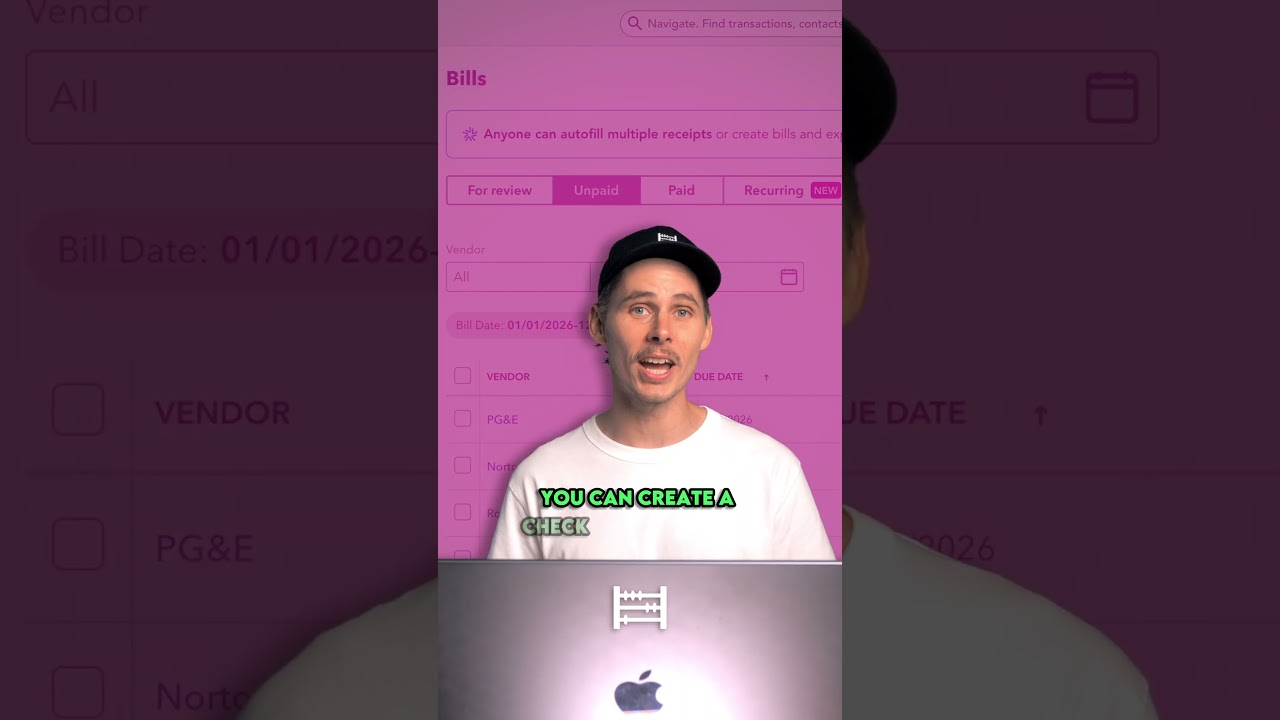
Bill vs Expense in QuickBooks Online
Machine-readable: Markdown · JSON API · Site index
Описание видео
👉 Try QuickBooks Bill Pay (50% off for 3 months):
https://www.tkqlhce.com/click-100524860-17265350
👉 Get QuickBooks Online (50% off for 3 months):
https://geni.us/quickbooksonlineusa
What’s the difference between a Bill and an Expense in QuickBooks Online?
If we hover over the Create Menu, then under Vendors, you’ll find two ways to record costs: Expenses and Bills. So which one should you use?
If you’ve already paid, you should record it as an Expense.
But if you’ve received an invoice and haven’t paid it yet, that’s when you use a Bill. This lets you track what you owe and pay it later.
🔴Subscribe for more Accounting Tutorials → https://geni.us/subtothechannel
🔗VIDEO LINKS
▪ How to Set Up Payroll in QuickBooks Online → https://youtu.be/mAfKnzJ8vac
▪ Which QuickBooks Online Plan Should You Buy → https://youtu.be/V1Y2vZz4lsk
▪ How to use QuickBooks Online → https://youtu.be/w3agU6-zc_M
🔎FAQ
▪ My Favourite Accounting Book for Beginners → http://geni.us/5mKR7m
🔝 CLOUD ACCOUNTING SOFTWARE
▪ QuickBooks Online USA (Free Trial / Discount) → https://geni.us/quickbooksonlineusa
▪ QuickBooks Online Canada (Free Trial / Discount) → https://geni.us/quickbooksonlinecanada
▪ XERO (Free Trial / Discount) → https://xero5440.partnerlinks.io/08mfchsgfw8z
🚶FOLLOW ME ON
▪ Instagram → https://www.instagram.com/accountingstuff
▪ TikTok → https://www.tiktok.com/@accounting_stuff
▪ Facebook → https://www.facebook.com/accountingstuff
🎬LEARN ACCOUNTING BASICS FOR FREE
▪ The Full Playlist → https://www.youtube.com/playlist?list=PL5zKSeS09l339nB6ujJPQ9Rsv99_b-aTb
________________________
DISCLAIMER
Some of the links above are affiliate links, where I earn a small commission if you click on the link and purchase an item. You are not obligated to do so, but it does help fund these videos in hopes of bringing value to you!
________________________
#quickbooks #quickbooksonline #accountspayable